

Tahoe Lafs
Tahoe-LAFS provides a decentralized secure filesystem, as described by its repository page.
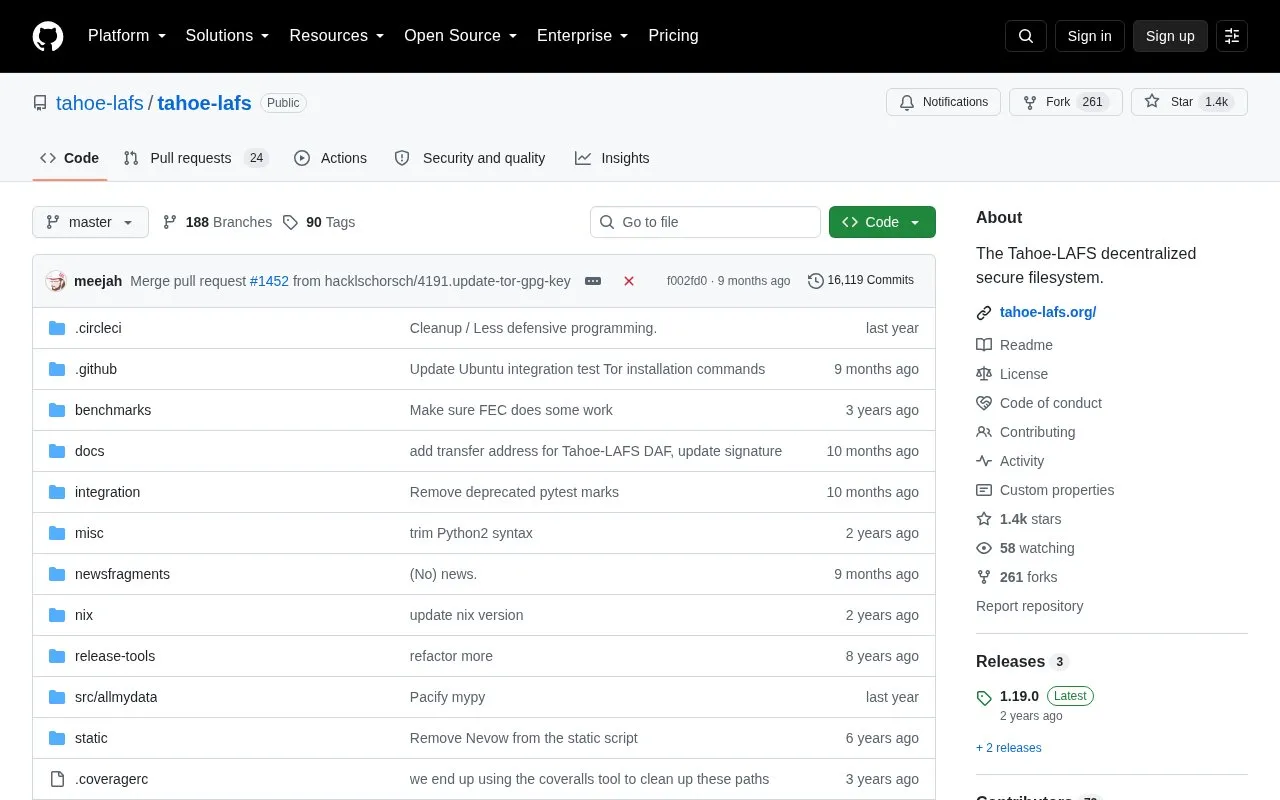
About Tahoe Lafs
Tahoe-LAFS is a decentralized file store in which a client program encrypts files, splits them into shares, and spreads the shares across multiple storage servers. To retrieve a file, the client locates shares, checks them for corruption, reassembles them, and decrypts the result.
Shares use configurable redundancy and each file is encrypted with a unique key before upload, allowing retrieval when some servers fail or hold corrupt data. Use involves running a client and connecting to storage servers, with Python 3.9 or later required.
Key features
- Encrypts each file with a unique key before upload
- Splits files into shares spread across multiple servers
- Offers configurable redundancy level for shares
- Detects and ignores corrupt shares during retrieval
- Reassembles and decrypts shares on the client
- Connects a local client to one or more storage servers
Best for: People who want to distribute file storage across multiple servers without relying on those servers for confidentiality or integrity.
Good for
- Files are encrypted on the client before they reach servers
- Redundant shares allow recovery when some servers fail
- Corrupt shares are detected and ignored on retrieval
Watch out for
- Requires Python 3.9 or later for current versions
- Requires a client program and access to storage servers
- Servers must usually be available to provide shares on request
Tahoe Lafs at a glance
- Category
- Software & Utilities › File Utilities
- Type
- Open-source project
- Pricing
- Not confirmed. Check the site
- Open source
- Not stated
- Language
- English
- Last checked
- Oct 5, 2026 · Online when checked
- Listed
- Oct 5, 2026
Guides for File Utilities
Tahoe Lafs alternatives
Tools and sites you could use instead, ranked by how closely they match.

Tahoe-LAFS provides a least-authority file store, with documentation, source browsing, and issue tracking on its project site.

Magika detects file content types using an AI-based file identification tool, according to its repository description.
Open source
24 alternatives
NormCap captures text from the screen using OCR, with downloads for Linux, macOS, and Windows.

Umi-OCR processes screenshots, image batches, and PDF documents offline, with OCR support for multiple languages.
Open source
24 alternatives
Phockup sorts photos and videos from a camera into folders by year, month, and day.
Open source
24 alternatives
TextShot takes a screenshot and copies its text to the clipboard using Python, on Windows, macOS, and Linux.
Open source
24 alternativesPopular in File Utilities
Well-known listings from the same topic.
SDeletelearn.microsoft.com/en-us/sysinternals/downloa…PowerRenamelearn.microsoft.com/en-us/windows/powertoys/po…robocopylearn.microsoft.com/windows-server/administrat…VERTvert.shNanaZipnanazip.orgPhotonphotondev.netlify.app


Tahoe Lafs FAQ
How does Tahoe-LAFS store a file?
The client encrypts the file, encodes it into multiple pieces, and spreads the pieces among various servers.
What happens if a server fails or returns corrupt data?
Configurable redundancy allows recovery when some servers fail, and corrupt shares are detected and ignored.
What Python version is needed?
Python 3.9 or later is required; users on Python 2.7 are directed to version 1.17.1.
Is something wrong or out of date?
Tell us and an editor will check it.
Own this website?
Claim this listing
Claim the listing and suggest updates yourself. An editor checks every claim first.