

Desktop
IPFS Desktop is an application for Windows, Mac, and Linux that provides a desktop interface for IPFS.
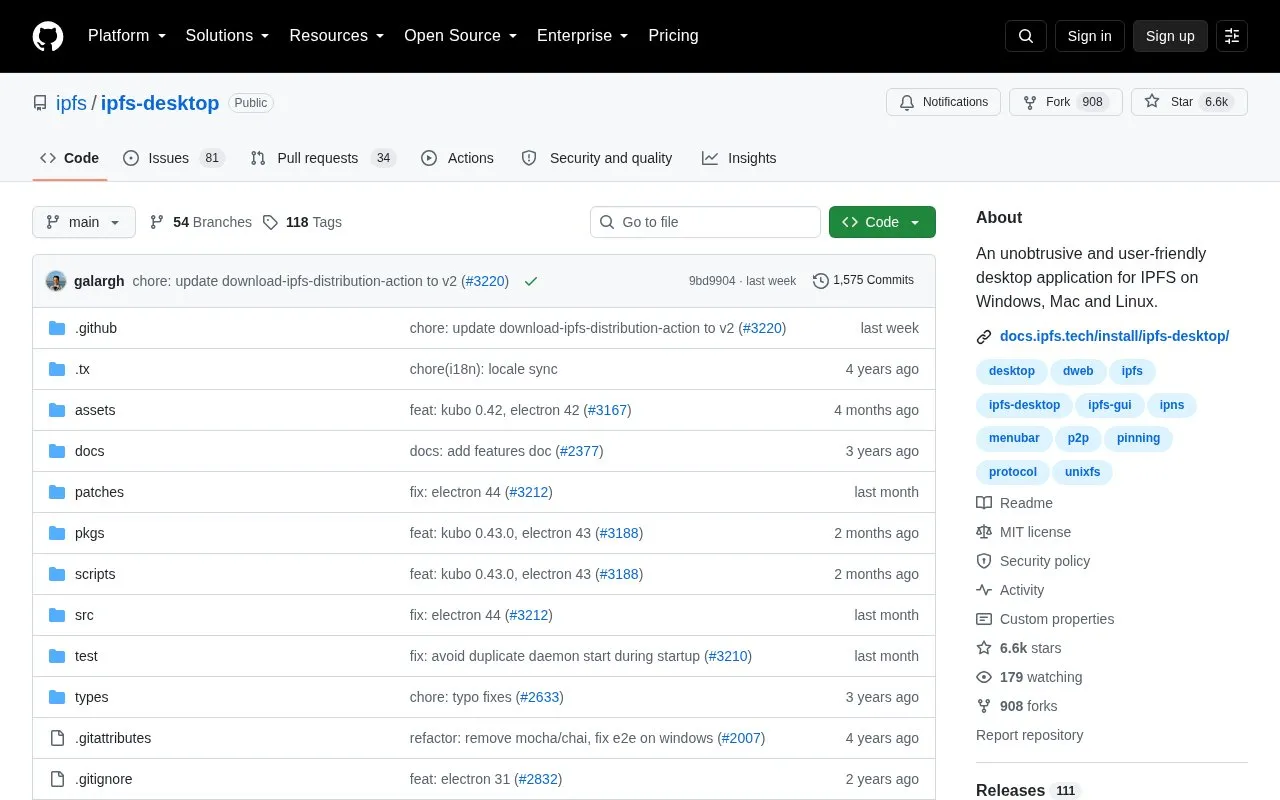
About Desktop
IPFS Desktop is an open source desktop application for Windows, Mac, and Linux that provides a graphical interface for the InterPlanetary File System (IPFS). It bundles a complete IPFS node (powered by the Kubo implementation) with a built-in web UI, eliminating the need to use the command line for common IPFS tasks.
The app offers menubar or taskbar shortcuts for quick access to core functions, plus an all-in-one file manager, peer map, and content explorer for managing IPFS content. It suits both users new to IPFS who want an accessible, no-terminal way to experiment with the network, and experienced users looking to streamline their existing IPFS workflows.
Key features
- Bundles a full Kubo IPFS node with a graphical desktop interface
- Provides OS menubar/taskbar shortcuts for common IPFS tasks
- Supports drag-and-drop import of files and folders to IPFS
- Includes a peer map to visualize global IPFS peer connections
- Can launch automatically at system startup on supported operating systems
- Acts as a control panel for pre-existing local IPFS nodes
Best for: It benefits both new IPFS users seeking a command-line-free interface and experienced users looking to streamline their IPFS workflows.
Good for
- No command line required for core IPFS tasks
- Cross-platform support for Windows, Mac, and Linux
- Open source with publicly available source code
- Integrates with pre-existing local IPFS nodes
Watch out for
- Some Linux distributions have known installation or startup issues
- AppImage builds may fail with FUSE errors on certain Linux systems
Desktop at a glance
- Website
- github.com/ipfs/ipfs-desktop
- Category
- Software & Utilities › File Utilities
- Type
- Open-source project
- Pricing
- Not confirmed. Check the site
- Platforms
- Linux, Windows
- Open source
- Yes · Source code
- Language
- English
- Last checked
- Oct 5, 2026 · Online when checked
- Listed
- Oct 5, 2026
Guides for File Utilities
Desktop alternatives
Tools and sites you could use instead, ranked by how closely they match.

Croc GUI provides a graphical interface for croc, the file transfer utility, with a design intended for mobile use.
Open source
24 alternatives
Szyszka renames files in bulk, with rules for replacing, trimming, adding, numbering, and removing text; the project lists Linux, Mac, and Windows support.
Open source
24 alternatives
The Rclone-based desktop app REM browses, organizes, and transfers files across cloud storage services.
Open source
24 alternatives
Flut Renamer batch-renames files on Linux, Windows, Android, iOS, and macOS, according to its project description.
Open source
24 alternatives
TextShot takes a screenshot and copies its text to the clipboard using Python, on Windows, macOS, and Linux.
Open source
24 alternatives
Unison synchronizes files, according to the project title and its file synchronization documentation.
Open source
24 alternativesPopular in File Utilities
Well-known listings from the same topic.
SDeletelearn.microsoft.com/en-us/sysinternals/downloa…PowerRenamelearn.microsoft.com/en-us/windows/powertoys/po…robocopylearn.microsoft.com/windows-server/administrat…VERTvert.shNanaZipnanazip.orgPhotonphotondev.netlify.app


Desktop FAQ
What is IPFS Desktop?
IPFS Desktop is an open source desktop application that provides a graphical interface for the InterPlanetary File System (IPFS), bundling a full IPFS node with desktop tools for Windows, Mac, and Linux.
Do I need command line experience to use IPFS Desktop?
No, the app is designed to let you complete all common IPFS tasks via its graphical interface, with no terminal knowledge required.
Can IPFS Desktop work with an existing IPFS node?
Yes, if you already have a local IPFS node installed, IPFS Desktop will act as a control panel and file browser for that node.
Which operating systems are supported?
IPFS Desktop is officially supported on Windows, Mac, and Linux, with dedicated installers available for each platform.
Is something wrong or out of date?
Tell us and an editor will check it.
Own this website?
Claim this listing
Claim the listing and suggest updates yourself. An editor checks every claim first.