

Sushi.net
Sushi.Net automatically shifts audio and subtitle tracks to help synchronize media playback.
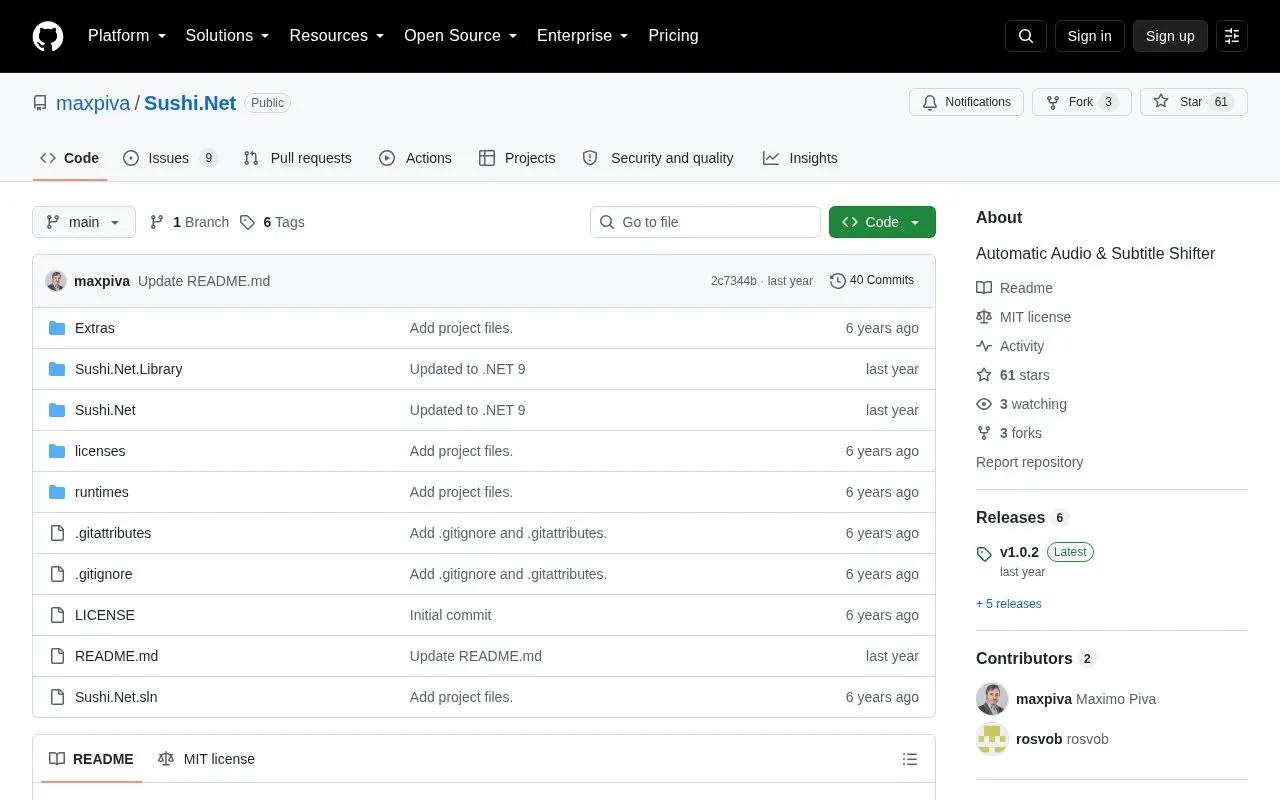
About Sushi.net
Sushi.Net is an open-source tool that automatically shifts audio and subtitle tracks so that media from different releases of the same show or movie plays in sync. It matches a source stream against a destination stream and writes out a shifted version. The README says it is based on the original Sushi and uses similar command syntax, with the output parameter given as a path. It is a .NET 8 wrapper around Sushi.Net.Library, and the repository describes it as v1.0.0 and still beta.
FFmpeg and FFProbe are required. MKVExtract (for timecode extraction) and SCXvid (for keyframe creation) are optional. The README says the audio matching is accurate when the sources are of good quality. The repository lists Windows x64, Ubuntu x64, and OSX x64 binaries, although the platform field for this entry lists Windows only.
Key features
- Automatic audio shifting between different releases with the same content
- Audio shifting between audio tracks in different languages
- Processing of multiple external subtitle files in one run
- Resizing of ASS and SSA subtitles to the destination video
- Scripting actions that export shift and cut instructions to an editable text file
- Standalone Sushi.Net.Library for embedding in other programs
Best for: People who have several releases of the same show or movie and need audio or subtitles synchronized between them, and who are comfortable running command-line tools.
Good for
- Open source, with the source code available in a GitHub repository
- Can shift subtitles from external files or from a container's subtitle stream
- Core library can be used by other programs
Watch out for
- Described by the repository as v1.0.0 and still beta
- Requires FFmpeg and FFProbe to be installed
- Matching accuracy is described for good-quality sources
Sushi.net at a glance
- Website
- github.com/maxpiva/Sushi.Net
- Category
- Software & Utilities › File Utilities
- Type
- Open-source project
- Pricing
- Not confirmed. Check the site
- Platforms
- Windows
- Open source
- Yes · Source code
- Language
- English
- Last checked
- Oct 6, 2026 · Online when checked
- Listed
- Oct 5, 2026
Guides for File Utilities
Sushi.net alternatives
Tools and sites you could use instead, ranked by how closely they match.

MediaPeek reads technical metadata from video, audio, image, and subtitle files in the browser, fetching only needed bytes from URLs.
Open source
24 alternatives
IPFS Desktop is an application for Windows, Mac, and Linux that provides a desktop interface for IPFS.
Open source
24 alternatives
The Rclone-based desktop app REM browses, organizes, and transfers files across cloud storage services.
Open source
24 alternatives
Unison synchronizes files, according to the project title and its file synchronization documentation.
Open source
24 alternatives
Szyszka renames files in bulk, with rules for replacing, trimming, adding, numbering, and removing text; the project lists Linux, Mac, and Windows support.
Open source
24 alternatives
grepWin searches and replaces text on Windows using regular expressions.
Open source
24 alternativesPopular in File Utilities
Well-known listings from the same topic.
SDeletelearn.microsoft.com/en-us/sysinternals/downloa…PowerRenamelearn.microsoft.com/en-us/windows/powertoys/po…robocopylearn.microsoft.com/windows-server/administrat…VERTvert.shNanaZipnanazip.orgPhotonphotondev.netlify.app


Sushi.net FAQ
What does Sushi.Net require to run?
FFmpeg and FFProbe are required for information, audio extraction, and manipulation. MKVExtract is optional for timecode extraction, and SCXvid is optional for keyframe creation.
Which operating systems have prebuilt binaries?
The README states that Windows x64, Ubuntu x64, and OSX x64 binaries can be downloaded from the releases page. The platform listed for this directory entry is Windows.
Can it shift subtitles as well as audio?
Yes. The README says it shifts subtitles in the same way as the original Sushi. It accepts multiple external subtitle files separated by spaces, or it can read subtitles from the source stream of a container such as MKV or MP4.
Is something wrong or out of date?
Tell us and an editor will check it.
Own this website?
Claim this listing
Claim the listing and suggest updates yourself. An editor checks every claim first.