

Mediapeek
MediaPeek reads technical metadata from video, audio, image, and subtitle files in the browser, fetching only needed bytes from URLs.
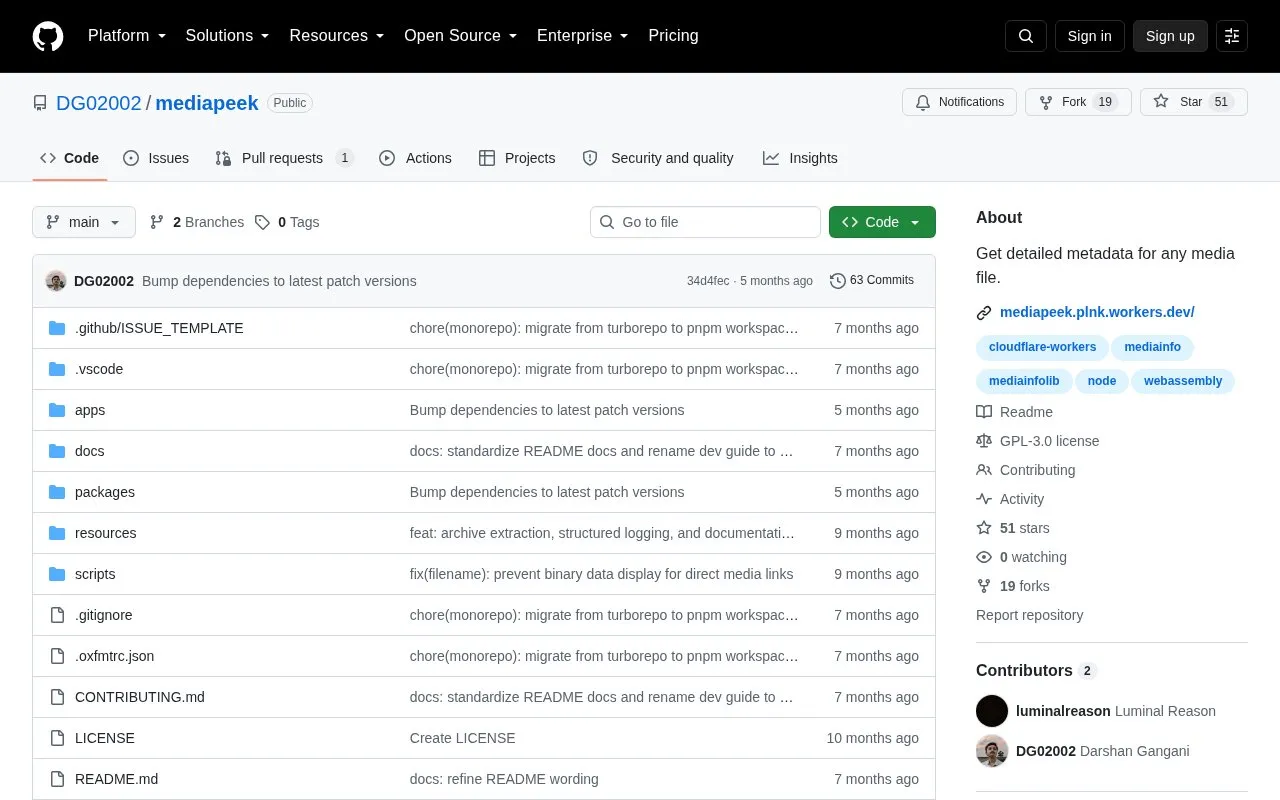
About Mediapeek
MediaPeek provides detailed technical metadata for video, audio, image, and subtitle files directly in the browser. Instead of downloading a full asset first, it performs range-based analysis, fetching only the data segments that MediaInfo needs from a remote file. Analysis is powered by mediainfo.js, a WebAssembly port of MediaInfoLib.
Key features
- Reads only needed byte ranges of a remote file instead of the whole asset
- Opens supported media inside .zip and .tar archives, keeping both filenames visible
- Works with direct HTTP/HTTPS media URLs and supported public sources like Google Drive
- Exports metadata as Object, JSON, Text, HTML, or XML
- Shares reports through end-to-end encrypted PrivateBin links
- Blocks local and private network targets to reduce SSRF risk
Best for: People who need technical metadata from local or remote media files, including files inside archives, without downloading entire assets.
Good for
- Open source under the GNU GPLv3 license, with documentation for the analyzer API and configuration
- Range-based fetching avoids downloading the full file before analysis
- Fetch pipeline blocks local and private network targets to reduce SSRF risk
Watch out for
- When an archived media file's inner size cannot be verified from archive metadata, the UI marks size and bitrate results as archive-estimated
- Webpage links generally require opening the page first and copying the media file URL rather than being used as-is
Mediapeek at a glance
- Category
- Software & Utilities › File Utilities
- Type
- Open-source project
- Pricing
- Not confirmed. Check the site
- Open source
- Yes · Source code
- Language
- English
- Last checked
- Oct 6, 2026 · Online when checked
- Listed
- Oct 5, 2026
Guides for File Utilities
Mediapeek alternatives
Tools and sites you could use instead, ranked by how closely they match.

MediaPeek inspects media metadata from a URL and describes a partial-fetching method that reads only the bytes needed.

Metadata Remover removes metadata in the browser using WebAssembly, with files processed locally and not uploaded, according to its repository.
Open source
24 alternatives
PrivMeta removes metadata with browser-side processing and no file uploads, according to its open-source project.

Deark analyzes file formats and metadata, extracts data, decompresses content, and decodes image formats through a command-line utility.

PrivMeta removes metadata from supported image, video, audio, PDF, and document files directly in the browser, without uploads or an account.

Metadata2Go shows metadata from audio, video, document, ebook, and image files, and lists tools for editing and removing metadata.
Free
14 alternativesPopular in File Utilities
Well-known listings from the same topic.
SDeletelearn.microsoft.com/en-us/sysinternals/downloa…PowerRenamelearn.microsoft.com/en-us/windows/powertoys/po…robocopylearn.microsoft.com/windows-server/administrat…VERTvert.shNanaZipnanazip.orgPhotonphotondev.netlify.app


Mediapeek FAQ
What kinds of files can MediaPeek analyze?
Video, audio, image, and subtitle files, with analysis powered by mediainfo.js.
Can MediaPeek inspect media stored inside archives?
Yes. It opens supported media inside .zip and .tar archives and keeps both the archive and inner filenames visible.
Does MediaPeek download the entire file to read its metadata?
No. It uses range-based analysis to read only the parts of a remote file that MediaInfo needs.
Is something wrong or out of date?
Tell us and an editor will check it.
Own this website?
Claim this listing
Claim the listing and suggest updates yourself. An editor checks every claim first.