

MediaPeek
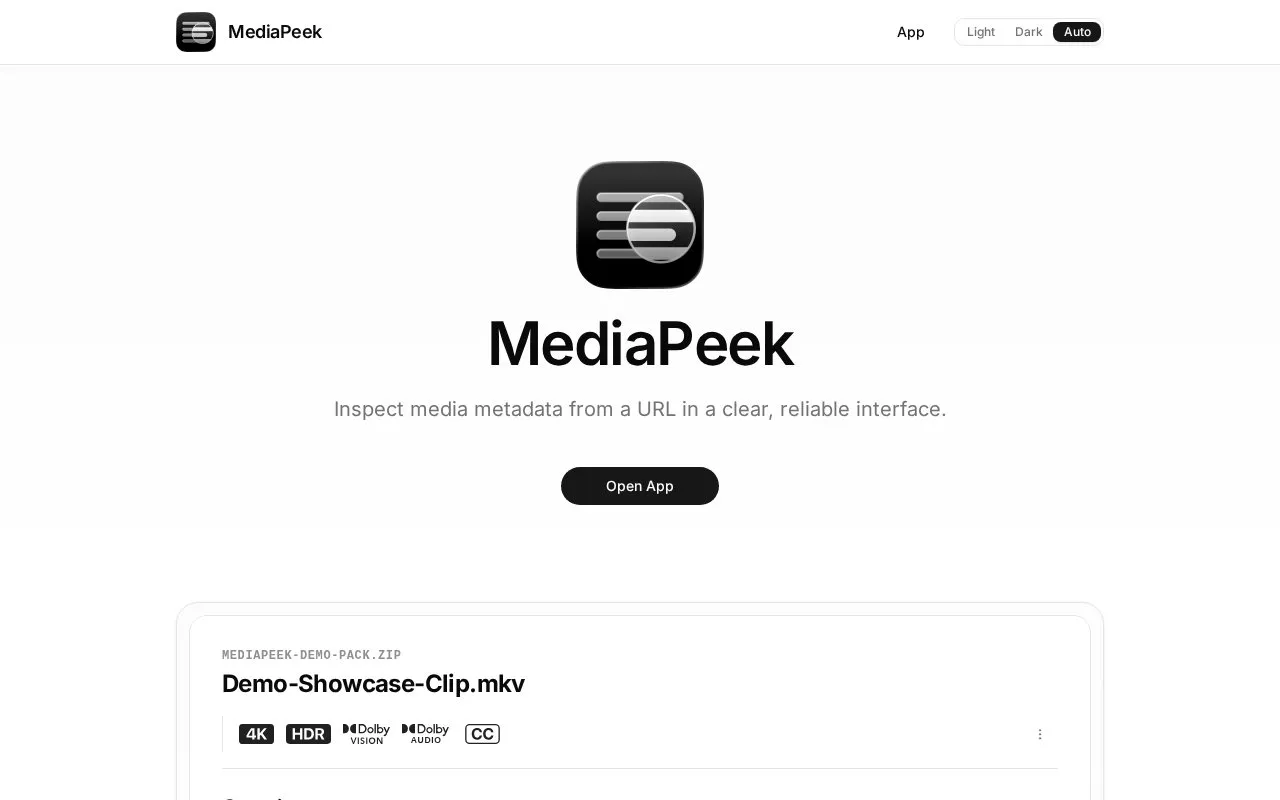
MediaPeek inspects media metadata from a URL and describes a partial-fetching method that reads only the bytes needed.
About MediaPeek
MediaPeek is a web tool that inspects media metadata from a URL. It reads only the bytes it needs from the file, so large files do not have to be fully downloaded. The homepage says it can also look inside ZIP and TAR archives without extracting them and keeps the archive name visible in the results. Metadata analysis uses mediainfo.js, a WebAssembly build of MediaInfoLib.
Results can be exported as Object, JSON, Text, HTML, or XML. Results can also be shared through links encrypted with PrivateBin. The site states that MediaPeek does not store the shared content and that the decryption key is kept in the URL. Supported input is limited to HTTP and HTTPS URLs and to public Google Drive files and folders, and archive support covers only the ZIP and TAR variants listed on the homepage.
Key features
- Reads only the bytes needed from HTTP and HTTPS URLs
- Inspects public Google Drive files and folders
- Looks inside ZIP and TAR archives without full extraction
- Exports metadata as Object, JSON, Text, HTML, or XML
- Shares results through PrivateBin end-to-end encrypted links
- Analyzes metadata with mediainfo.js running in WebAssembly
Best for: People who need to check the metadata of media files at a URL without downloading them in full.
Good for
- Partial fetching avoids a full download, including for large files.
- Metadata can be exported in both human-readable and machine-parseable formats.
- The site states that it does not store shared content.
Watch out for
- Only HTTP and HTTPS URLs and public Google Drive files and folders are listed as supported sources.
- ZIP support is limited to Stored and DEFLATE entries.
- TAR support is limited to the standard format and @LongLink.
MediaPeek at a glance
- Website
- mediapeek.plnk.workers.dev
- Category
- Software & Utilities › File Utilities
- Type
- Website
- Pricing
- Not confirmed. Check the site
- Platforms
- Web
- Open source
- Not stated
- Language
- English
- Last checked
- Oct 6, 2026 · Online when checked
- Listed
- Oct 5, 2026
Guides for File Utilities
MediaPeek alternatives
Tools and sites you could use instead, ranked by how closely they match.

MediaPeek reads technical metadata from video, audio, image, and subtitle files in the browser, fetching only needed bytes from URLs.
Open source
24 alternativesRemove EXIF, GPS, PDF, Office, ebook, and audio metadata in a browser using Metadata Remover, which lists supported file types.

This Windows and macOS utility batch-renames files using metadata and patterns.
FilesMD extracts metadata and EXIF fields from uploaded files, including timestamps, software versions, authors, and GPS locations.
View file metadata online with ExtractMetadata, a tool that supports different file types.

Metadata2Go shows metadata from audio, video, document, ebook, and image files, and lists tools for editing and removing metadata.
Free
13 alternativesPopular in File Utilities
Well-known listings from the same topic.
SDeletelearn.microsoft.com/en-us/sysinternals/downloa…PowerRenamelearn.microsoft.com/en-us/windows/powertoys/po…robocopylearn.microsoft.com/windows-server/administrat…VERTvert.shNanaZipnanazip.orgPhotonphotondev.netlify.app


MediaPeek FAQ
Which archive formats can MediaPeek inspect?
The homepage lists ZIP (Stored and DEFLATE) and TAR (standard and @LongLink). It keeps the archive name visible for context.
Can MediaPeek read files from Google Drive?
The homepage lists support for public Google Drive files and folders.
How are shared results protected?
Shared results use end-to-end encryption via PrivateBin. The site states that MediaPeek does not store the content and that the key stays in the URL.
Is something wrong or out of date?
Tell us and an editor will check it.
Own this website?
Claim this listing
Claim the listing and suggest updates yourself. An editor checks every claim first.