

Cryptomator
Cryptomator provides client-side encryption for cloud storage on Windows, macOS, and Linux, according to its project page.
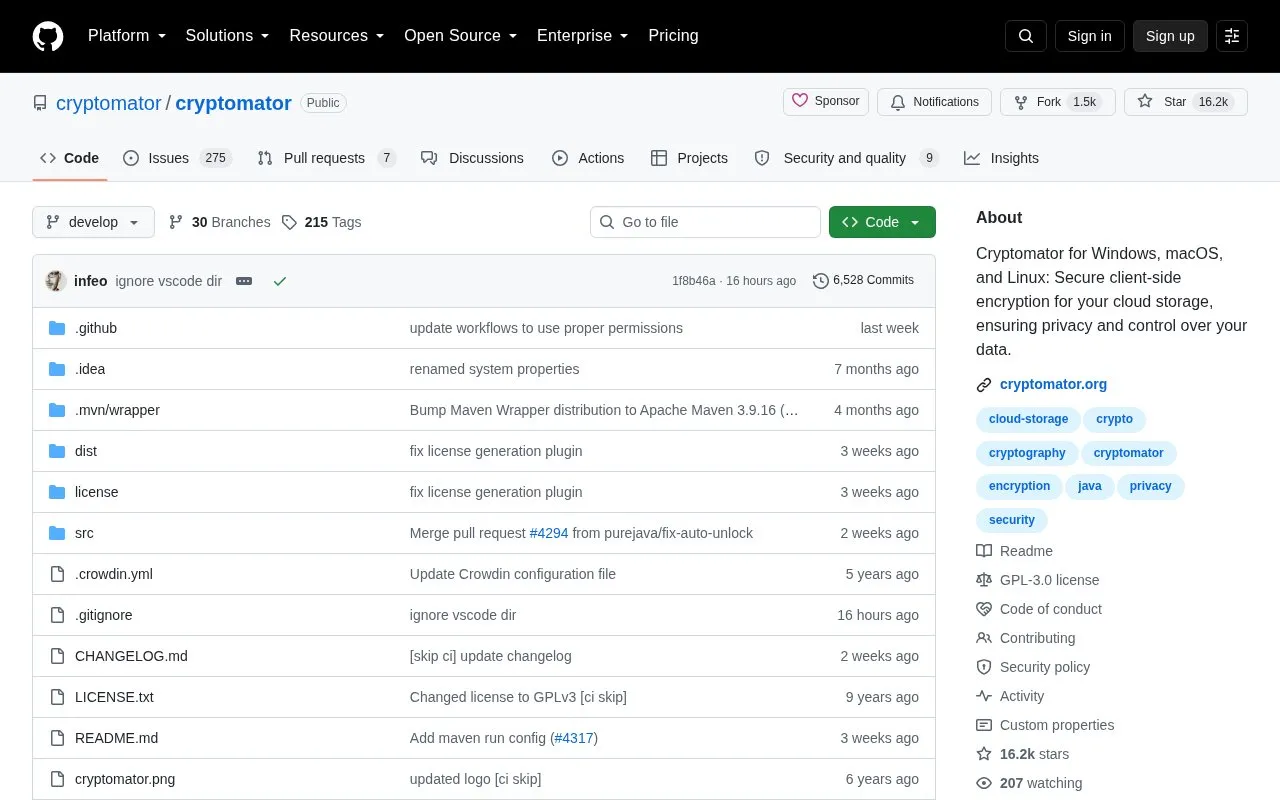
About Cryptomator
Cryptomator provides client-side encryption for files stored in cloud storage on Windows, macOS, and Linux. It works with Dropbox, Google Drive, OneDrive, MEGA, pCloud, ownCloud, Nextcloud, and other services that synchronize with a local directory, letting users work with encrypted vaults through a virtual drive.
It encrypts file content with AES 256-bit keys, encrypts file names, and obfuscates folder structure. Multiple vaults can be created, each with an individual password. The project is open source and described as provided free of charge, with native binaries available from cryptomator.org and source builds using Maven; it is dual-licensed under GPLv3 for FOSS projects and a commercial license for vendors and resellers.
Key features
- Works with cloud services that sync to a local directory
- Accesses vaults through a virtual drive interface
- Encrypts file content with AES 256-bit keys
- Encrypts file names and obfuscates folder structure
- Supports multiple vaults with individual passwords
- Uses Scrypt key derivation and authenticated encryption
Best for: People on Windows, macOS, or Linux who keep files in locally synced cloud folders and want client-side encryption.
Good for
- Open-source project with source code available on GitHub
- Operates client-side with no accounts and no data shared with an online service
- Compatible with multiple cloud storage services that sync locally
Watch out for
- Requires a cloud service that synchronizes with a local directory
- Atomic and transactional I/O depends on filesystem support
- Building from source requires JDK 26 and Maven steps
Cryptomator at a glance
- Category
- Software & Utilities › File Utilities
- Type
- Open-source project
- Pricing
- Free
- Platforms
- Linux, macOS, Windows
- Open source
- Yes · Source code
- Language
- English
- Last checked
- Oct 5, 2026 · Online when checked
- Listed
- Oct 5, 2026
Guides for File Utilities
Cryptomator alternatives
Tools and sites you could use instead, ranked by how closely they match.

Encrypt files for cloud storage with Cryptomator, an open-source tool listed for services including Dropbox and Google Drive.
Freemium
13 alternatives
VERNAM encrypts files in the browser; its project says processing happens client-side and files are not uploaded.

PeaZip is a cross-platform archive manager for opening and extracting ZIP and RAR files, with additional archive features.
Open source
24 alternatives
Picocrypt-NG encrypts files, with its project describing the tool as small and simple.
Open source
24 alternatives
Encrypt files with age, a tool and Go library that uses small explicit keys and avoids configuration options.
Open source
24 alternatives
VeraCrypt provides disk encryption and publishes source code based on TrueCrypt 7.1a with security enhancements and modifications.
Popular in File Utilities
Well-known listings from the same topic.
SDeletelearn.microsoft.com/en-us/sysinternals/downloa…PowerRenamelearn.microsoft.com/en-us/windows/powertoys/po…robocopylearn.microsoft.com/windows-server/administrat…VERTvert.shNanaZipnanazip.orgPhotonphotondev.netlify.app


Cryptomator FAQ
Which cloud services can it be used with?
Dropbox, Google Drive, OneDrive, MEGA, pCloud, ownCloud, Nextcloud, and any other service that synchronizes with a local directory.
How do I access encrypted files?
Work on the virtual drive as if it were a USB flash drive.
Can I use more than one encrypted vault?
Yes, you can use as many vaults as you want, each with an individual password.
Is something wrong or out of date?
Tell us and an editor will check it.
Own this website?
Claim this listing
Claim the listing and suggest updates yourself. An editor checks every claim first.