

Cryptomator
Encrypt files for cloud storage with Cryptomator, an open-source tool listed for services including Dropbox and Google Drive.
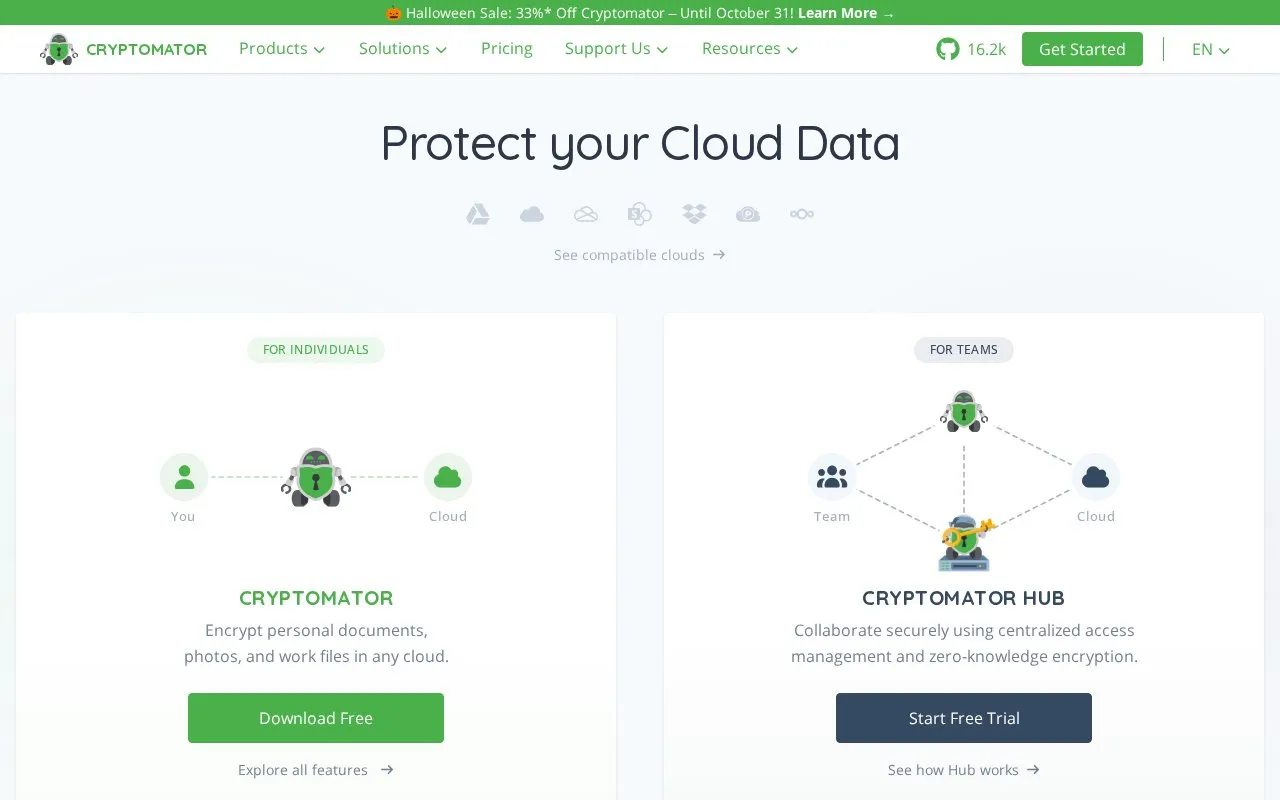
About Cryptomator
Cryptomator is an open-source tool for encrypting files before they are stored in cloud storage. It is listed for use with services including Dropbox and Google Drive. Encryption happens locally on the user's device, so the cloud provider does not hold the decryption key.
To use it, you create a folder called a vault inside your cloud storage and set a password for it. Entering the password opens a virtual drive where files can be placed. Files and filenames stored there are encrypted automatically with AES and a 256-bit key length. No registration or key setup process is described beyond setting the vault password. There is a version for individuals and Cryptomator Hub for teams, which supports shared vaults, individual member accounts, and identity management integration.
It suits private users, solo workers, and teams that store files in the cloud and want client-side encryption and shared access with separate accounts.
Key features
- Encrypt files and filenames with AES 256-bit encryption
- Create password-protected vault folders in cloud storage
- Access vaults through virtual drive for file storage
- Use client-side encryption before cloud upload
- Share vaults with team member accounts via Hub
Best for: Individuals and teams who store files in cloud services and want local, password-based encryption.
Good for
- Open-source code that can be publicly reviewed
- Encrypts both file contents and filenames
- No registration described for basic vault use
- Supports shared team vaults with individual accounts
Cryptomator at a glance
- Website
- cryptomator.org
- Category
- Software & Utilities › File Utilities
- Type
- Website
- Pricing
- Freemium
- Platforms
- Web
- Open source
- Not stated
- Language
- English
- Last checked
- Oct 5, 2026 · Online when checked
- Listed
- Oct 5, 2026
Guides for File Utilities
Cryptomator alternatives
Tools and sites you could use instead, ranked by how closely they match.

Cryptomator provides client-side encryption for cloud storage on Windows, macOS, and Linux, according to its project page.
FreeOpen source
24 alternatives
Use WinRAR on Windows to compress and encrypt files, open RAR and ZIP archives, and process other formats.

VERNAM encrypts files in the browser using a passphrase and supports opening .vrn files, according to its page.
Free
9 alternatives
Picocrypt-NG encrypts files, with its project describing the tool as small and simple.
Open source
24 alternatives
Encrypt files with age, a tool and Go library that uses small explicit keys and avoids configuration options.
Open source
24 alternatives
VERNAM encrypts files in the browser; its project says processing happens client-side and files are not uploaded.
Popular in File Utilities
Well-known listings from the same topic.
SDeletelearn.microsoft.com/en-us/sysinternals/downloa…PowerRenamelearn.microsoft.com/en-us/windows/powertoys/po…robocopylearn.microsoft.com/windows-server/administrat…VERTvert.shNanaZipnanazip.orgPhotonphotondev.netlify.app


Cryptomator FAQ
What is Cryptomator used for?
It encrypts files locally before they are stored in cloud storage services such as Dropbox and Google Drive.
How does Cryptomator work?
You set a password for a folder called a vault. Entering the password opens a virtual drive where files are encrypted automatically.
Is Cryptomator open source?
Yes, it is described as open-source software whose code can be viewed and that has had independent security audits.
Does Cryptomator support team use?
Yes, Cryptomator Hub supports shared vaults with individual team member accounts and identity management integration.
Is something wrong or out of date?
Tell us and an editor will check it.
Own this website?
Claim this listing
Claim the listing and suggest updates yourself. An editor checks every claim first.