

Pea Zip
PeaZip is a cross-platform archive manager for opening and extracting ZIP and RAR files, with additional archive features.
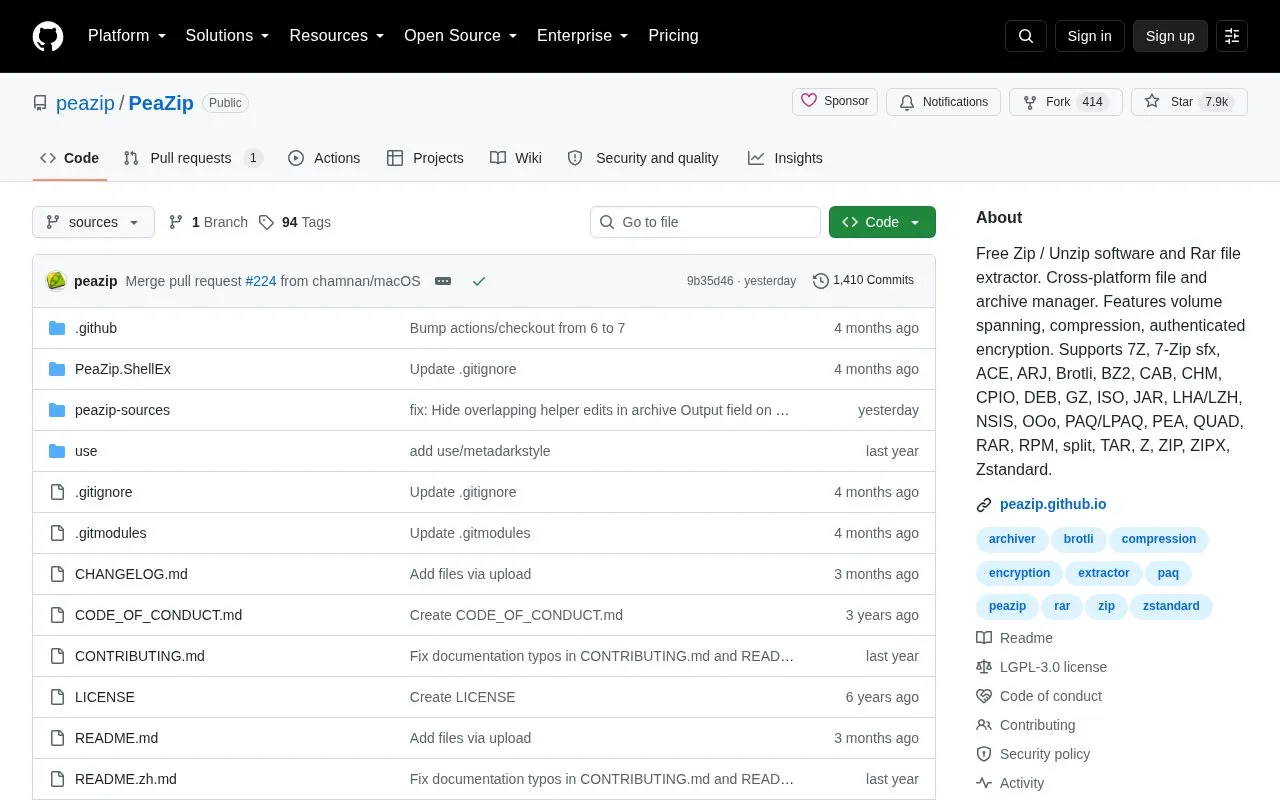
About Pea Zip
PeaZip is a free, open-source archive manager for BSD, Linux, macOS, and Windows. Its project page describes it as an alternative to proprietary archive tools and notes that it is available as a portable package that does not require installation. It opens and extracts a wide range of formats, including ZIP and RAR, and the page reports support for more than 200 archive types and variants.
Beyond extraction, the project describes tools for converting archives, splitting and joining files, editing archive comments, searching inside archives, and exporting GUI tasks as command-line scripts. It also lists encryption options, two-factor authentication, an encrypted password manager, and secure deletion as security features. These are the project's own descriptions and have not been independently verified here, and the page does not say which features are available on every platform.
Key features
- Works with 200+ archive types and variants, including 7z, RAR, ZIP, and TAR
- Handles spanned (multi-volume) archives such as 001, r01, and z01 files
- Converts archives, splits and joins files, and adds files to separate archives
- Edits archive comments and searches inside archives
- Supports multiple archive encryption standards and includes file hashing tools
- Exports GUI tasks as command-line scripts
Best for: People who need to open, create, or manage ZIP, RAR, and other archives on Windows, macOS, Linux, or BSD and prefer free, open-source software.
Good for
- Released under the LGPLv3 open-source license, with sources available in the project repository
- Available as a portable package that does not require installation
- Native builds listed for Linux, macOS (Intel and Apple Silicon), and Windows
Pea Zip at a glance
- Website
- github.com/peazip/PeaZip
- Category
- Software & Utilities › File Utilities
- Type
- Open-source project
- Pricing
- Not confirmed. Check the site
- Platforms
- Linux, macOS, Windows
- Open source
- Yes · Source code
- Language
- English
- Last checked
- Oct 6, 2026 · Online when checked
- Listed
- Oct 5, 2026
Guides for File Utilities
Pea Zip alternatives
Tools and sites you could use instead, ranked by how closely they match.

Cryptomator provides client-side encryption for cloud storage on Windows, macOS, and Linux, according to its project page.
FreeOpen source
24 alternatives
Picocrypt-NG encrypts files, with its project describing the tool as small and simple.
Open source
24 alternatives
Encrypt files with age, a tool and Go library that uses small explicit keys and avoids configuration options.
Open source
24 alternatives
VeraCrypt provides disk encryption and publishes source code based on TrueCrypt 7.1a with security enhancements and modifications.

VERNAM encrypts files in the browser; its project says processing happens client-side and files are not uploaded.

Use WinRAR on Windows to compress and encrypt files, open RAR and ZIP archives, and process other formats.
Popular in File Utilities
Well-known listings from the same topic.
SDeletelearn.microsoft.com/en-us/sysinternals/downloa…PowerRenamelearn.microsoft.com/en-us/windows/powertoys/po…robocopylearn.microsoft.com/windows-server/administrat…VERTvert.shNanaZipnanazip.orgPhotonphotondev.netlify.app


Pea Zip FAQ
Can PeaZip run without being installed?
The project page states that PeaZip is available as a portable package that does not require installation.
Where can I get the source code?
Sources are available in the peazip-sources Git directory repository, and source snapshots for each release are listed in the Releases section as peazip-x.y.z.src.zip packages.
Is something wrong or out of date?
Tell us and an editor will check it.
Own this website?
Claim this listing
Claim the listing and suggest updates yourself. An editor checks every claim first.