

RustNet
Monitor network activity by process in a terminal with RustNet, which includes packet inspection.
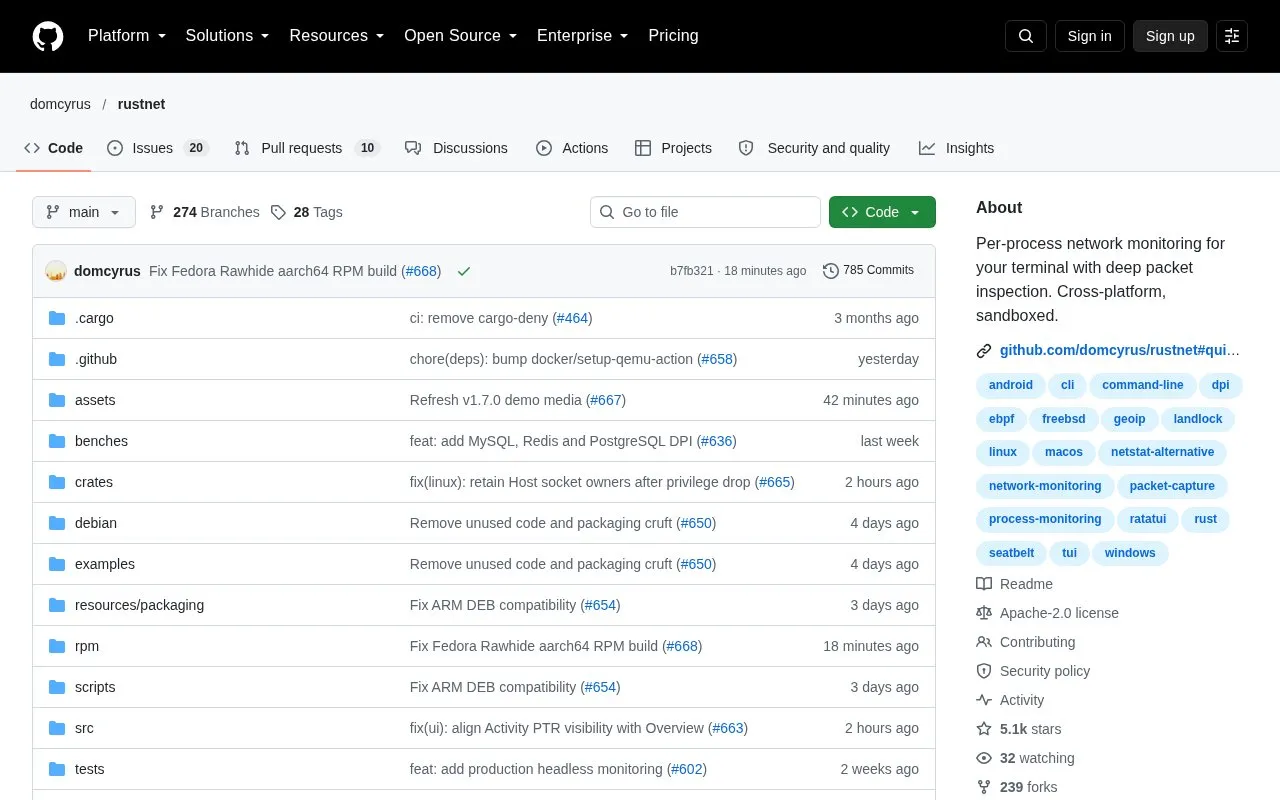
About RustNet
RustNet is an open source terminal network monitor. It shows live TCP, UDP, and QUIC connections and, when available, the process responsible for each one. Its terminal interface works over SSH. It runs on Linux, macOS, Windows, and FreeBSD.
Packet inspection is used to identify protocols such as HTTP, TLS/SNI, DNS, SSH, and QUIC. Packet capture needs platform-specific permissions, and the installation guide covers the setup for each platform. On Windows, RustNet requires Npcap. On macOS, process detection uses lsof when BPF access is configured without PKTAP. The project's guides may describe unreleased changes, so the documentation for the installed release should be checked.
Key features
- Live TCP, UDP, and QUIC connection view with process attribution when available
- Protocol identification for HTTP, TLS/SNI, DNS, SSH, and QUIC through packet inspection
- Connection filtering by process, address, port, protocol, and more
- Headless mode that streams versioned JSON snapshots for scripts and monitoring
- PCAP and PCAPNG export with best-effort annotations for analysis in Wireshark
- Host socket listing and passive DNS analytics
Best for: Command-line users, such as system administrators and developers, who want to see which processes are making network connections, including on remote machines reached over SSH.
Good for
- Terminal interface works over SSH
- Reduces privileges after startup and uses platform sandboxing where supported
- Open source, with the source code available in a public repository
Watch out for
- Packet capture needs platform-specific permissions that must be configured
- Windows requires Npcap, and v1.6.0 requires its WinPcap API compatible mode
- On macOS, PKTAP requires sudo, and without it process detection relies on lsof
RustNet at a glance
- Website
- github.com/domcyrus/rustnet
- Category
- Privacy & Security › Security Tools
- Type
- Open-source project
- Pricing
- Not confirmed. Check the site
- Open source
- Yes · Source code
- Language
- English
- Last checked
- Oct 6, 2026 · Online when checked
- Listed
- Oct 5, 2026
Guides for Security Tools
RustNet alternatives
Tools and sites you could use instead, ranked by how closely they match.

Analyze and reverse engineer software with radare2, a Unix-like framework and command-line toolkit.

Configure DNS over HTTPS in curl, the command-line transfer tool and library.

Configure network activity rules through Windows Filtering Platform with Simplewall.
Open source
24 alternatives
Monitor network traffic with Sniffnet, a desktop network analysis application.
Open source
24 alternatives
Manage GnuPG keys from a terminal with gpg-tui, a text-based key management interface.
Open source
24 alternatives
pyWhat identifies items such as email addresses and IPs from text or packet captures, according to its project description.
Open source
24 alternativesPopular in Security Tools
Well-known listings from the same topic.
Online Password Hash Crackonlinehashcrack.comOTP Authapps.apple.com/app/otp-auth/id659877384MD5 reverse lookupmd5.gromweb.comMozilla SSLssl-config.mozilla.orgchallenges.rechallenges.reGoPlus Locker V3gopluslabs.io


RustNet FAQ
Which operating systems does RustNet support?
RustNet runs on Linux, macOS, Windows, and FreeBSD.
Does RustNet need special permissions to capture packets?
Yes. Packet capture needs platform-specific permissions. The installation guide covers Linux capabilities, macOS PKTAP and BPF access, and troubleshooting. On macOS, PKTAP requires sudo, while BPF access allows running without sudo.
How can RustNet be installed on macOS or Linux?
On macOS or Linux with Homebrew, run brew install rustnet. Other package managers and source builds are described in the installation guide.
Is something wrong or out of date?
Tell us and an editor will check it.
Own this website?
Claim this listing
Claim the listing and suggest updates yourself. An editor checks every claim first.