
Sniffnet
Monitor network traffic with Sniffnet, a desktop network analysis application.
About Sniffnet
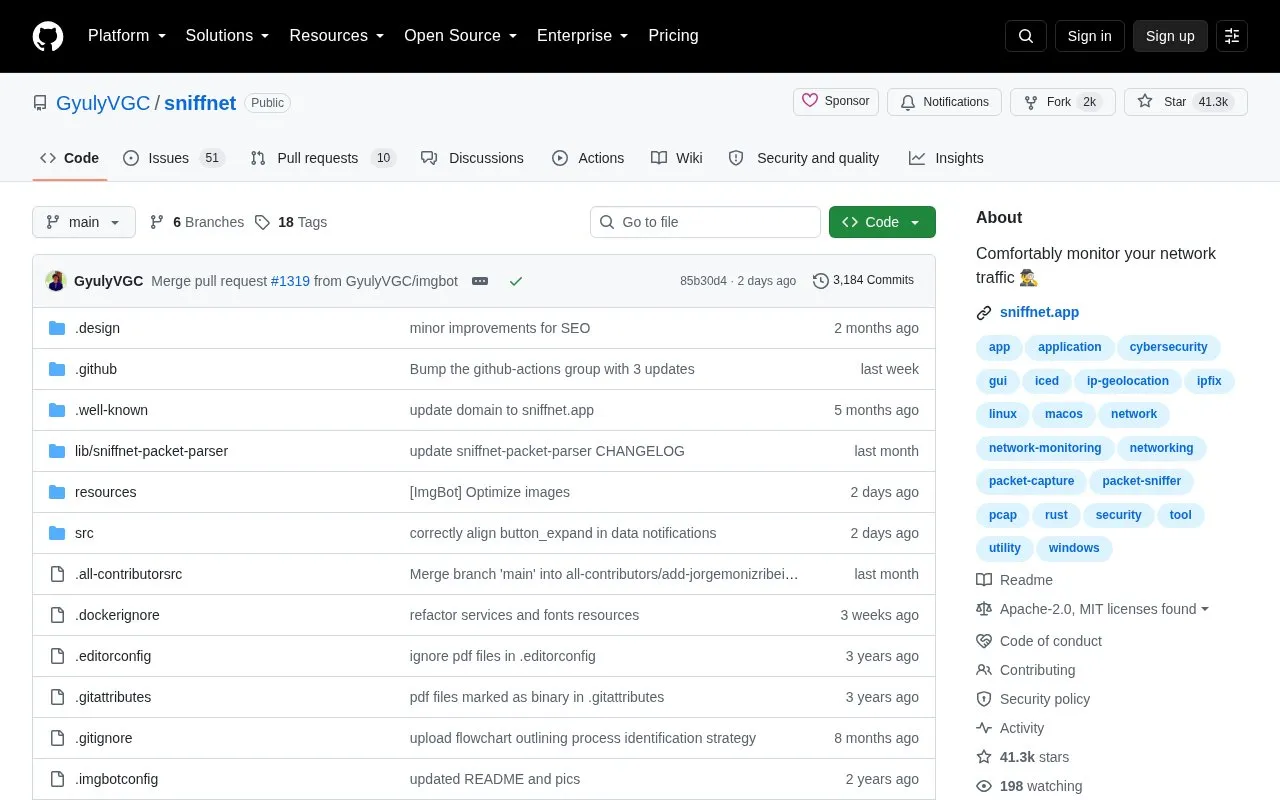
Sniffnet is a free, open-source desktop application for monitoring network traffic. It is cross-platform, with downloads for Windows (x64, arm64, x86), macOS (Intel and Apple silicon), and Linux (DEB, RPM, AppImage), and its interface is translated into more than 25 languages.
Within the app you choose a network adapter to inspect, apply filters, and watch connections in real time. It shows overall traffic statistics and real-time charts, identifies connections on your local network, reports the geographic location of remote hosts and their domain names and ASN, and recognizes over 6,000 upper-layer services, protocols, trojans, and worms. Capture reports can be imported and exported as PCAP files, custom IP blacklists can be imported to highlight potentially dangerous connections, and notifications can be set for defined network events. IP geolocation and ASN data are provided by MaxMind. Required operating-system dependencies must be installed for traffic analysis to work.
Key features
- Choose a network adapter, apply filters, inspect connections in real time
- Import and export capture reports as PCAP files
- Overall internet traffic statistics and real-time traffic intensity charts
- Identify 6,000+ upper layer services, protocols, trojans, and worms
- Discover remote host location, domain name, and ASN
- See which programs use bandwidth; save favorite hosts, services, programs
Best for: Users who want to inspect and understand the network traffic on their own desktop, including which programs, hosts, and services are involved.
Good for
- Free and open-source software with development supported by sponsors
- Cross-platform downloads for Windows, macOS, and Linux in several package formats
- Includes a Wiki user manual with guides, tips, examples, and frequent questions
Watch out for
- Traffic analysis requires installing the appropriate dependencies for your operating system
- The default wgpu renderer may show interface glitches, unsupported gradients, or black icons on old architectures or with outdated graphics drivers
- Geolocation and ASN information depends on third-party data from MaxMind
Sniffnet at a glance
- Website
- github.com/GyulyVGC/sniffnet
- Category
- Privacy & Security › Security Tools
- Type
- Open-source project
- Pricing
- Not confirmed. Check the site
- Open source
- Yes · Source code
- Language
- English
- Last checked
- Oct 6, 2026 · Online when checked
- Listed
- Oct 5, 2026
Guides for Security Tools
Sniffnet alternatives
Tools and sites you could use instead, ranked by how closely they match.

Monitor network activity by process in a terminal with RustNet, which includes packet inspection.
Open source
24 alternatives
Use reference sheets for reverse engineering, binary analysis, and assembly programming tools.
Open source
24 alternatives
Karma Firewall is an Android firewall that states it requires no internet permission and intercepts no allowed user traffic.
Open source
24 alternatives
Configure network activity rules through Windows Filtering Platform with Simplewall.
Open source
24 alternatives
Set network rules by application or globally with Fort Firewall for Windows.
Open source
24 alternatives
Scan TCP ports with masscan, an asynchronous scanner designed for large network ranges.
Open source
24 alternativesPopular in Security Tools
Well-known listings from the same topic.
Online Password Hash Crackonlinehashcrack.comOTP Authapps.apple.com/app/otp-auth/id659877384MD5 reverse lookupmd5.gromweb.comMozilla SSLssl-config.mozilla.orgchallenges.rechallenges.reGoPlus Locker V3gopluslabs.io


Sniffnet FAQ
Is Sniffnet free to use?
The project describes Sniffnet as completely free, open-source software, with sponsorship used to support its development and maintenance.
Which operating systems and packages are available?
Downloads are offered for Windows (x64, arm64, x86), macOS (Intel and Apple silicon), and Linux as DEB, RPM, and AppImage packages.
What can I do if the interface renders incorrectly?
You can set the environment variable ICED_BACKEND=tiny-skia to switch to a CPU-only software renderer that should work on any environment.
Is something wrong or out of date?
Tell us and an editor will check it.
Own this website?
Claim this listing
Claim the listing and suggest updates yourself. An editor checks every claim first.