

Use this Android client for communication over the open XMPP and Jabber messaging protocols.
SaverTuner
SaverTuner extends Android’s built-in battery saver with additional controls.
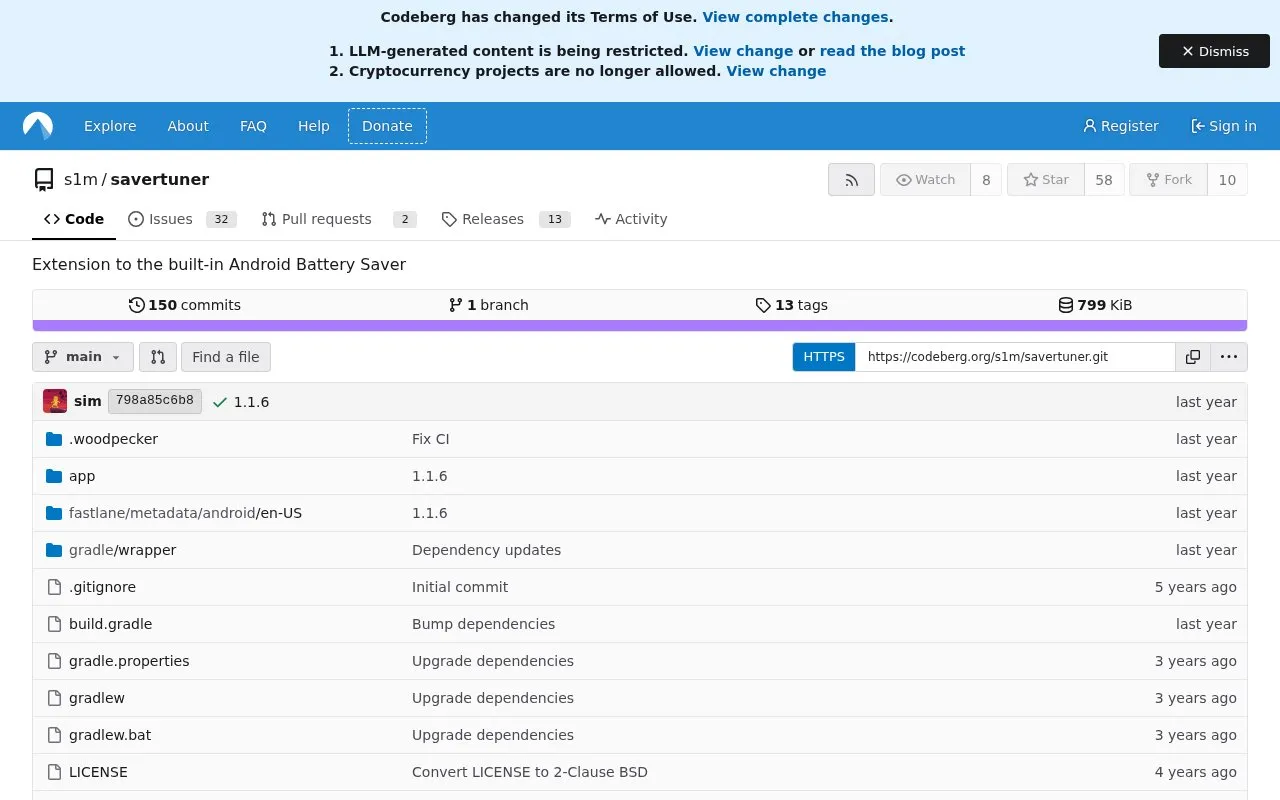
About SaverTuner
SaverTuner is an Android app that adds configurable controls to the built-in battery saver, which Android does not let users adjust by default. It works by changing hidden Android settings. Users can choose profiles that save battery more or less aggressively, from a daily optimization that does not affect performance to an extreme setting that saves as much power as possible. The app is based on Buoy and adds support for Android 12 and later, the ability to save and restore profiles, and improved settings tiles.
The app requires the WRITE_SECURE_SETTINGS permission. This can be granted from a PC using ADB or with root access. Root is optional. Android 8.0 and later are supported, and more features are enabled on Android 10 and later. Uninstalling the app does not reset the battery saver configuration, so the Default profile should be set before uninstalling to undo the changes.
Key features
- Selectable battery saver profiles, from light daily optimization to extreme power saving
- Save and restore of battery saver profiles
- Sticky low power mode that reapplies low power mode after the device is unplugged
- Forces all apps into standby mode and stops background data checks
- Reduces maximum panel brightness and disables unnecessary sensors
- Puts the device into deep sleep as soon as the screen turns off
Best for: Android users who want finer control over battery saver behavior and are able to grant the required permission through ADB or root.
Good for
- Offers profiles ranging from mild to aggressive power saving
- Adds Android 12 and later support along with profile save and restore
- Root is not required, since the permission can be granted with ADB
Watch out for
- Requires the WRITE_SECURE_SETTINGS permission, granted through a PC using ADB or through root
- Uninstalling does not reset settings, so the Default profile must be set first
- Some features are enabled only on Android 10 and later
SaverTuner at a glance
- Website
- codeberg.org/s1m/savertuner
- Category
- Mobile Apps › Android Apps
- Type
- Website
- Pricing
- Not confirmed. Check the site
- Platforms
- Android, Web
- Open source
- Not stated
- Language
- English
- Last checked
- Oct 6, 2026 · Online when checked
- Listed
- Oct 5, 2026
SaverTuner alternatives
Tools and sites you could use instead, ranked by how closely they match.

Flickboard provides an Android keyboard that uses flick gestures for text input. Its project listing identifies it as a keyboard application.

GitNex is an Android client for Forgejo, bringing repository hosting workflows to a mobile interface for users of Forgejo instances.

Gadgetbridge replaces vendor companion apps for supported wearables, handling device data locally without requiring a cloud account.

A dating app centered on photos and videos, PhotoSwooper presents a social matching concept through a Codeberg-hosted project page.

Imagepipe reduces image file sizes and removes EXIF metadata, helping users share smaller images without embedded camera details.
Popular in Android Apps
Well-known listings from the same topic.
SwiftKeymicrosoft.com/en-us/swiftkeyMobile Abyssmobile.alphacoders.comPocketPal AIpocketpal.devGrapheneOSgrapheneos.orgTransittransitapp.comFairEmailemail.faircode.eu


SaverTuner FAQ
How is the required permission granted?
The permission can be granted from a PC using ADB with the command adb shell pm grant s1m.savertuner android.permission.WRITE_SECURE_SETTINGS, or with root access. Root is optional.
Which Android versions are supported?
Android 8.0 and later are supported. More features are enabled on Android 10 and later, and the app adds support for Android 12 and later.
What should be done before uninstalling the app?
Set the Default profile first to undo all changes. Uninstalling the app does not reset the battery saver configuration.
Is something wrong or out of date?
Tell us and an editor will check it.
Own this website?
Claim this listing
Claim the listing and suggest updates yourself. An editor checks every claim first.