

View changes from public GitHub pull requests, comparisons, commits, diffs, and patches with DiffsHub.
SemanticDiff
SemanticDiff provides language-aware diffs for reviewing GitHub commits and pull requests.
About SemanticDiff
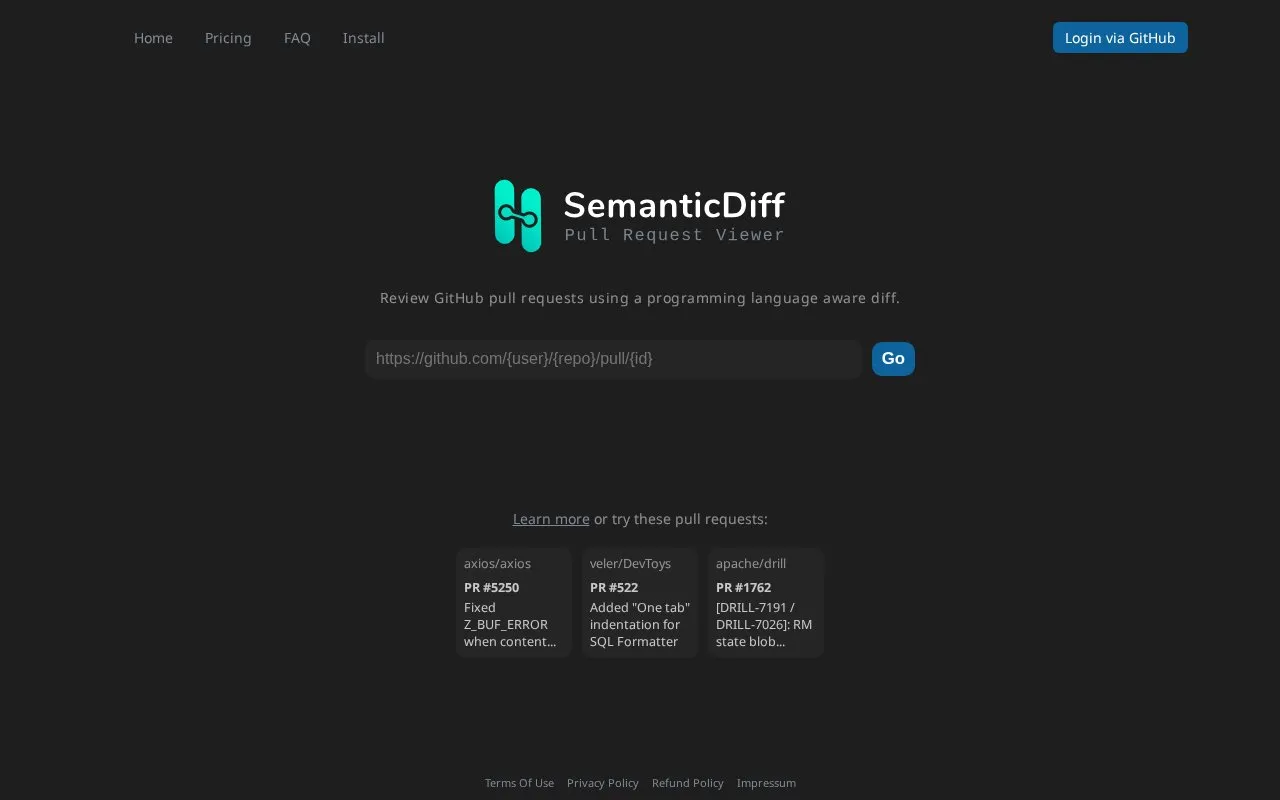
SemanticDiff for GitHub is a web tool for reviewing GitHub commits and pull requests using a diff that understands programming languages rather than comparing files as plain text. Users sign in with a GitHub account, and the homepage links to sample public pull requests so the diff can be previewed before committing to a setup.
Key features
- Language-aware diff for GitHub pull requests
- Login via GitHub account
- Sample public pull requests to try before signing up
- Navigation includes pricing, FAQ and install pages
Best for: Developers who review GitHub pull requests and want a language-aware diff instead of a plain text comparison.
Good for
- Diffs are language aware rather than plain text based
- Works directly with GitHub pull requests and commits
- Sample public pull requests let users evaluate the diff first
Watch out for
- Requires signing in via GitHub
- Pricing is not stated in the homepage text, and the price is unknown
- No information on which programming languages are supported
SemanticDiff at a glance
- Website
- app.semanticdiff.com
- Category
- Development › Git & Code Hosting
- Type
- Website
- Pricing
- Not confirmed. Check the site
- Platforms
- Web
- Open source
- Not stated
- Last checked
- Oct 5, 2026 · Online when checked
- Listed
- Oct 5, 2026
SemanticDiff alternatives
Tools and sites you could use instead, ranked by how closely they match.

Imgbot compresses image files in GitHub repositories and opens a pull request for review after applying the changes.
Open source
24 alternatives
Run Git hook scripts with pre-commit to catch simple issues before code reaches review.

CatLight sends actionable alerts about software builds, tasks, and pull requests that developers monitor.

Manage pull requests and code changes with a stacked workflow in Stacking.

Code changes are compared by Difftastic using syntax-aware structural diffs.
Open source
24 alternativesPopular in Git & Code Hosting
Well-known listings from the same topic.
GitHub CLIcli.github.comCodebergcodeberg.orggit.sr.htgit.sr.htGitstar Rankinggitstar-ranking.comGit LFSgit-lfs.comStar Historystar-history.com


SemanticDiff FAQ
What does SemanticDiff do?
It lets you review GitHub commits and pull requests using a programming language aware diff.
Do I need a GitHub account to use it?
The site provides login via GitHub, so a GitHub account is used to sign in.
Can I try it before signing up?
The homepage links to sample public pull requests, such as ones from axios, DevToys and Apache Drill.
Is something wrong or out of date?
Tell us and an editor will check it.
Own this website?
Claim this listing
Claim the listing and suggest updates yourself. An editor checks every claim first.