

Update multiple repositories with one command using multi-gitter, a tool for coordinated repository changes.
Open source
24 alternativesImgbot compresses image files in GitHub repositories and opens a pull request for review after applying the changes.
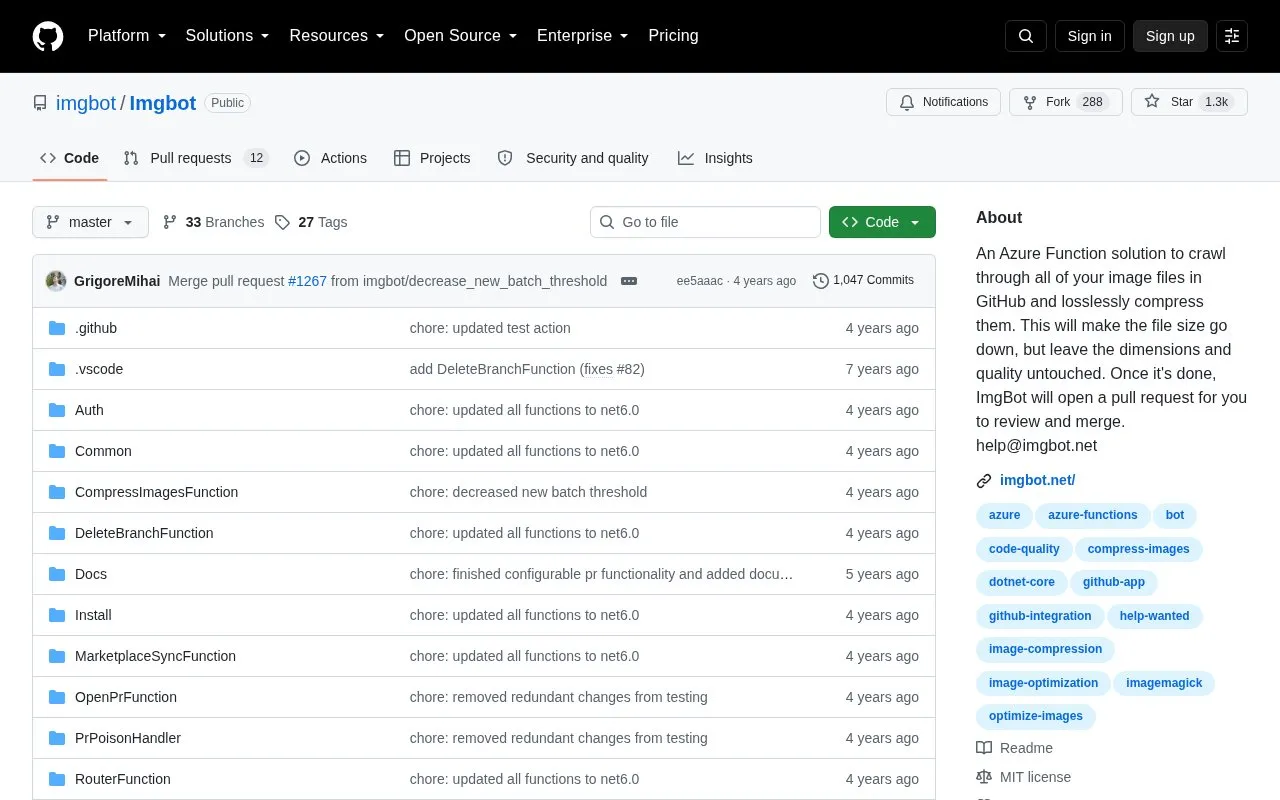
Imgbot crawls image files in GitHub repositories and applies lossless compression to reduce file size while leaving dimensions and quality unchanged. After compression, it opens a pull request for review and merge.
It supports optional configuration through a .imgbotconfig file in the repository root, including check schedule, ignored files, wiki compression, and reduction thresholds. Custom pull request titles and bodies are available only for paid plans.
Tools and sites you could use instead, ranked by how closely they match.
Update multiple repositories with one command using multi-gitter, a tool for coordinated repository changes.
Code changes are compared by Difftastic using syntax-aware structural diffs.
Browse GitHub star and fork rankings, including daily updated top repositories grouped by programming language.
Use Ungit to manage Git repositories through a graphical interface available across platforms.
Repositories can be synced between remote and local folders with GitSync, a mobile Git client.
Manage Git repositories on Android with PuppyGit, a mobile Git client.
Well-known listings from the same topic.
Tell us and an editor will check it.
Claim the listing and suggest updates yourself. An editor checks every claim first.


