

Browse GitHub star and fork rankings, including daily updated top repositories grouped by programming language.
Open source
24 alternativesCreate a personalized GitHub profile README with this generator, which builds a README quickly from user input.
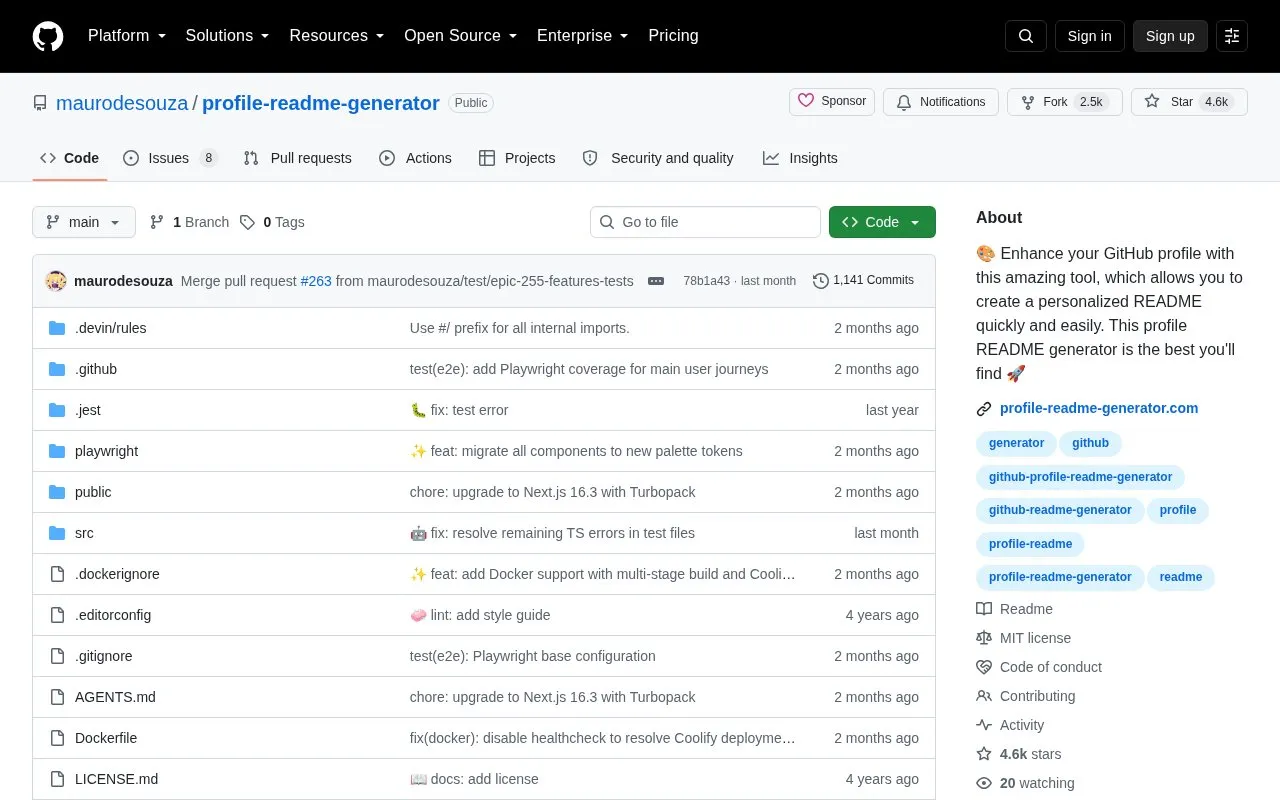
Profile Readme Generator creates a personalized GitHub profile README from user input. It allows user-chosen content to be placed in different positions within the limitations of markdown.
The project is open source under the MIT License and can be cloned and run locally with Git and Node installed, with the development server starting at localhost:3000.
Tools and sites you could use instead, ranked by how closely they match.
Browse GitHub star and fork rankings, including daily updated top repositories grouped by programming language.
ghgrab browses and downloads files from GitHub, GitLab, Codeberg, Gitea, and Forgejo without logging in.
Active Forks finds currently active forks of a software project on GitHub.
Imgbot compresses image files in GitHub repositories and opens a pull request for review after applying the changes.
This GitHub Desktop fork adds support for various Linux distributions.
This GitHub project page lists contributors to calcom/cal.diy, a scheduling infrastructure project.
Well-known listings from the same topic.
Tell us and an editor will check it.
Claim the listing and suggest updates yourself. An editor checks every claim first.


