

Update multiple repositories with one command using multi-gitter, a tool for coordinated repository changes.
Open source
24 alternativesgit-quick-stats provides command-line summaries and statistics for Git repositories.
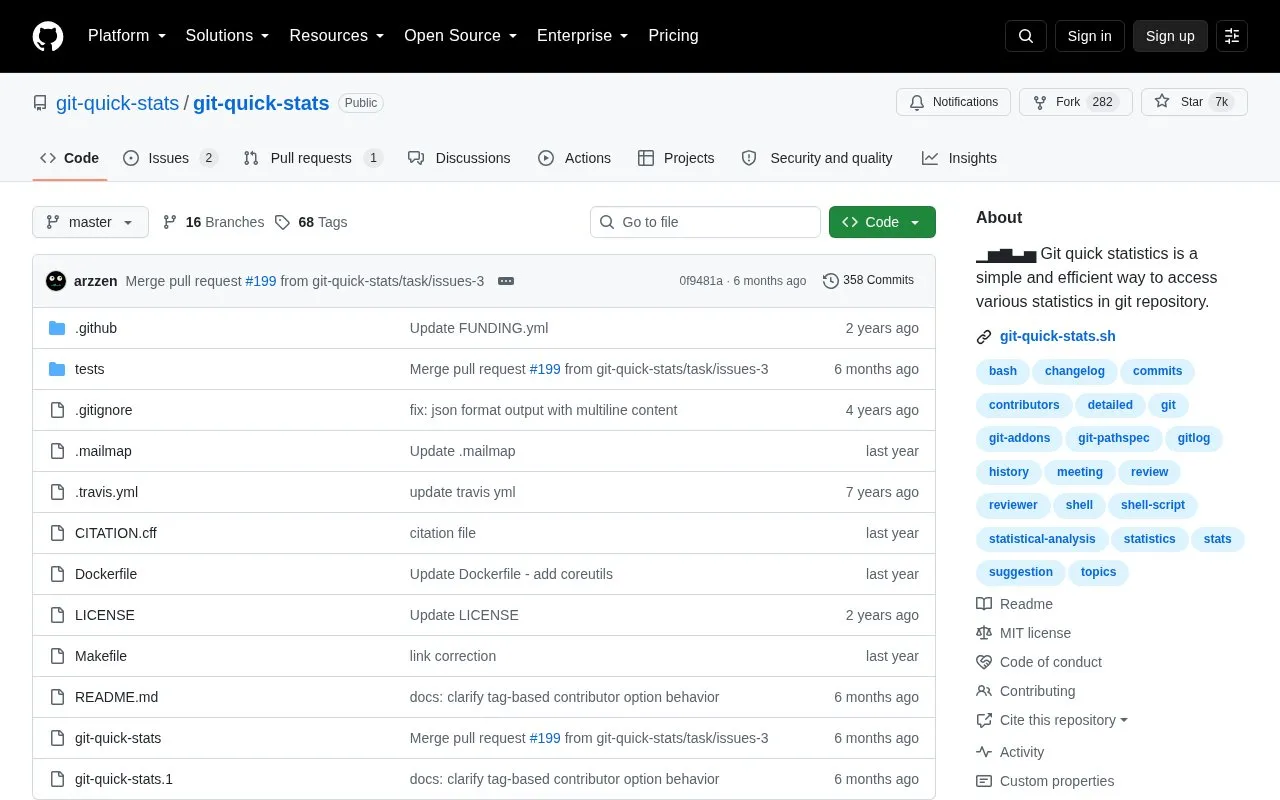
git-quick-stats is a command-line tool that summarizes statistics from a Git repository. It is intended for cases where the relevant Git commands are hard to remember or combine, and it gathers information about commits, contributors, and files in one place. Users can run it through a built-in interactive menu or call a single statistic directly with command-line options.
The tool can show commit counts by author, day, month, year, weekday, hour, and timezone, along with contributor lists and first-time contributors since a given date or tag. It can also produce changelogs, a branch history graph, and calendar heatmaps. Output can be saved as JSON or CSV. Environment variables such as _GIT_SINCE and _GIT_UNTIL limit the history analysed. Those settings stay in effect for all statistics until they are unset. The README lists installation steps for UNIX and Linux, macOS, Windows, and Docker. It is open source and hosted on GitHub.
Tools and sites you could use instead, ranked by how closely they match.
Update multiple repositories with one command using multi-gitter, a tool for coordinated repository changes.
Run Git commands through lazygit, a terminal interface for managing Git repositories.
Extract statistics about commits, contributors, and files from a Git repository with GIT Quick Stats.
git-sim visually simulates Git operations in a repository from a terminal command.
Browse GitHub star and fork rankings, including daily updated top repositories grouped by programming language.
Use Ungit to manage Git repositories through a graphical interface available across platforms.
Well-known listings from the same topic.
Tell us and an editor will check it.
Claim the listing and suggest updates yourself. An editor checks every claim first.


