

Smart Sec Cam
Run a privacy-focused home security camera system with support for multiple USB or Raspberry Pi cameras.
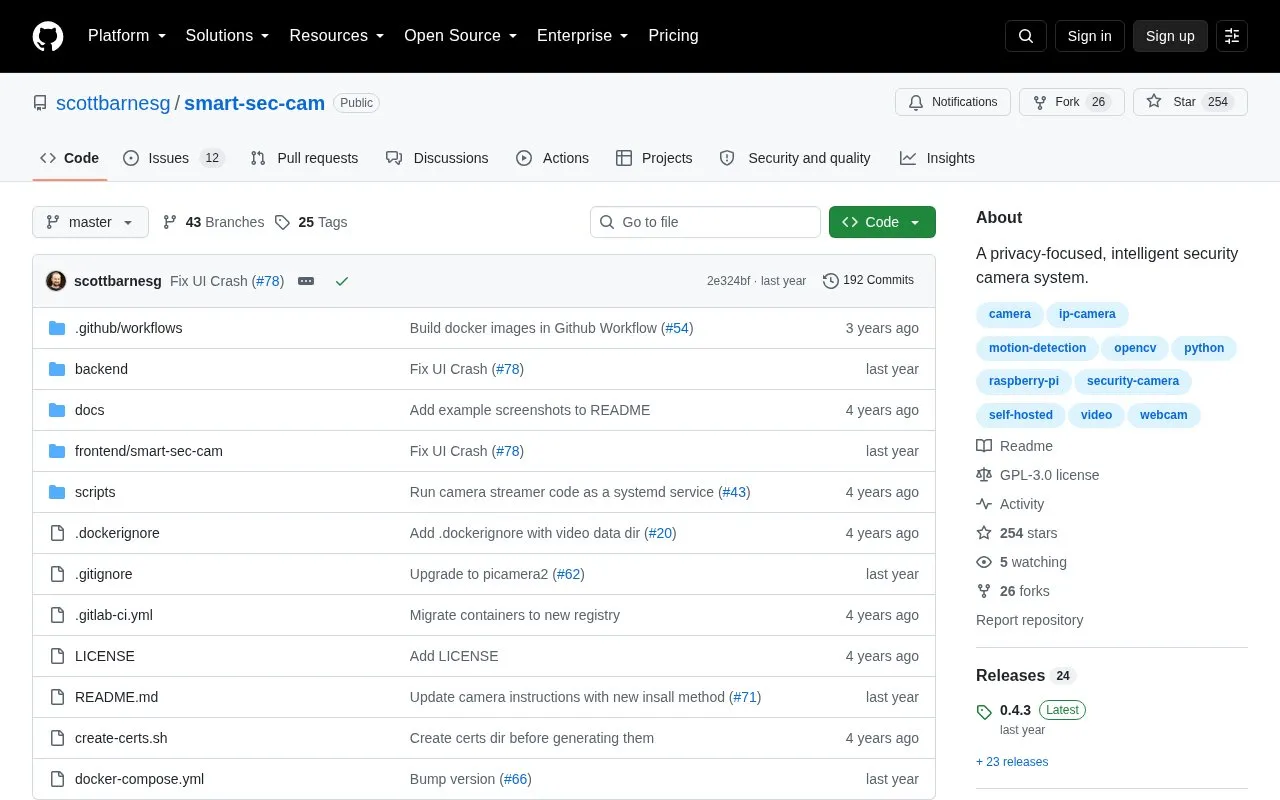
About Smart Sec Cam
Smart Sec Cam is an open source, self-hosted home security camera system. It collects video from multiple USB cameras or Raspberry Pi camera modules, runs motion detection, saves motion-triggered recordings, and makes live feeds and recordings available in a web interface. The project describes itself as privacy-focused. Video is encrypted between the cameras, the server, and the browser, and the system includes user authentication.
Setup involves two components. Each camera must be able to run Python and reach the server over a network. The server must be able to run Docker and be reachable by the cameras. Camera setup instructions assume a Debian-based operating system. Users must also generate SSL certificates or supply their own. The homepage does not describe cloud backup or any external services.
Key features
- Supports multiple USB cameras and Raspberry Pi camera modules
- Motion detection automatically saves videos for viewing in the web app
- Multiple live video feeds shown on a single interface
- Replay of recordings triggered by motion detection
- Encryption in transit between cameras, server, and browser
- Integrated user authentication
Best for: People who want to run their own home camera system on hardware they control and are comfortable with Docker and Linux-based setup.
Good for
- Free and open source under the GPLv3 license
- Self-hosted, so the server runs on the user's own hardware
- Video is encrypted in transit between cameras, server, and browser
Watch out for
- The server requires Docker, and each camera must be able to run Python
- Camera setup instructions assume a Debian-based operating system
- User registration is disabled after the first user until it is enabled manually
Smart Sec Cam at a glance
- Category
- Privacy & Security › Security Tools
- Type
- Open-source project
- Pricing
- Not confirmed. Check the site
- Open source
- Yes · Source code
- Language
- English
- Last checked
- Oct 6, 2026 · Online when checked
- Listed
- Oct 5, 2026
Guides for Security Tools
Smart Sec Cam alternatives
Tools and sites you could use instead, ranked by how closely they match.

Add a proof-of-work CAPTCHA system to an application using the mCaptcha backend component.
FreeOpen source
24 alternatives
Cap offers an open-source, self-hosted CAPTCHA alternative using proof-of-work and instrumentation challenges.
Open source
24 alternatives
Build self-hosted, privacy-respecting CAPTCHA flows with the LibreCaptcha framework.
Open source
24 alternatives
Security and best-practice issues in container images can be checked with Dockle.
Open source
24 alternatives
Check open-source dependencies for vulnerabilities and license compliance with OpenSCA-CLI.
Open source
24 alternatives
Analyze a website with Web Check, an all-in-one tool described as an OSINT utility.
Open source
24 alternativesPopular in Security Tools
Well-known listings from the same topic.
Online Password Hash Crackonlinehashcrack.comOTP Authapps.apple.com/app/otp-auth/id659877384MD5 reverse lookupmd5.gromweb.comMozilla SSLssl-config.mozilla.orgchallenges.rechallenges.reGoPlus Locker V3gopluslabs.io


Smart Sec Cam FAQ
Which types of cameras are supported?
The system supports USB cameras and the Raspberry Pi camera module.
Can the server run on one of the cameras?
Yes. The server can run as a standalone host or on one of your cameras, such as a Raspberry Pi.
How are additional users added?
User registration is disabled once the initial user is created. To add users, set ENABLE_REGISTRATION to 1 under the server service, then set it back to 0 and restart the server when finished.
Is something wrong or out of date?
Tell us and an editor will check it.
Own this website?
Claim this listing
Claim the listing and suggest updates yourself. An editor checks every claim first.