MouseTester.io checks mouse buttons and scrolling, and reports click timing, polling rate, and double-click behavior.
StrokeIt
StrokeIt adds mouse gestures to Windows, with plugins and support for multi-button mice.
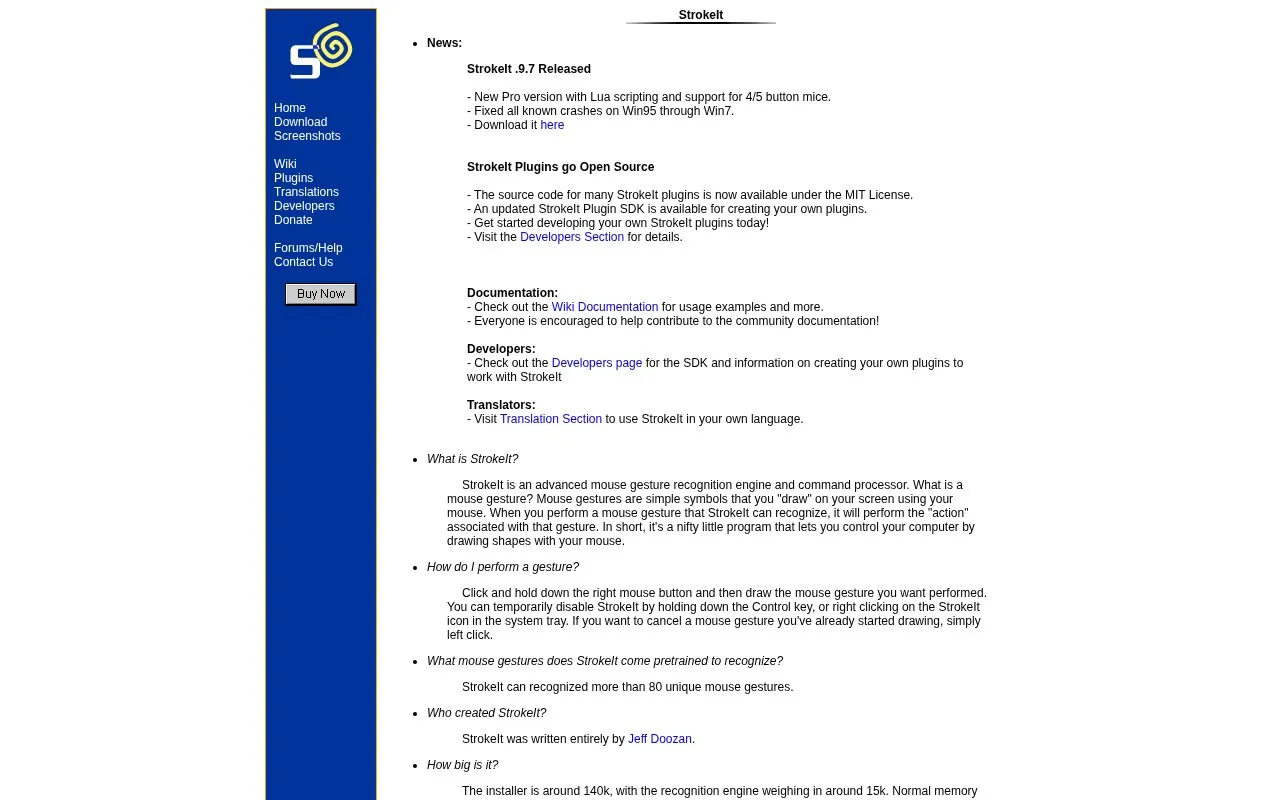
About StrokeIt
StrokeIt is a mouse gesture recognition engine and command processor for Windows. The user holds the right mouse button and draws a shape on screen, and StrokeIt runs the action linked to that gesture. The homepage states that StrokeIt recognizes more than 80 pretrained gestures. Users can temporarily disable it by holding the Control key or right-clicking its system tray icon, and cancel a gesture in progress with a left click. The homepage describes the installer as about 140k, the recognition engine as about 15k, and typical memory use as between 90k and 300k. It requires no additional files or libraries.
StrokeIt supports plugins. The homepage says the source code for many plugins is available under the MIT License and that a Plugin SDK is available for creating new plugins. The homepage also describes a Pro version with Lua scripting and support for 4 and 5 button mice. StrokeIt is free for individual and not-for-profit charitable use, excluding governmental entities and educational institutions. For-profit businesses, governmental entities, and educational institutions can purchase licenses, which the homepage lists at $10 each. Distribution licenses are available for developers who want to bundle StrokeIt with their applications.
Key features
- Recognizes more than 80 pretrained mouse gestures
- Runs a configured action when a recognized gesture is drawn
- Plugin support with a Plugin SDK for creating custom plugins
- Lua scripting in the Pro version
- Support for 4 and 5 button mice in the Pro version
- Temporary disable with the Control key or the system tray icon
Best for: Windows users who want to run commands by drawing gestures with the mouse, and developers who want to build plugins or bundle the technology with their own applications.
Good for
- Small footprint: installer about 140k, typical memory use 90k to 300k, and no additional files or libraries required
- Source code for many plugins is available under the MIT License
- Free for individual and not-for-profit charitable use
Watch out for
- For-profit businesses, governmental entities, and educational institutions must purchase a license
- Lua scripting and support for 4 and 5 button mice are listed only for the Pro version
- Source code is stated as available for many plugins, not all of them
StrokeIt at a glance
- Website
- tcbmi.com/strokeit
- Category
- Software & Utilities › Hardware & Diagnostics
- Type
- Website
- Pricing
- Not confirmed. Check the site
- Platforms
- Web, Windows
- Open source
- Not stated
- Last checked
- Oct 6, 2026 · Online when checked
- Listed
- Oct 5, 2026
StrokeIt alternatives
Tools and sites you could use instead, ranked by how closely they match.
Popular in Hardware & Diagnostics
Well-known listings from the same topic.
PC Managerpcmanager.microsoft.comDolby Accessapps.microsoft.com/detail/9n0866fs04w8RAMMaplearn.microsoft.com/en-us/sysinternals/downloa…AppControlappcontrol.comUNIGINE Benchmarksbenchmark.unigine.comVIAcaniusevia.com


StrokeIt FAQ
How do I perform a gesture?
Click and hold the right mouse button, then draw the gesture. Holding the Control key or right-clicking the system tray icon temporarily disables StrokeIt. A left click cancels a gesture you have started.
Who can use StrokeIt for free?
The homepage says StrokeIt is free for individual and not-for-profit charitable entity use, excluding governmental entities and educational institutions. For-profit business entities, governmental entities, or educational institutions can purchase licenses for $10 each.
Can I use StrokeIt in my own program?
The homepage says developers can download the SDK to create plugins that interact with their applications. Distribution licenses are also available for developers who want to bundle StrokeIt with their applications.
Is something wrong or out of date?
Tell us and an editor will check it.
Own this website?
Claim this listing
Claim the listing and suggest updates yourself. An editor checks every claim first.