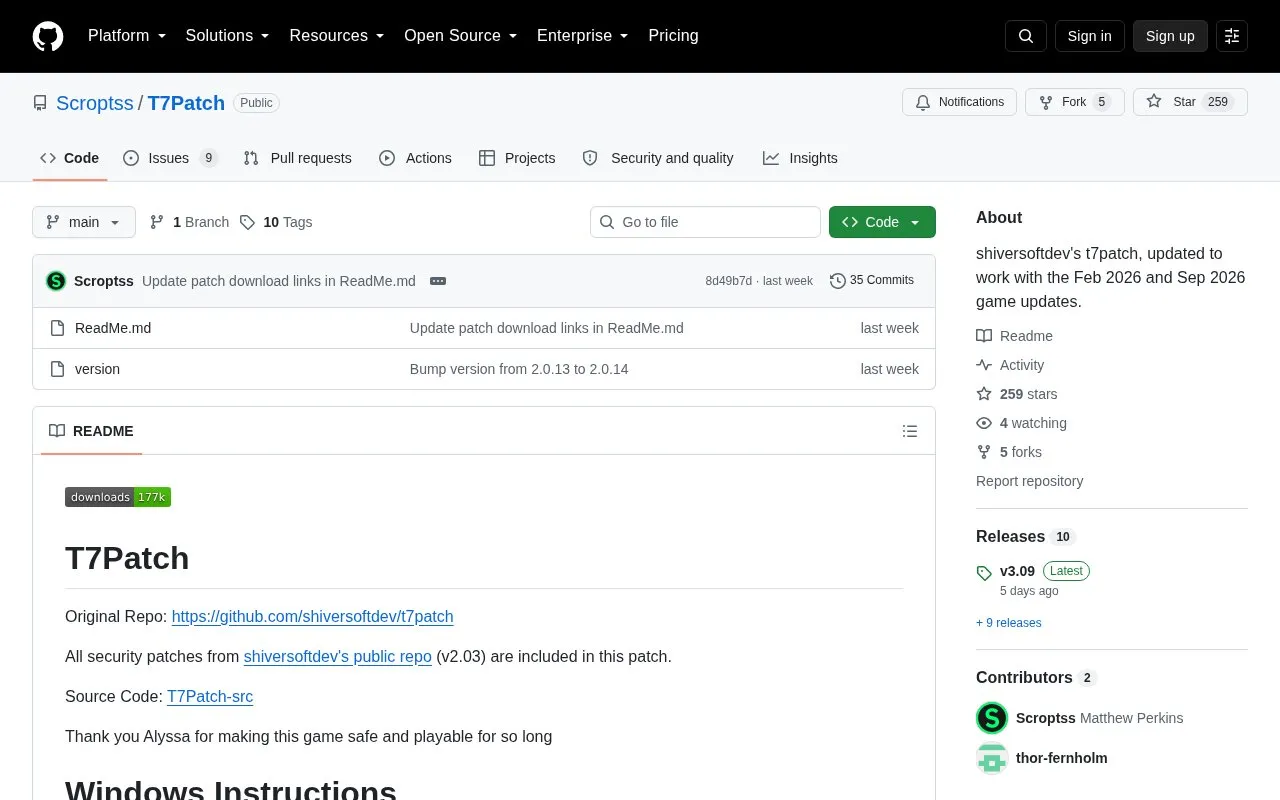
t7patch is a patch project for T7 game installations, based on shiversoftdev's t7patch. This version is updated to work with the Feb 2026 and Sep 2026 game updates and includes all security patches from shiversoftdev's public repo (v2.03). It provides separate setup instructions for Windows and for Linux/Steam Deck, where the patch is extracted into the Black Ops 3 installation folder and configured through Steam launch options and a t7patch.conf settings file.
Key features
Includes all security patches from shiversoftdev's public repo (v2.03)
Updated to work with the Feb 2026 and Sep 2026 game updates
Windows patch download, extracted into a folder
Linux/Steam Deck install into the Black Ops 3 installation folder
Optional network password for non-matchmaking play
Editable t7patch.conf settings, including while the game runs
Best for: Players running T7 (Black Ops 3) on Windows or Linux/Steam Deck who want shiversoftdev's t7patch security patches applied to recent game updates.
Good for
Carries over all security patches from shiversoftdev's public repo v2.03
Updated for the Feb 2026 and Sep 2026 game updates
Separate step-by-step install paths for Windows and Linux/Steam Deck
Watch out for
A network password only works if everyone you play with uses the same password, and it must be cleared to return to normal matchmaking
As of update 2.03, Windows users must extract all patch files into a folder
Download the patch, then extract all of the files into a folder. As of update 2.03, extracting all files into a folder is required.
How do I install the patch on Linux or Steam Deck?
Download the Linux zip and extract the files into your Black Ops 3 installation folder, then open Steam properties, change the launch options, change your Proton version, and enable Steam Play compatibility.
What is the network password for?
If you are not playing in matchmaking, setting a network password enables the best protection. Anyone who wants to play with you needs the same password, and you must clear it to play in normal matchmaking again.
Is something wrong or out of date?
Tell us and an editor will check it.
Own this website?
Claim the listing and suggest updates yourself. An editor checks every claim first.