

Talking Face Avatar
This project generates talking-face avatars for characters and game assets using deepfake techniques, according to its repository description.
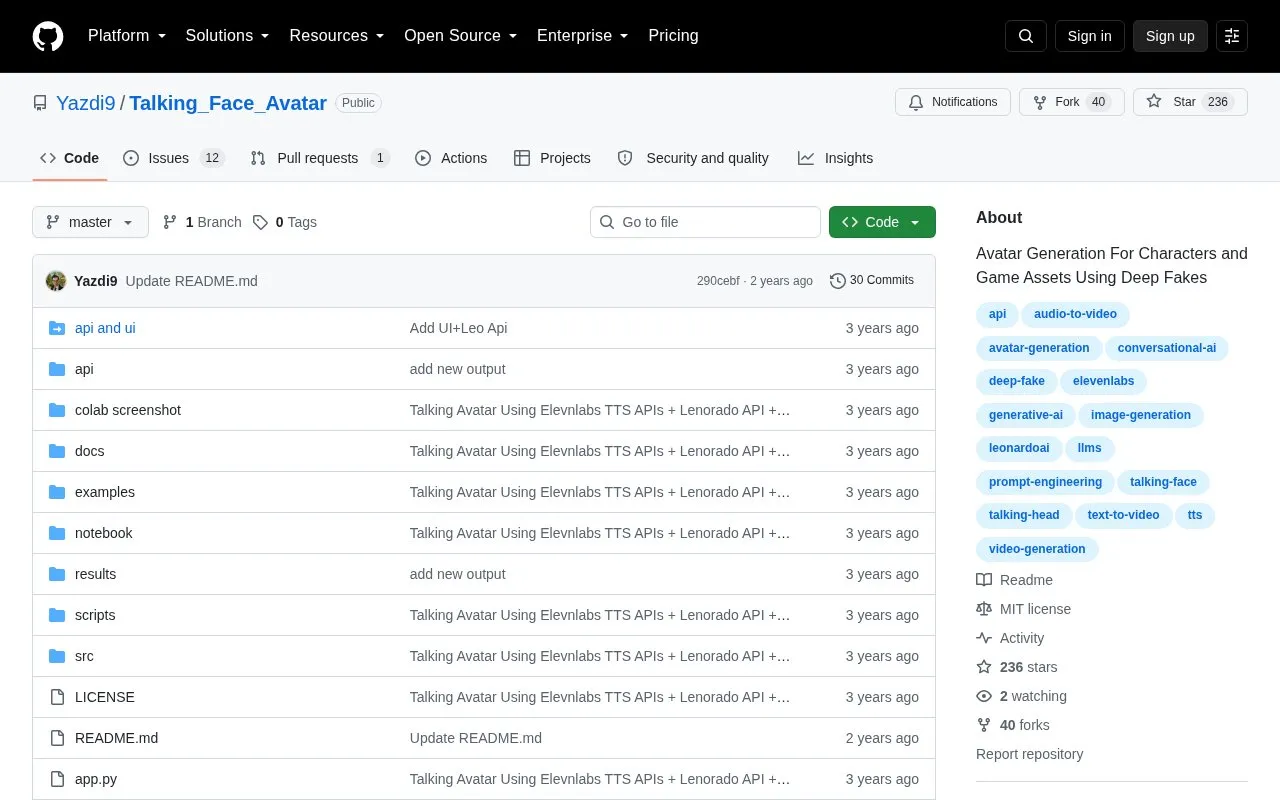
About Talking Face Avatar
Talking Face Avatar is an open-source repository that generates talking-face avatars for characters and game assets using deepfake techniques. Its documented workflow takes a single portrait image and an audio file and produces a talking-head video. The README describes sourcing the portrait from Leonardo.ai and the audio from ElevenLabs text-to-speech, either through their websites or their APIs.
The repository includes a Gradio web interface started with app.py, a command-line inference.py script, and a Colab notebook. It also documents a still mode for generating natural full-body video and an optional GFPGAN enhancer for improving output quality. Setup requires Python, conda, a CUDA-specific PyTorch build, and ffmpeg, and the installation steps are written for Linux. Pretrained model files must be downloaded separately, and the optional TTS package for the web demo must be installed manually. Text and image prompts entered into the Leonardo.ai and ElevenLabs steps are processed by those third-party services.
Key features
- Generates a talking-head video from one portrait image and one audio file
- Optional GFPGAN enhancer to improve the quality of generated video
- Still mode for generating a natural full-body video
- Gradio web interface launched with app.py
- Command-line inference.py script for animating portrait images
- Script for downloading the required pretrained model files
Best for: Developers and technical artists who are comfortable setting up Python and CUDA environments and running deep learning models locally.
Good for
- Provides both a web interface and command-line scripts
- Includes a Colab notebook option
- Source code is published as an open-source repository with a LICENSE file
Watch out for
- Installation steps are written for Linux and require a manual Python and CUDA setup
- Pretrained model files must be downloaded separately
- The optional TTS package must be installed manually for the web demo
Talking Face Avatar at a glance
- Category
- Design & Creative › Video Editing & Animation
- Type
- Open-source project
- Pricing
- Not confirmed. Check the site
- Open source
- Yes · Source code
- Language
- English
- Last checked
- Oct 6, 2026 · Online when checked
- Listed
- Oct 5, 2026
Guides for Video Editing & Animation

Popular in Video Editing & Animation
Well-known listings from the same topic.
Animakeranimaker.com8mb.video8mb.videoASM Lessonsgithub.com/FFmpeg/asm-lessonsCuttrcuttr.inVideo Cuttervideo-cutter-js.comFreeMoCapfreemocap.org


Talking Face Avatar FAQ
What inputs does the tool need to produce a talking-head video?
The basic command takes an audio file through --driven_audio and a source image or video through --source_image. Results are saved in the results folder as MP4 files.
How are the pretrained models set up?
The README says to run the script scripts/download_models.sh, which places the model files in the folders the project expects.
Is something wrong or out of date?
Tell us and an editor will check it.
Own this website?
Claim this listing
Claim the listing and suggest updates yourself. An editor checks every claim first.