

Create disposable email addresses from multiple domains with Spambox to receive messages separately.
TempM
Create temporary inboxes across multiple domains with TempM, which does not require passwords.
About TempM
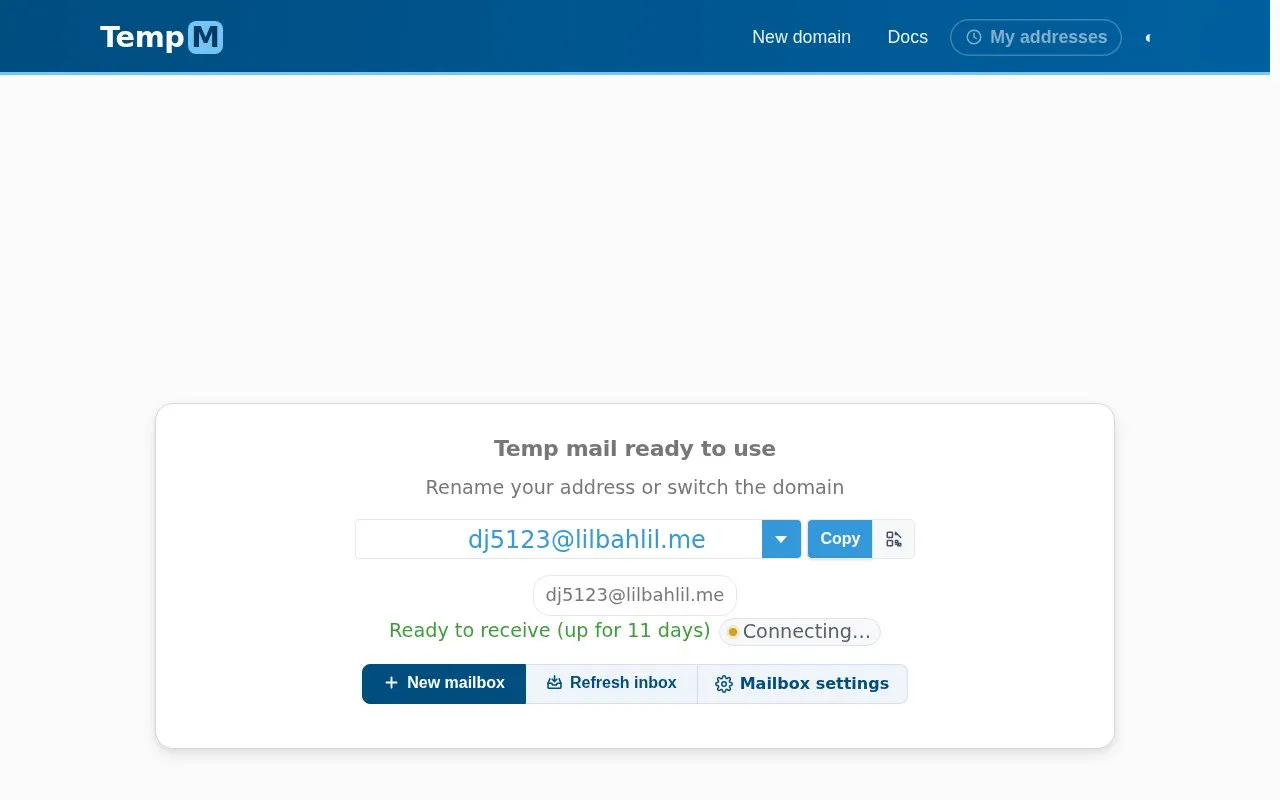
TempM creates temporary email addresses across multiple domains without requiring a password or login. Users can rename an address or switch domains, set pop-up and sound notifications, and connect an owned domain by adding an MX record pointing to tempm.com. Inboxes load new mail automatically and remain active even when offline.
Mailboxes can only receive mail and cannot send it. All mailboxes are publicly available, so they are intended for sign-ups and tests rather than private mail. Shared domains may be refused by some websites, and addresses remain usable as long as the domain is active.
Key features
- Create temporary addresses across multiple domains
- Rename address or switch to another domain
- Use owned domain by pointing MX record to tempm.com
- Inbox loads new mail automatically without reload
- Enable pop-up and sound alerts for arrivals
- Filter domain list by second-level, wildcard, punycode
Best for: People who need a receive-only address for sign-ups, downloads, or tests instead of using a personal inbox.
Good for
- No password or login required to open and use an address
- Supports using an owned domain to avoid blocks on shared domains
- Mailboxes stay active when offline and show new mail without reload
Watch out for
- Can only receive mail; cannot send mail
- All mailboxes are publicly available to anyone
- Some websites refuse addresses from known shared domains
TempM at a glance
- Website
- tempm.com
- Category
- Privacy & Security › Private Email
- Type
- Website
- Pricing
- Not confirmed. Check the site
- Platforms
- Web
- Open source
- Not stated
- Language
- English
- Last checked
- Oct 5, 2026 · Online when checked
- Listed
- Oct 5, 2026
TempM alternatives
Tools and sites you could use instead, ranked by how closely they match.

Create a temporary inbox without a signup, password, or ads to receive email and verification codes.
Free trial
24 alternatives
Fake Email provides password-free temporary email addresses for anonymous use, with spam protection and an inbox ready for registration messages.
Free
24 alternatives
Create a temporary inbox with Xeramail without signing up, using a random or custom address and domain.

Create a temporary .com, .edu, or custom-domain email address with eTempMail and manage it through the inbox.

Ghost Inbox creates a free temporary email address without registration, letting users choose a name and domain and open its inbox.
Popular in Private Email
Well-known listings from the same topic.
Send Emailduckduckgo.com/duckduckgo-help-pages/email-pro…Bitwarden Integrationbitwarden.com/help/generatorDuckDuckGo Email Protectionduckduckgo.com/emailTempTomtemptom.comForward Emailforwardemail.netGmailnatoremailnator.com


TempM FAQ
Can I send email from TempM?
No. TempM can only receive emails and never sends emails.
Do I need a password to use an address?
No password or login is needed, but all mailboxes are publicly available to all.
How do I use my own domain with TempM?
Add an MX record for tempm.com to your domain's DNS settings, then open addresses at https://tempm.com/your-domain.com without creating mailboxes first.
Is something wrong or out of date?
Tell us and an editor will check it.
Own this website?
Claim this listing
Claim the listing and suggest updates yourself. An editor checks every claim first.