

This DuckDuckGo help page explains how to send a new message from a personal Duck Address by replying or using a special recipient format.
Pick
24 alternativesThis Bitwarden help article explains how to use its username and password generator to create account credentials.
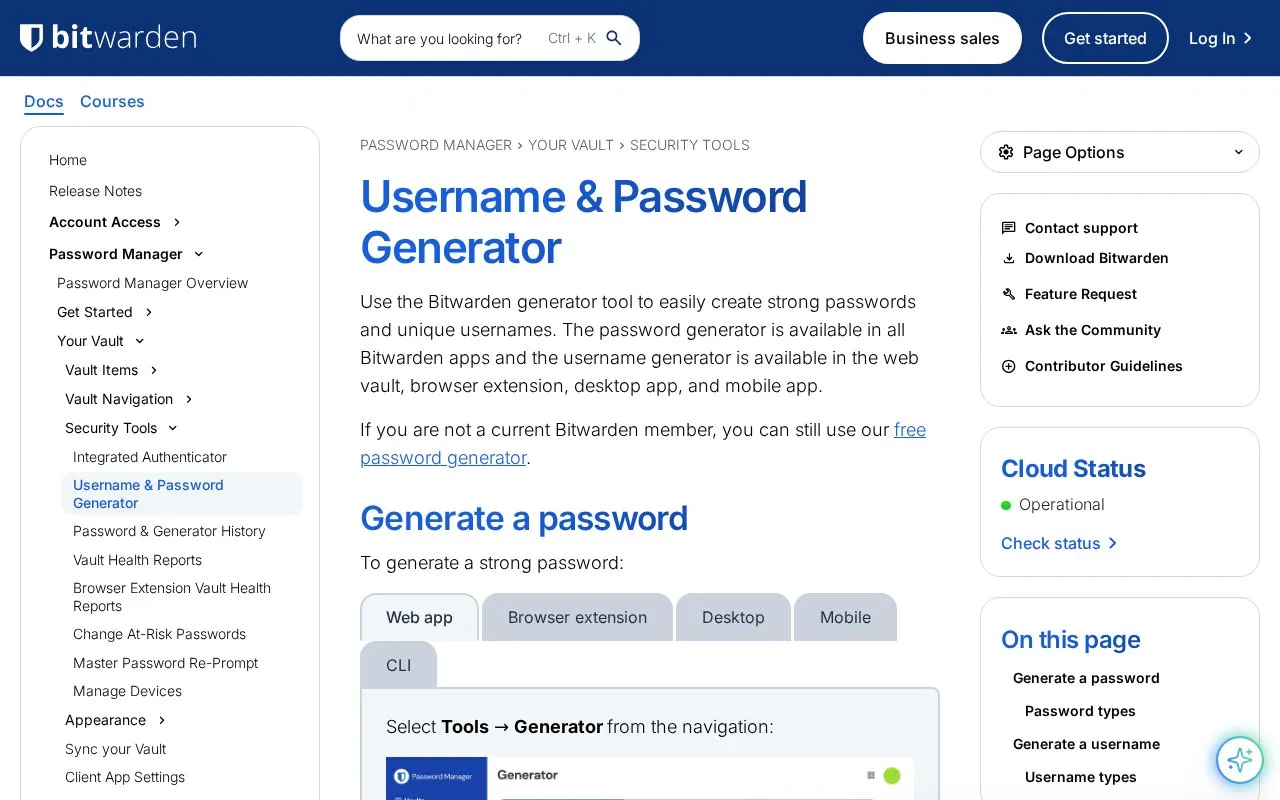
This page is a Bitwarden help article titled Username & Password Generator. It explains how to use the generator tool to create passwords and usernames for accounts.
The article covers generating passwords from the Tools → Generator section, from Add or Edit Item screens, from the browser inline autofill menu, and with the CLI bw generate command. It lists password options such as length, character types, minimum numbers and special characters, and avoiding ambiguous characters, as well as passphrase options such as number of words, separator, capitalization, and including a number. It also covers generating a username from the generator tool or the Username field, and viewing unsaved passwords and usernames in Generator history.
It suits people who use Bitwarden in the web vault, browser extension, desktop app, or mobile app and want instructions for creating credentials. Non-members can also use the information about the free password generator.
Tools and sites you could use instead, ranked by how closely they match.
This DuckDuckGo help page explains how to send a new message from a personal Duck Address by replying or using a special recipient format.
SimpleLogin documentation explains how to send email from an alias, including replying to a message received through that address.
Send From Duck explains how to send email from a Duck Address, including available ways to start a message using the alias.
Create a temporary inbox without a signup, password, or ads to receive email and verification codes.
Fake Email provides password-free temporary email addresses for anonymous use, with spam protection and an inbox ready for registration messages.
Create temporary inboxes across multiple domains with TempM, which does not require passwords.
Well-known listings from the same topic.
Tell us and an editor will check it.
Claim the listing and suggest updates yourself. An editor checks every claim first.


