
Bitwarden
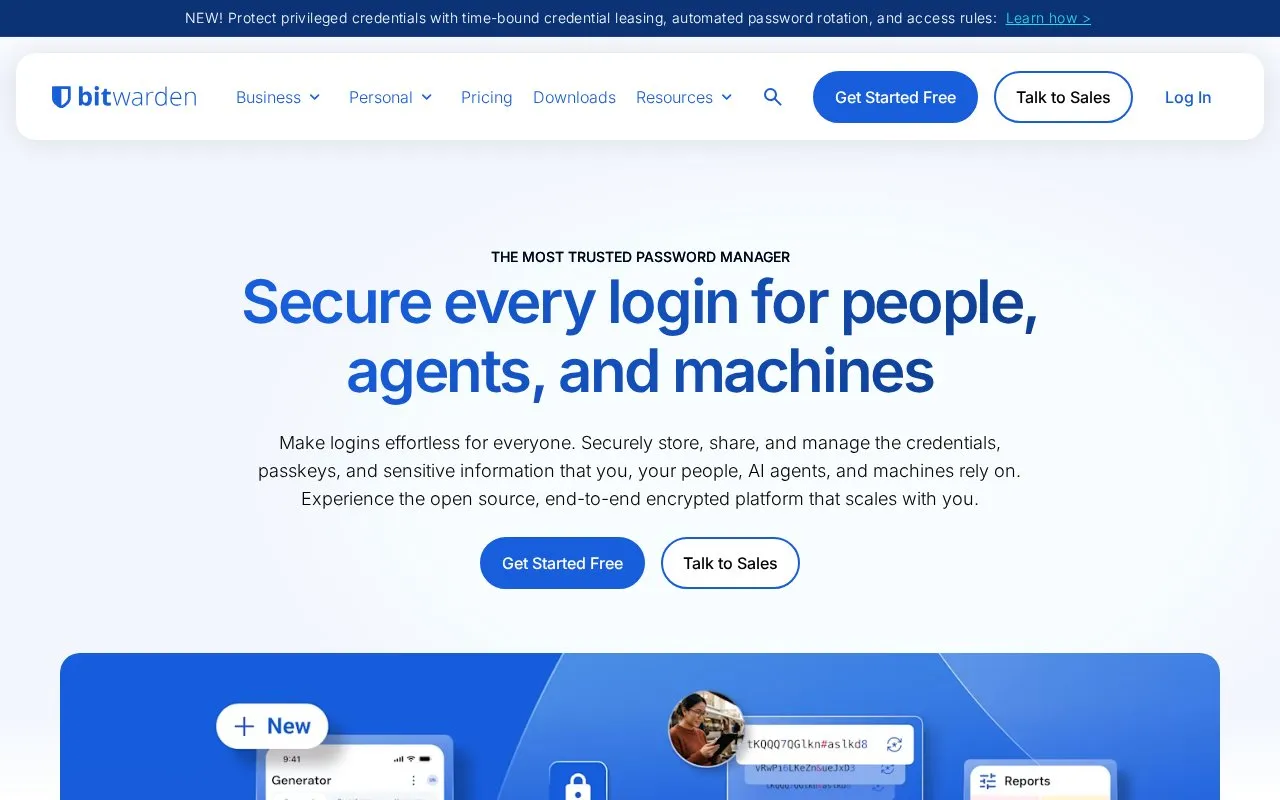
Bitwarden stores and syncs passwords and passkeys through browser extensions, desktop and mobile apps, and a web vault. It offers free accounts and paid personal and business plans.
About Bitwarden
Bitwarden keeps passwords and passkeys in a vault that you can access through browser extensions, desktop and mobile apps, or the web. It also stores secure notes, payment cards and identity details, and includes a generator for passwords and usernames. The free individual plan supports unlimited passwords and devices, which makes it a practical starting point if you use several browsers or move between a computer and phone.
Sharing and paid extras need a little more planning. A free organization lets two people share items; Families and business plans cover larger groups and add management features. Premium adds encrypted file attachments, an integrated code generator for two-step logins, and emergency access. Those extras are separate from the core password vault. Before relying on any password manager, decide how you will regain access if you forget the master password. Bitwarden support cannot recover a forgotten master password. Some recovery options, including administrator recovery for enrolled organization accounts, need to be set up before access is lost.
Key features
- Password and passkey storage with syncing across devices.
- Browser extensions, a web vault, and desktop and mobile apps.
- Password and username generator, plus secure notes, cards and identities.
- A free organization for sharing vault items with one other person.
- Paid plans with attachments, integrated TOTP codes and emergency access.
Best for: People who want a password vault across several devices, with a free starting plan and options for family or workplace sharing.
Good for
- The free plan supports unlimited passwords and devices.
- Native apps and browser extensions cover the main desktop and mobile systems.
- Two people can share selected items through a free organization.
Watch out for
- Attachments, integrated TOTP generation and emergency access require premium access.
- Larger sharing groups need a suitable organization plan.
- Recovery options need preparation; Bitwarden support cannot recover a forgotten master password.
Bitwarden at a glance
- Website
- bitwarden.com
- Category
- Privacy & Security › Password Managers
- Type
- App
- Pricing
- Freemium
- Platforms
- Android, Browser extension, iOS, Linux, macOS, Web, Windows
- Details verified
- Oct 20, 2026 · Official source
- Open source
- Yes · Source code
- Language
- English
- Last checked
- Oct 5, 2026 · Online when checked
- Listed
- Oct 5, 2026
Guides for Password Managers
Bitwarden alternatives
Tools and sites you could use instead, ranked by how closely they match.

Keyguard manages passwords in Bitwarden-compatible accounts and KeePass KDBX files, with login autofill, passkeys, offline use, and password issue checks.

Store passwords and two-factor authentication tokens locally with 2FAS, which offers mobile apps and a browser extension.

Store, sync, and autofill passwords, passkeys, and email aliases with Proton Pass, an end-to-end encrypted password manager.
FreePick
24 alternatives
Manage KeePass-compatible password databases with AuthPass, a free app for mobile and desktop systems.

KeePassXC is a free, open-source password manager for Windows, macOS and Linux. It stores passwords and other records in an encrypted database file and supports autofill.
FreeOpen source
24 alternatives
Keepass2Android, an Android password manager, that stores passwords and sensitive information in a protected database file, with sync options.
Open source
24 alternativesBitwarden comparisons
Featured in
 8 sites

Best of
8 Best Free Password Managers in 2026
Bitwarden is my first pick among free password managers for a mix of phones, computers, and browsers. Proton Pass is…
Popular in Password Managers
Well-known listings from the same topic.


Bitwarden FAQ
Can I sync passwords between my computer and phone for free?
Yes. The free individual plan includes access across devices. Bitwarden provides desktop apps, browser extensions and mobile apps.
Does Premium automatically create a shared family vault?
No. Premium upgrades an individual account. Sharing uses an organization, such as the free two-person organization or a paid Families plan.
Is something wrong or out of date?
Tell us and an editor will check it.
Own this website?
Claim this listing
Claim the listing and suggest updates yourself. An editor checks every claim first.