
Kee Pass Xc Getting Started
The KeePassXC getting started guide covers installation, interface basics, settings, and operations such as creating and storing a password database.
About Kee Pass Xc Getting Started
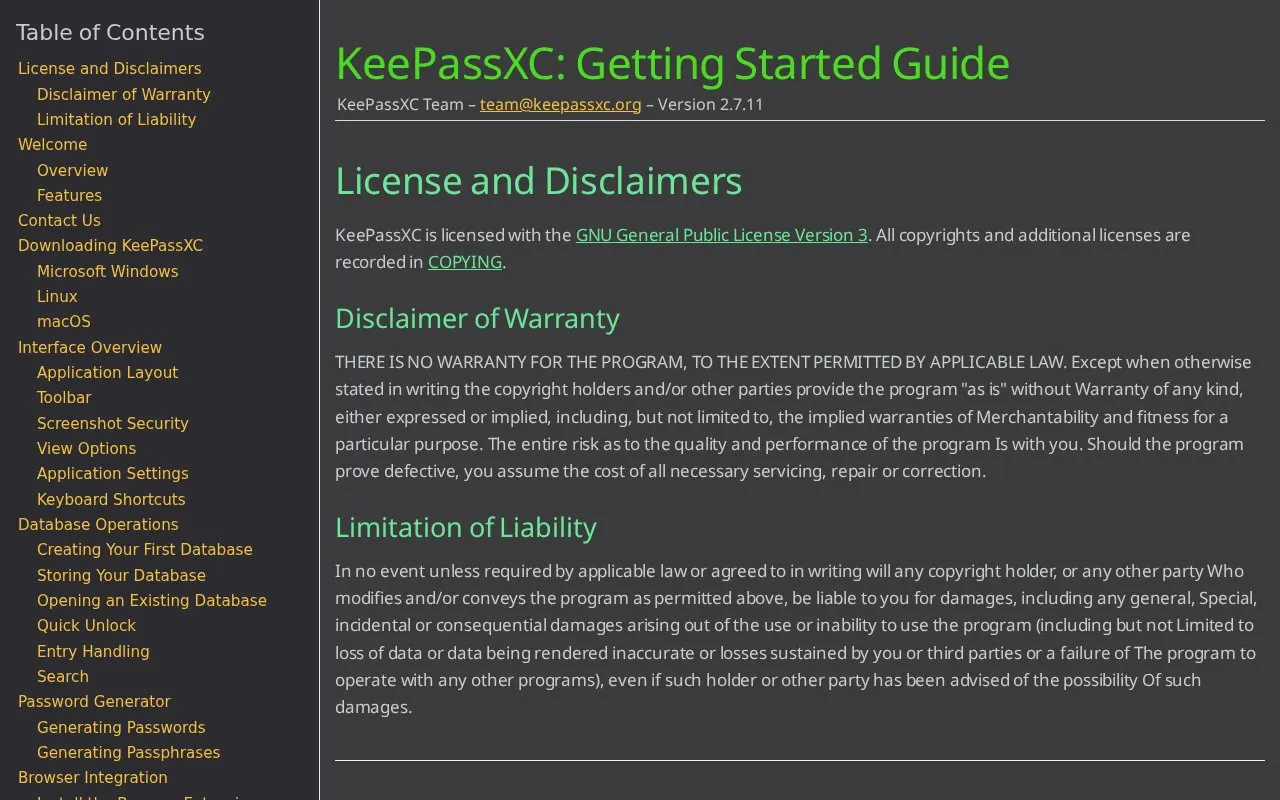
This page is the KeePassXC Getting Started Guide. It covers downloading and installing on Windows, macOS, and Linux, interface basics, application settings, and database operations such as creating, storing, and opening a database.
It describes KeePassXC as storing usernames, passwords, URLs, attachments, and notes in an offline, encrypted KDBX file that can be kept in a chosen location, including private and public cloud solutions. While a database is open, contents are decrypted in computer memory, with access controls that do not apply to applications with administrative rights.
Key features
- Create, open, and save databases in KDBX format
- Store usernames, passwords, URLs, notes, and attachments in entries
- Generate passwords and passphrases with customizable options
- Auto-Type passwords into applications
- Import from CSV, 1Password, Bitwarden, Proton Pass, and KeePass1
- TOTP storage and generation
Best for: People installing KeePassXC on Windows, macOS, or Linux who want instructions for setup and basic use.
Good for
- Database contents remain encrypted within the KDBX file when stored
- Runs on Windows, macOS, and Linux systems
- Includes password generator, Auto-Type, and TOTP generation
Watch out for
- Contents are decrypted in computer memory while the database is open
- Memory access controls do not block applications with administrative rights
- Program is provided as is without warranty
Kee Pass Xc Getting Started at a glance
- Category
- Privacy & Security › Password Managers
- Type
- Website
- Pricing
- Not confirmed. Check the site
- Platforms
- Browser extension, Linux, macOS, Web, Windows
- Open source
- Not stated
- Language
- English
- Last checked
- Oct 5, 2026 · Online when checked
- Listed
- Oct 5, 2026
Guides for Password Managers
Kee Pass Xc Getting Started alternatives
Tools and sites you could use instead, ranked by how closely they match.

Store passwords and two-factor authentication tokens locally with 2FAS, which offers mobile apps and a browser extension.

Awesome KeePass curates KeePass-compatible clients, libraries, plugins, tools, security research, and documentation in one project list.
Open source
24 alternatives
KeePassXC is a free, open-source password manager for Windows, macOS and Linux. It stores passwords and other records in an encrypted database file and supports autofill.
FreeOpen source
24 alternatives
Bitwarden stores and syncs passwords and passkeys through browser extensions, desktop and mobile apps, and a web vault. It offers free accounts and paid personal and business plans.
FreemiumOpen sourcePick
24 alternatives
Keepass2Android, an Android password manager, that stores passwords and sensitive information in a protected database file, with sync options.
Open source
24 alternativesStore passwords in an encrypted local database protected by a master key with KeePass.
Popular in Password Managers
Well-known listings from the same topic.
Proton Passproton.me/passgopassgopass.pwStratumstratumauth.comKeePassiumkeepassium.comKeeWebkeeweb.infoAuthPassauthpass.app


Kee Pass Xc Getting Started FAQ
Where can a KeePassXC database be stored?
In an offline, encrypted file in any location, including private and public cloud solutions.
Which systems can run KeePassXC?
Windows, macOS, and Linux systems.
Which formats can be imported?
CSV, 1Password, Bitwarden, Proton Pass, and KeePass1 formats.
Is something wrong or out of date?
Tell us and an editor will check it.
Own this website?
Claim this listing
Claim the listing and suggest updates yourself. An editor checks every claim first.