
gopass
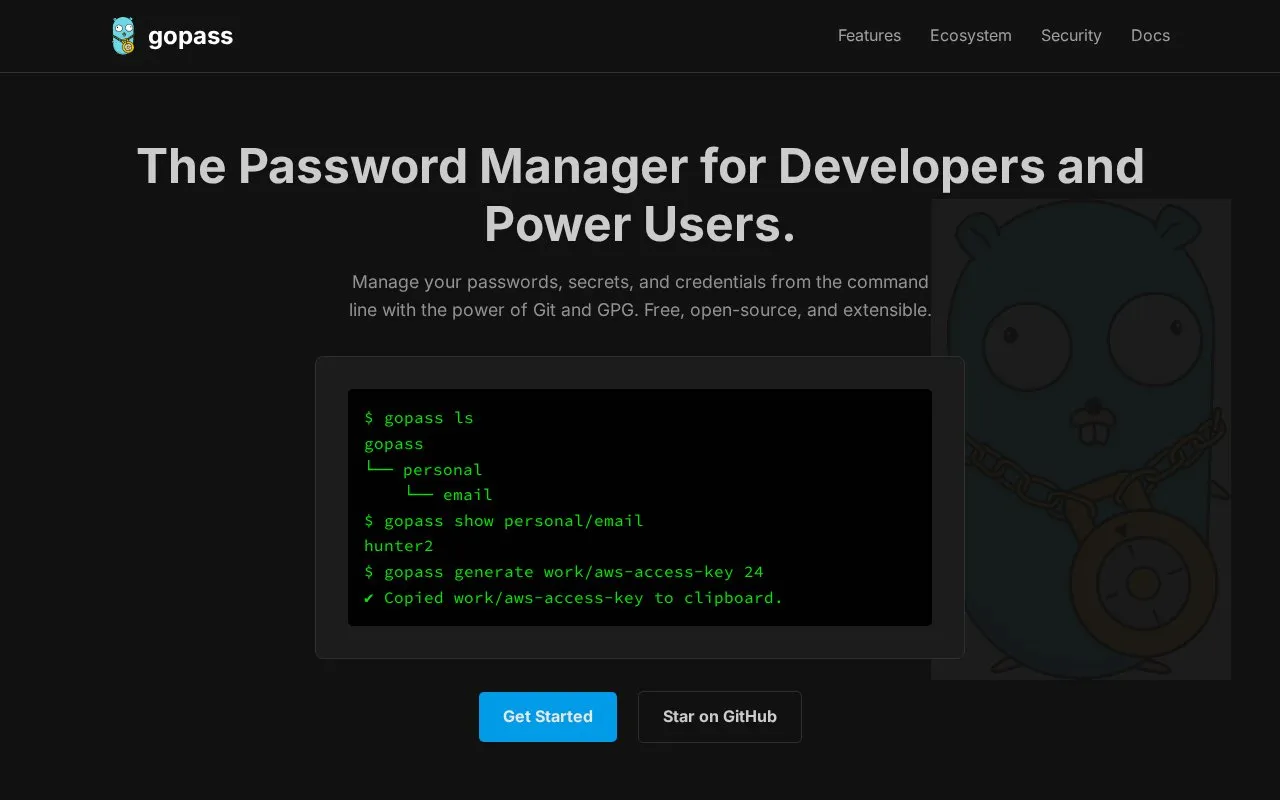
Manage passwords, secrets, and credentials from the command line with gopass and Git or GPG storage.
About gopass
gopass is a command-line password manager for developers and power users. It manages passwords, secrets and credentials from the terminal, encrypts stored secrets with GPG, and can use Git to keep a change history and sync the store across devices. The homepage says data is stored locally, under the user's control.
Key features
- Command-line interface
- GPG encryption for stored secrets
- Git version history for the password store
- Built-in password generation
- Secret sharing with team or family members
- Optional browser, Git credential and breach check add-ons
Best for: Developers and power users who prefer working in the terminal.
Good for
- Private keys are described as staying on the user's machine
- Source code is linked from the official homepage
Watch out for
- Built around the terminal rather than a graphical interface
gopass at a glance
- Website
- gopass.pw
- Category
- Privacy & Security › Password Managers
- Type
- App
- Pricing
- Free
- Platforms
- Linux, macOS, Windows
- Details verified
- Oct 22, 2026 · Official source
- Open source
- Yes · Source code
- Language
- English
- Good for
- Developers
- Last checked
- Oct 5, 2026 · Online when checked
- Listed
- Oct 5, 2026
Guides for Password Managers
gopass alternatives
Tools and sites you could use instead, ranked by how closely they match.

The 2FA Directory lists websites and services that support two-factor authentication, including options such as SMS, email, calls, and security keys.
Free
24 alternatives
OTPClient manages desktop TOTP and HOTP tokens with a GTK4 interface, QR and URI import, and command-line integration.
Open source
24 alternatives
Bitwarden stores and syncs passwords and passkeys through browser extensions, desktop and mobile apps, and a web vault. It offers free accounts and paid personal and business plans.
FreemiumOpen sourcePick
24 alternatives
Manage KeePass-compatible passwords with KeeWeb, available as a desktop app and online web app.
Free
24 alternatives
Manage KeePass-compatible password databases with AuthPass, a free app for mobile and desktop systems.

KeePassXC is a free, open-source password manager for Windows, macOS and Linux. It stores passwords and other records in an encrypted database file and supports autofill.
FreeOpen source
24 alternativesPopular in Password Managers
Well-known listings from the same topic.


gopass FAQ
How is gopass installed?
The homepage shows installation through package managers, with examples for brew on macOS and pacman on Arch Linux.
Is something wrong or out of date?
Tell us and an editor will check it.
Own this website?
Claim this listing
Claim the listing and suggest updates yourself. An editor checks every claim first.