
2FAS
Store passwords and two-factor authentication tokens locally with 2FAS, which offers mobile apps and a browser extension.
About 2FAS
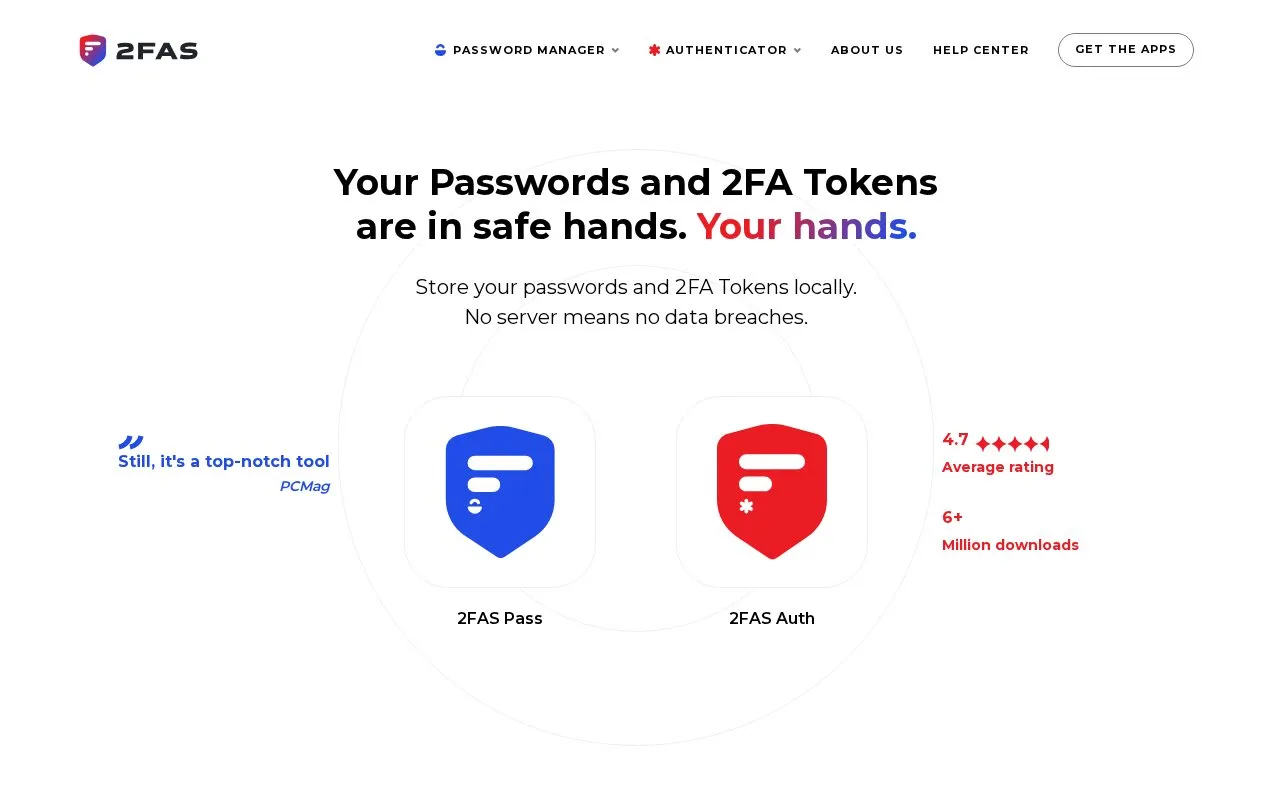
2FAS is an authenticator and password manager available as native iOS and Android apps and a browser extension. It stores passwords and two-factor authentication tokens locally on the device, requires no account, and offers optional cloud or manual backup. It also provides three security tiers, token customization, and an Apple Watch app. The site says the source code is public and a cryptography white paper documents its algorithms.
According to the site, data stays on the device unless the user chooses otherwise; optional cloud backup and browser extension sharing are user-controlled exceptions. Pricing is not listed in the source.
Key features
- Local-first storage for passwords and 2FA tokens
- No accounts required and anonymous use
- Browser extension shares selected passwords with browser
- Optional cloud and manual backup of tokens
- Three security tiers and token customization
- Native iOS and Android apps; works offline
Best for: Individuals who want a local-first authenticator and password manager on iOS or Android with optional browser extension access.
Good for
- Stores passwords and 2FA tokens locally, with no server according to the site.
- No account is required, and the site describes use as anonymous.
- Source code is public and a cryptography white paper documents algorithms.
Watch out for
- No native desktop app is mentioned; browser access is through an extension.
- The site's zero-knowledge and local-first statements are qualified by optional cloud backup and browser extension sharing.
- Open-source status is described inconsistently: the site says source code is public, while the directory lists it as not open source.
2FAS at a glance
- Website
- 2fas.com
- Category
- Privacy & Security › Password Managers
- Type
- Website
- Pricing
- Not confirmed. Check the site
- Platforms
- Android, Browser extension, iOS, Web
- Open source
- Not stated
- Language
- English
- Last checked
- Oct 6, 2026 · Online when checked
- Listed
- Oct 5, 2026
Guides for Password Managers
2FAS alternatives
Tools and sites you could use instead, ranked by how closely they match.

The KeePassXC getting started guide covers installation, interface basics, settings, and operations such as creating and storing a password database.

Awesome KeePass curates KeePass-compatible clients, libraries, plugins, tools, security research, and documentation in one project list.
Open source
24 alternatives
Bitwarden stores and syncs passwords and passkeys through browser extensions, desktop and mobile apps, and a web vault. It offers free accounts and paid personal and business plans.
FreemiumOpen sourcePick
24 alternatives
Ente Auth provides cross-platform two-factor authentication with end-to-end encrypted cloud backups for account tokens.
FreeOpen source
24 alternatives
Manage KeePass-compatible password databases with AuthPass, a free app for mobile and desktop systems.

Use Stratum, an open-source Android app for generating two-factor authentication codes, with encrypted backups, account categories, and a Wear OS companion app.
Featured in
 8 sites


Best of
8 Best Free Authenticator Apps for Codes and Recovery
I'd choose Ente Auth when codes need to work across phones and computers, and Aegis for a local Android vault. These…
Popular in Password Managers
Well-known listings from the same topic.
Proton Passproton.me/passgopassgopass.pwKeePassiumkeepassium.comKeePassXCkeepassxc.orgKeeWebkeeweb.info


2FAS FAQ
Does 2FAS require an account?
No. The site says no accounts are required and that use is anonymous.
Where are passwords and 2FA tokens stored?
They are stored locally on the device by default. The site also offers optional cloud and manual backup.
Is there a browser extension?
Yes. The site says the browser extension shares selected passwords with the browser.
Is something wrong or out of date?
Tell us and an editor will check it.
Own this website?
Claim this listing
Claim the listing and suggest updates yourself. An editor checks every claim first.