
FreeOTPPlus
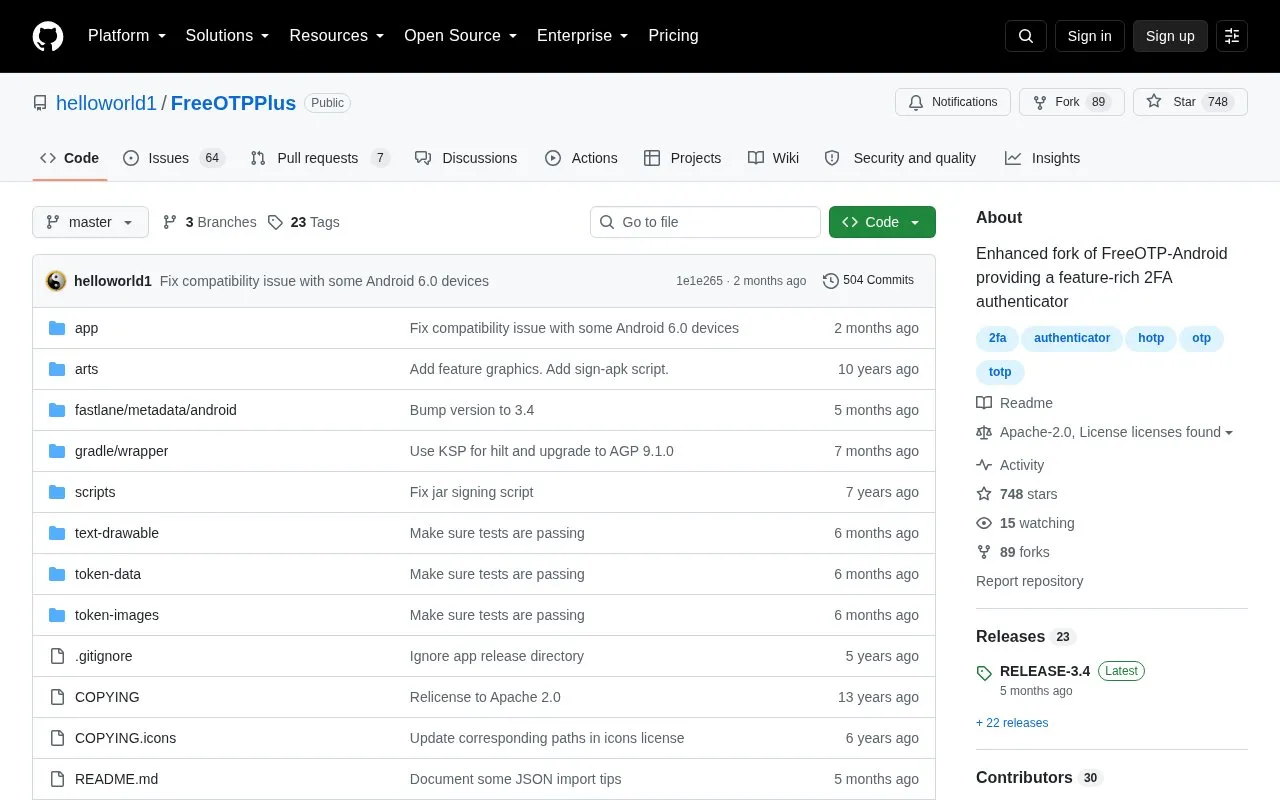
FreeOTP Plus is an Android two-factor authenticator fork with TOTP and HOTP support, import and export options, and token search.
About FreeOTPPlus
FreeOTP Plus is an Android two-factor authenticator based on FreeOTP. It supports TOTP and HOTP tokens and includes token search, categories with filtering, and an option to require biometric or PIN authentication to open the app.
It can import and export settings through Google Drive or other document providers. It requires Android 5.0 or later, and JSON imports skip entries that lack the required issuer, label, secret, or ordering fields.
Key features
- Supports TOTP and HOTP two-factor tokens
- Imports and exports settings via document providers including Google Drive
- Search bar to find stored tokens
- Categorize tokens and filter by category
- Optional biometric or PIN authentication to open app
- Shows additional token details for use with other apps
Best for: Android users who need an open-source app to store and manage two-factor tokens.
Good for
- Open-source code under Apache-2.0 license
- Import and export options for moving settings
- Token search, categories, and optional app lock
Watch out for
- Android only and requires Android 5.0 or later
- JSON import silently ignores entries missing required fields
FreeOTPPlus at a glance
- Category
- Privacy & Security › Password Managers
- Type
- Open-source project
- Pricing
- Not confirmed. Check the site
- Platforms
- Android
- Open source
- Yes · Source code
- Language
- English
- Last checked
- Oct 5, 2026 · Online when checked
- Listed
- Oct 5, 2026
Guides for Password Managers
FreeOTPPlus alternatives
Tools and sites you could use instead, ranked by how closely they match.

OTPClient manages desktop TOTP and HOTP tokens with a GTK4 interface, QR and URI import, and command-line integration.
Open source
24 alternatives
Mauth provides two-factor authentication for Android that supports TOTP and HOTP codes and compatibility with Google Authenticator.
Open source
24 alternatives
Stratum Auth is an Android and Wear OS two-factor authentication client supporting TOTP and HOTP codes, encrypted backups, and account categories.
Open source
24 alternatives
Keepass2Android, an Android password manager, that stores passwords and sensitive information in a protected database file, with sync options.
Open source
24 alternatives
Yubico Authenticator is available for desktop systems and Android, providing access to Yubico Authenticator project releases and source code.
Open source
24 alternatives
Ente provides an open-source, end-to-end encrypted cloud platform with apps for photos, authenticators, and other stored data.
FreemiumOpen source
24 alternativesPopular in Password Managers
Well-known listings from the same topic.
Bitwardenbitwarden.comProton Passproton.me/passgopassgopass.pwStratumstratumauth.comKeePassiumkeepassium.comKeePassXCkeepassxc.org


FreeOTPPlus FAQ
What Android version is needed?
Android 5.0 or later.
What happens if JSON import entries are incomplete?
Entries missing issuerExt and label, secret as an array/list of unsigned char integers, or tokenOrder listing are silently ignored.
Can the app require authentication on launch?
Yes, there is an option to require biometric or PIN authentication to launch the app.
Is something wrong or out of date?
Tell us and an editor will check it.
Own this website?
Claim this listing
Claim the listing and suggest updates yourself. An editor checks every claim first.