
3rd-party Extension
Use KeePass autofill in Chrome or Firefox with Tusk, an open-source browser extension.
About 3rd-party Extension
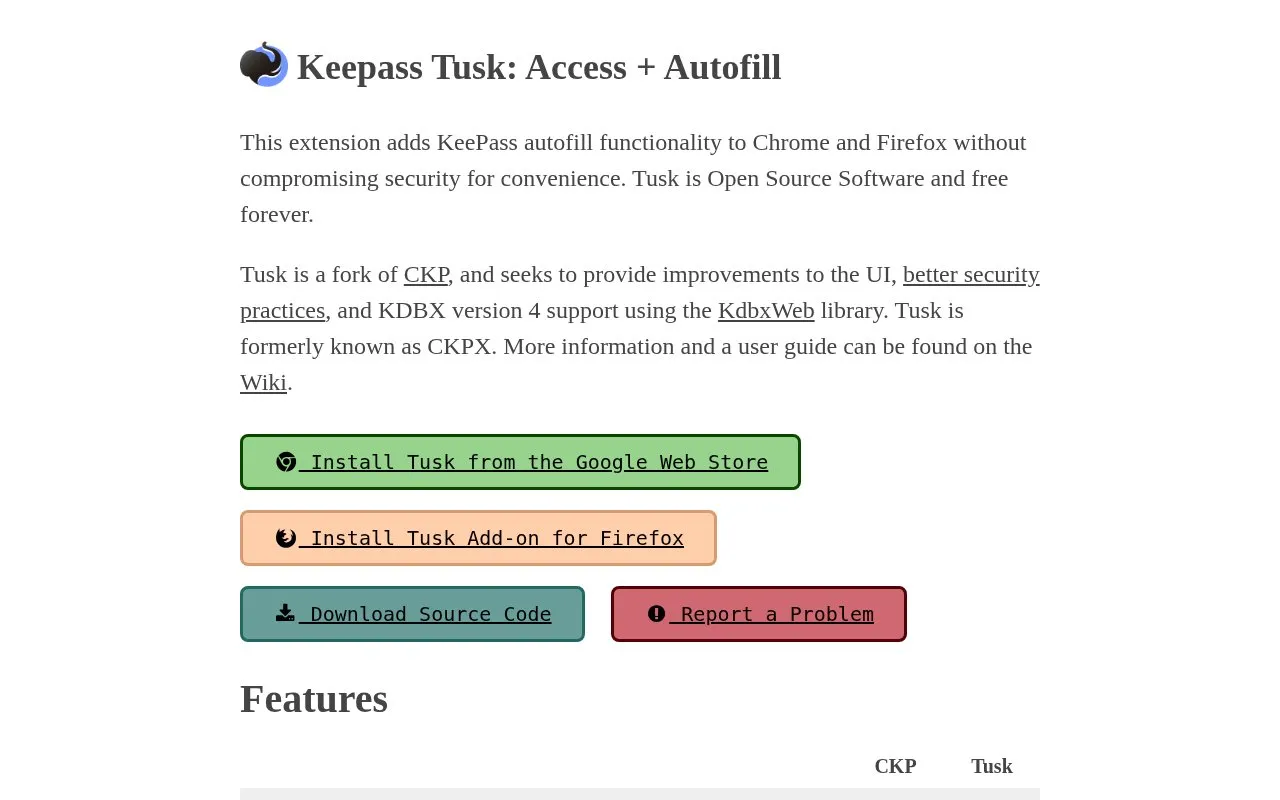
Tusk is a browser extension for Chrome and Firefox that opens KeePass databases and fills saved logins on web pages. After entering the master password to decrypt the file, users can pick from matched entries or search the full database to autofill or copy a password.
It supports KDBX version 4, one-time password storage, and loading database files from services including Google Drive, OneDrive, Dropbox, WebDAV, and pCloud. Tusk is described as a fork of CKP, formerly known as CKPX, that uses the KdbxWeb library.
Key features
- Autofill KeePass passwords in Chrome and Firefox
- Copy KeePass passwords from extension list view
- Supports KDBX version 4 with Argon2 and ChaCha20
- Stores one-time passwords (OTP)
- Loads databases from Google Drive, OneDrive, Dropbox
- Supports WebDAV, pCloud, and shared links
Best for: KeePass users who want to autofill or copy passwords in Chrome or Firefox.
Good for
- Supports KDBX v4 including Argon2 and ChaCha20
- Loads databases from cloud and WebDAV services
- Addresses master key recovery bug present in CKP
3rd-party Extension at a glance
- Website
- tusk.subdavis.com
- Category
- Privacy & Security › Password Managers
- Type
- Website
- Pricing
- Free
- Platforms
- Web
- Open source
- Not stated
- Last checked
- Oct 5, 2026 · Online when checked
- Listed
- Oct 5, 2026
Guides for Password Managers
3rd-party Extension alternatives
Tools and sites you could use instead, ranked by how closely they match.
KeePass lists plugins and extensions for its password manager, including backup plugins and links to plugin framework guidance.

Access KeePass password databases on iOS and macOS with KeePassium, including autofill and synchronization features.
FreemiumOpen source
24 alternatives
The 2FA Directory lists websites and services that support two-factor authentication, including options such as SMS, email, calls, and security keys.
Free
24 alternatives
KeyPass provides an offline password manager project for storing and managing passwords, described as an open-source application.
Open source
24 alternatives
OTPClient manages desktop TOTP and HOTP tokens with a GTK4 interface, QR and URI import, and command-line integration.
Open source
24 alternativesManage KeePass-compatible password vaults on iPhone and Mac with Strongbox, including autofill features.
Popular in Password Managers
Well-known listings from the same topic.
Bitwardenbitwarden.comProton Passproton.me/passgopassgopass.pwStratumstratumauth.comKeePassXCkeepassxc.orgKeeWebkeeweb.info


3rd-party Extension FAQ
What is the relationship between Tusk and CKP?
Tusk is a fork of CKP and was formerly known as CKPX.
Where can the KeePass database file be stored?
Google Drive, OneDrive, Dropbox, WebDAV services including OwnCloud and NextCloud, pCloud, and shared links are listed as supported.
How are passwords selected in the browser?
After entering the master password to decrypt the file, users select a matched entry or search the database, then autofill or copy.
Is something wrong or out of date?
Tell us and an editor will check it.
Own this website?
Claim this listing
Claim the listing and suggest updates yourself. An editor checks every claim first.