
 8 sites

Best of
8 Best Free Archive Tools in 2026 for ZIP and RAR Files
The best free archive tools help you inspect unfamiliar formats, package folders and choose encryption that the…
The Unarchiver opens archive formats such as RAR on macOS, according to its product page.
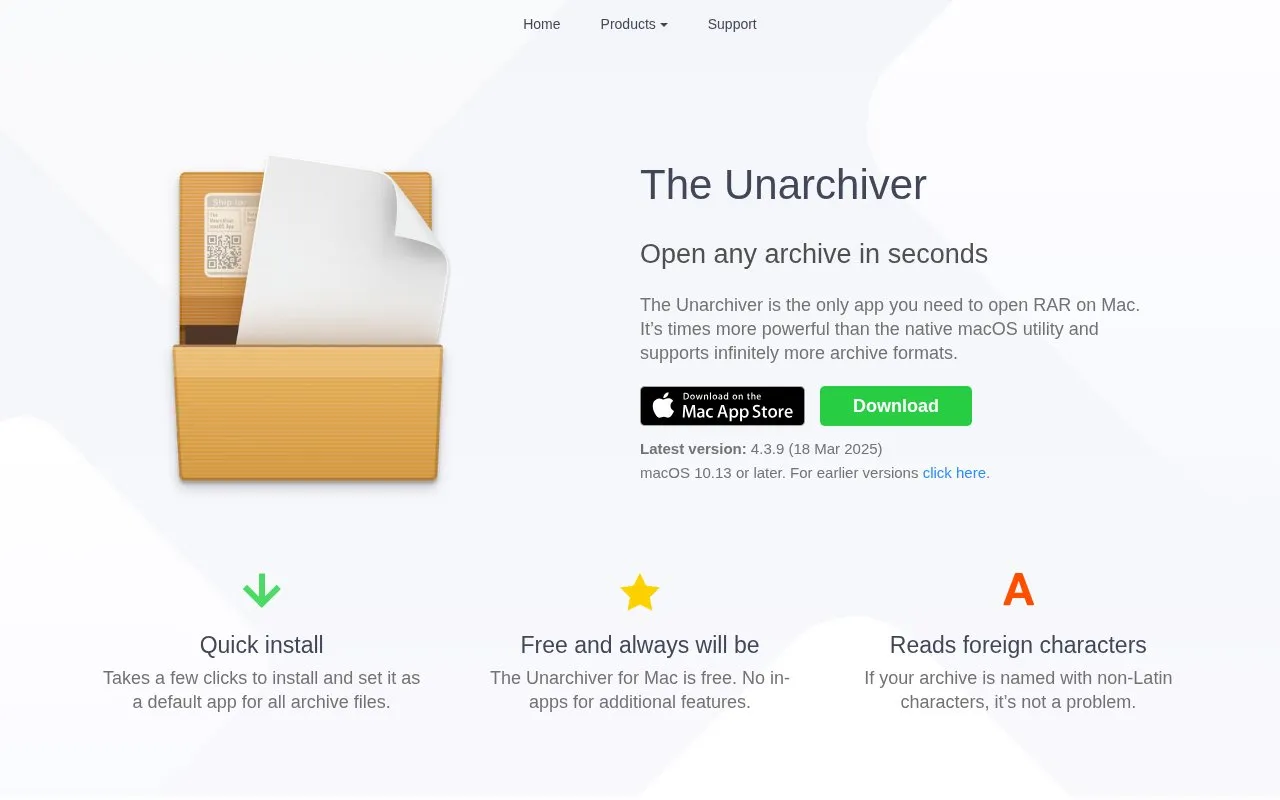
The Unarchiver is a free application for macOS for opening archive files. The current version listed is 4.3.9, released 18 Mar 2025, and it requires macOS 10.13 or later. It can be set as the default app for archive files.
With the app, you can extract files from common formats such as Zip, Zipx, RAR, 7z, Tar, Gzip, Bzip2, LZMA/XZ, CAB, and MSI. It also opens disc images such as ISO, BIN, MDF, NRG, and CDI, Linux package formats such as RPM and Deb, and older formats such as StuffIt, DiskDoubler, ARJ, and LZH. It supports Zip with AES encryption and Zip64, encrypted and multi-volume RAR, split files named .001, .002, archives with non-Latin characters, and extraction of bitmap images from PDF files.
It suits Mac users who need to open RAR files and other archives not handled by the built-in macOS tool.
8 sitesThe best free archive tools help you inspect unfamiliar formats, package folders and choose encryption that the…
Well-known listings from the same topic.
Tell us and an editor will check it.
Claim the listing and suggest updates yourself. An editor checks every claim first.


