

Kap records the Mac screen and exports captures as GIF, MP4, WebM, or APNG, with quality and noise settings.
Better Shot
Better Shot records and edits screen videos on macOS, with cursor zoom, face camera, captions, and exports listed on its page.
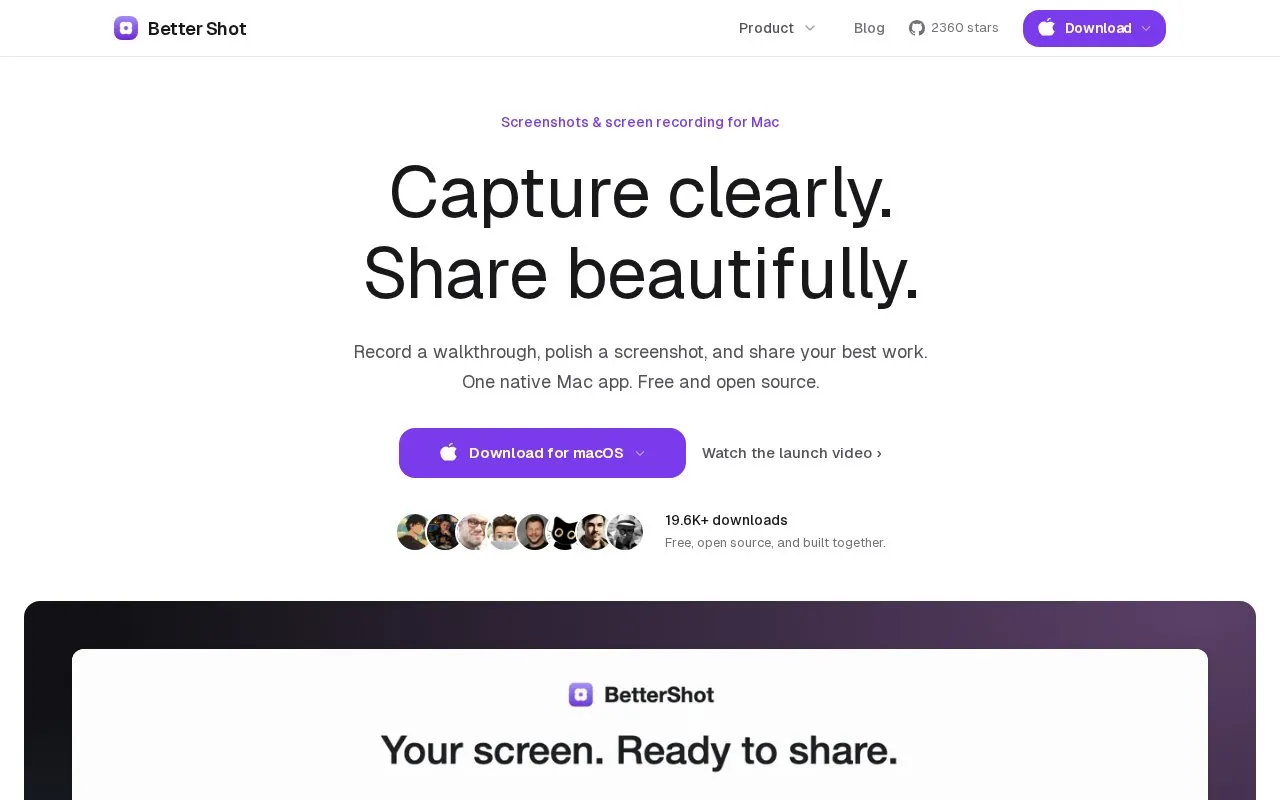
About Better Shot
Better Shot is a macOS app for taking screenshots and recording screen video. It includes a video editor with preview, inspector and timeline for splitting clips, trimming, and adding cursor zoom, plus screenshot tools for annotations and backgrounds.
Videos can be exported as MP4 or MOV with selectable format, resolution and quality. Captions are generated on-device with Apple's speech framework, recordings can save locally to a configured folder, and cloud sharing is optional.
Key features
- Record display, window, or area with optional camera and microphone
- Add timeline-based cursor zoom with adjustable focus and duration
- Generate captions on-device using Apple speech framework
- Export video as MP4 or MOV with resolution and quality settings
- Annotate screenshots with arrows, text, shapes, numbered markers
- Apply gradient backgrounds with padding, corners, and shadow
Best for: Mac users who record screen walkthroughs and annotate screenshots for sharing.
Good for
- Exports without watermark and works without an account
- Caption audio does not go to a server for transcription
- Fragmented MP4 writing keeps the file if recording stops early
Better Shot at a glance
- Website
- bettershot.site
- Category
- Software & Utilities › Mac Apps
- Type
- Website
- Pricing
- Not confirmed. Check the site
- Platforms
- macOS, Web
- Open source
- Not stated
- Language
- English
- Last checked
- Oct 5, 2026 · Online when checked
- Listed
- Oct 5, 2026
Better Shot alternatives
Tools and sites you could use instead, ranked by how closely they match.

Better Shot captures screenshots and screen recordings on macOS and includes video editing features.
FreeOpen source
5 alternatives
ScreenTimeLapse creates timelapse recordings of screens and cameras on macOS.
Open source
24 alternativesPopular in Mac Apps
Well-known listings from the same topic.
Adiumadium.imTheBoringNotchtheboring.nameThe Unarchivertheunarchiver.comOsaurusosaurus.aiShotSolveshotsolve.comBeta Profilesbetaprofiles.com


Better Shot FAQ
How do I start a capture?
Open Better Shot from the menu bar, choose display, window, or area, and add camera or microphone only when needed.
What video export options are available?
MP4 or MOV with selectable resolution and quality, local save, and an optional share link.
How are captions created?
They are generated on-device by Apple's speech framework; audio does not go to a server for transcription.
Is something wrong or out of date?
Tell us and an editor will check it.
Own this website?
Claim this listing
Claim the listing and suggest updates yourself. An editor checks every claim first.