

Porting Kit installs Windows games and apps on macOS using Wineskin technology, with a catalog for browsing available titles.
Kap records the Mac screen and exports captures as GIF, MP4, WebM, or APNG, with quality and noise settings.
About Kap
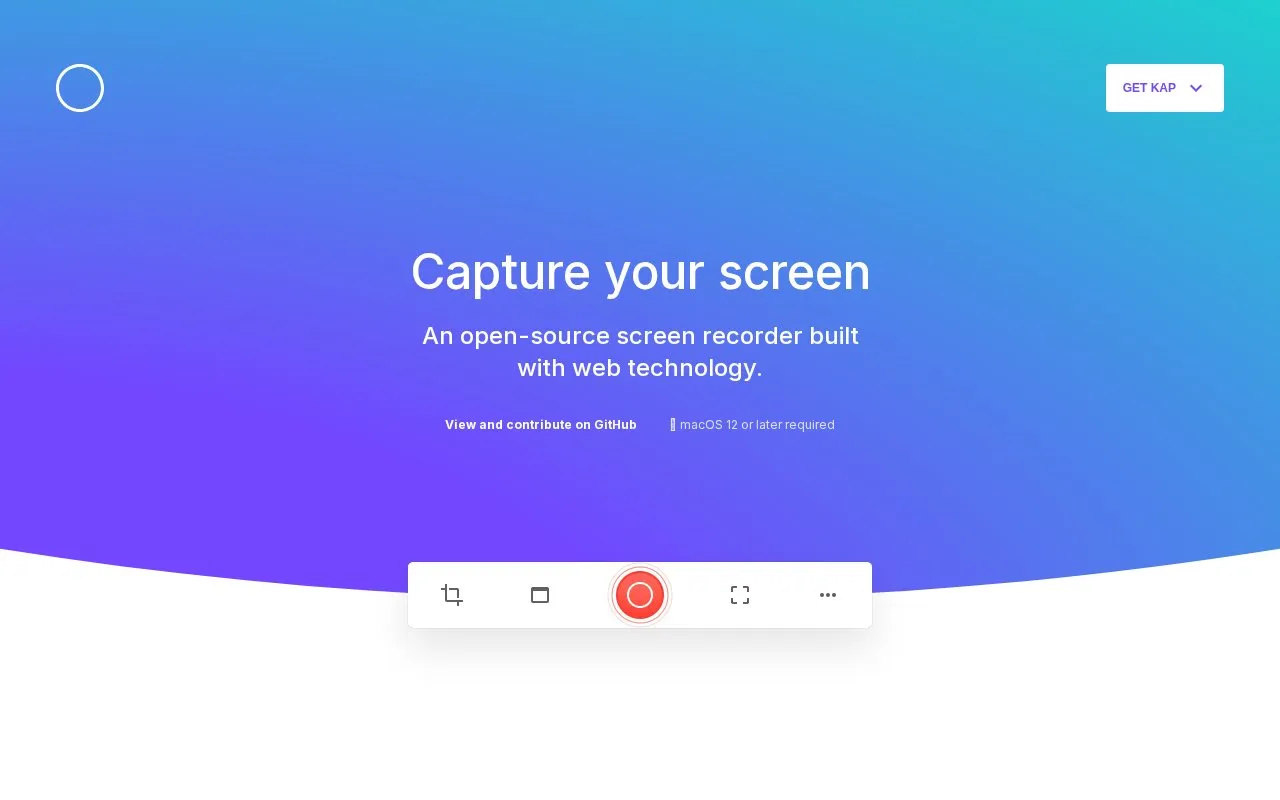
Kap is a screen recorder for Mac. It captures the screen and exports to GIF, MP4, WebM, or APNG, with options for audio, click highlighting, trimming, and quality and noise adjustment. It requires macOS 12 or later, with separate downloads for Apple M1 and Intel, and lists options for Giphy, Vercel, and Streamable.
Key features
- Records Mac screen
- Exports to GIF, MP4, WebM, or APNG
- Records optional audio
- Highlights clicks in recordings
- Trims recordings
- Works with Giphy, Vercel, and Streamable
Best for: Designers, developers, and project managers who record their Mac screen.
Good for
- Supports four export formats including GIF, MP4, WebM, and APNG
- Includes audio, click highlighting, and trimming options
- Provides separate downloads for Apple M1 and Intel
Watch out for
- Requires macOS 12 or later
Kap at a glance
- Website
- getkap.co
- Category
- Software & Utilities › Mac Apps
- Type
- Website
- Pricing
- Not confirmed. Check the site
- Platforms
- macOS, Web
- Open source
- Not stated
- Language
- English
- Last checked
- Oct 5, 2026 · Online when checked
- Listed
- Oct 5, 2026
Kap alternatives
Tools and sites you could use instead, ranked by how closely they match.

Better Shot records and edits screen videos on macOS, with cursor zoom, face camera, captions, and exports listed on its page.

Better Shot captures screenshots and screen recordings on macOS and includes video editing features.
FreeOpen source
5 alternativesPopular in Mac Apps
Well-known listings from the same topic.
Adiumadium.imTheBoringNotchtheboring.nameThe Unarchivertheunarchiver.comOsaurusosaurus.aiShotSolveshotsolve.comBeta Profilesbetaprofiles.com


Kap FAQ
What are the system requirements for Kap?
macOS 12 or later is required.
Which export formats does Kap support?
GIF, MP4, WebM, and APNG.
Does Kap offer versions for different Mac chips?
Yes, there are separate downloads for Apple (M1) and Apple (Intel).
Is something wrong or out of date?
Tell us and an editor will check it.
Own this website?
Claim this listing
Claim the listing and suggest updates yourself. An editor checks every claim first.