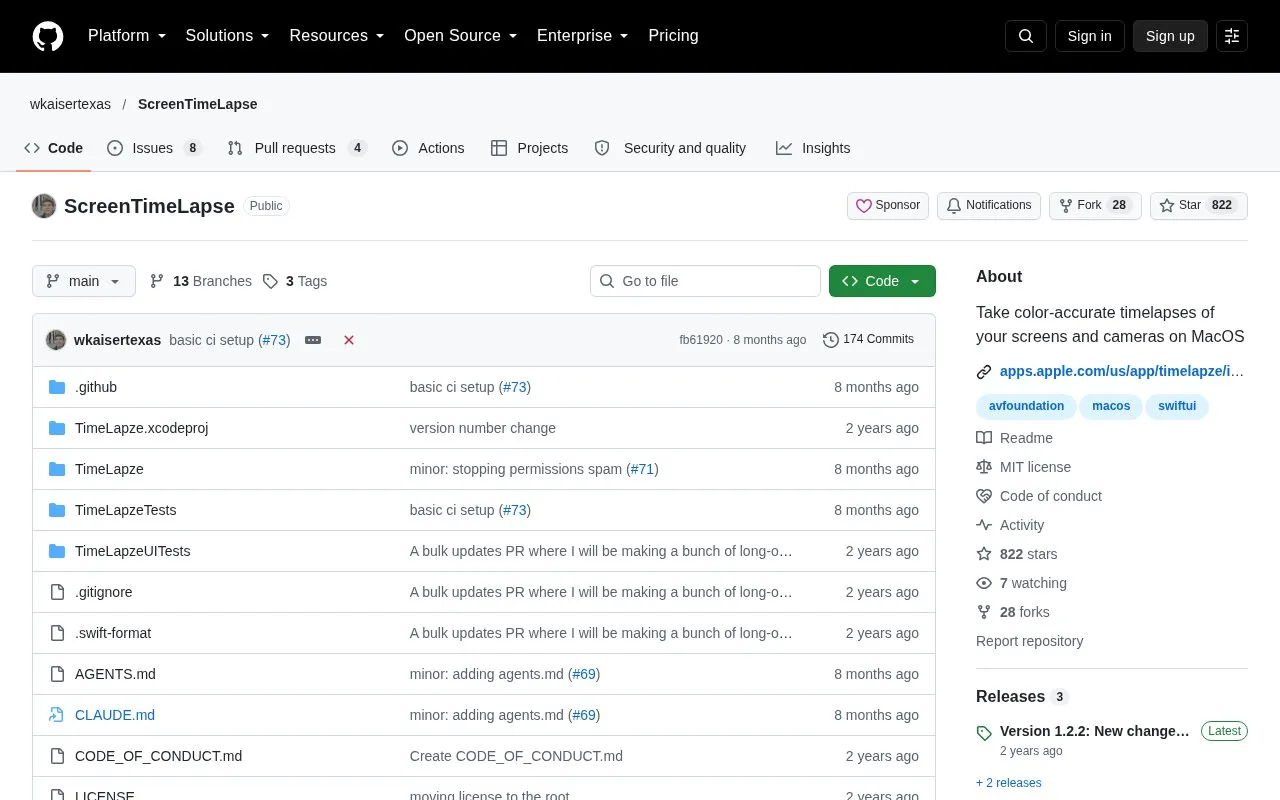
ScreenTimeLapse is an open-source menu bar application for macOS that creates timelapse recordings of screens and cameras. The project is named TimeLapze in its README. Its stated goal is color-accurate output while keeping file sizes manageable. The developer says Apple's built-in screen recorder converts the display's color space to sRGB, which can produce faded-looking timelapses.
The app can record selected windows or applications through ScreenCaptureKit, and it can record a webcam or phone camera at the same frame rate and speed as the timelapse. Users can adjust the frame rate, quality, and speed multiplier. The homepage describes the app as a macOS application only, although the directory lists Windows as a platform. It can be installed from the Mac App Store, through Homebrew, or by direct download.
Key features
Color-accurate timelapse recording intended to avoid faded or washed-out output
Menu bar interface for starting and managing recordings
Hardware-accelerated encoding to keep file sizes smaller than high-quality video
Recording of selected windows or applications using ScreenCaptureKit
Webcam or phone camera recording at the same frame rate and speed
Adjustable frame rate, quality, and speed multiplier
Best for: Mac users who want to make timelapse recordings of their screen or camera and keep file sizes manageable, and developers who want to study or contribute to the open-source code.
Good for
Open source under the MIT License
Available through the Mac App Store, Homebrew, and direct download from the Releases page
Designed to keep color accuracy in timelapse output
Watch out for
The homepage describes the app as a macOS application only
Local development requires cloning the repository, opening it in Xcode, and setting up local signing
The direct download may trigger a browser or Safari warning about the file
The README lists three options: the Mac App Store (recommended), Homebrew with the command brew install timelapze, or a direct download of TimeLapze.zip from the Releases page. For direct downloads, the README says to extract the archive, get TimeLapze.app, and move it to the Applications folder.
Can it record only certain windows or applications?
Yes. The homepage says the app uses ScreenCaptureKit to record only certain windows, applications, and similar selections.
What license is the project released under?
TimeLapze is released under the MIT License, according to the README.
Is something wrong or out of date?
Tell us and an editor will check it.
Own this website?
Claim the listing and suggest updates yourself. An editor checks every claim first.