

PlayCover runs iOS apps and games on Apple Silicon Macs, with mouse and keyboard controls described by the project.
Open source
24 alternativesVirtualBuddy runs macOS 12 and later in virtual machines on Apple Silicon Macs.
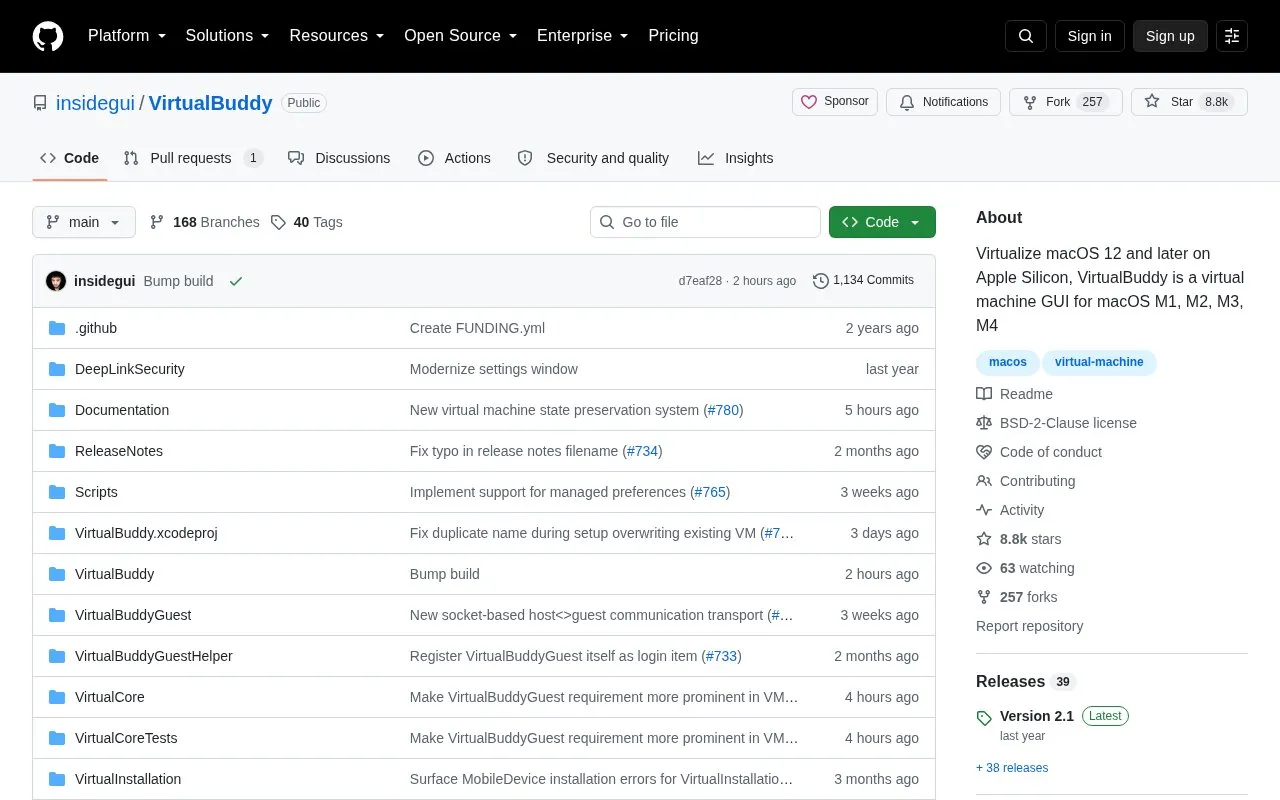
VirtualBuddy is a free and open-source virtual machine app for Apple Silicon Macs. It can run macOS 12 and later in virtual machines, and is aimed at developers who need to test apps on multiple macOS versions, including betas.
You can create a macOS virtual machine with the built-in installation wizard. You can select a macOS version from a list provided by the app for automatic download and installation, or use a local IPSW file or custom IPSW URL. You can also install ARM-based Linux distributions from a local .iso file, a URL, or a provided collection, boot into recovery mode, customize hardware settings, and use networking, file sharing, clipboard sharing, and saved VM state.
It suits developers and advanced Mac users with an Apple Silicon Mac running macOS 13 or later who need separate test environments. Guest app features depend on the macOS version in the virtual machine, with full clipboard and shared-folder support requiring macOS 14 or later.
Tools and sites you could use instead, ranked by how closely they match.
PlayCover runs iOS apps and games on Apple Silicon Macs, with mouse and keyboard controls described by the project.
Docker-OSX runs macOS virtual machines in Docker, with X11 forwarding and CI/CD use described by its repository.
Nigate provides an NTFS utility for Mac, with compatibility details for Intel and Apple Silicon systems.
wallpapper creates dynamic wallpapers for macOS Mojave and later through a console application.
gibMacOS downloads macOS components directly from Apple and can build Internet Recovery USB installers from Windows.
yabai tiles and manages windows on macOS using binary space partitioning.
Well-known listings from the same topic.
Tell us and an editor will check it.
Claim the listing and suggest updates yourself. An editor checks every claim first.


