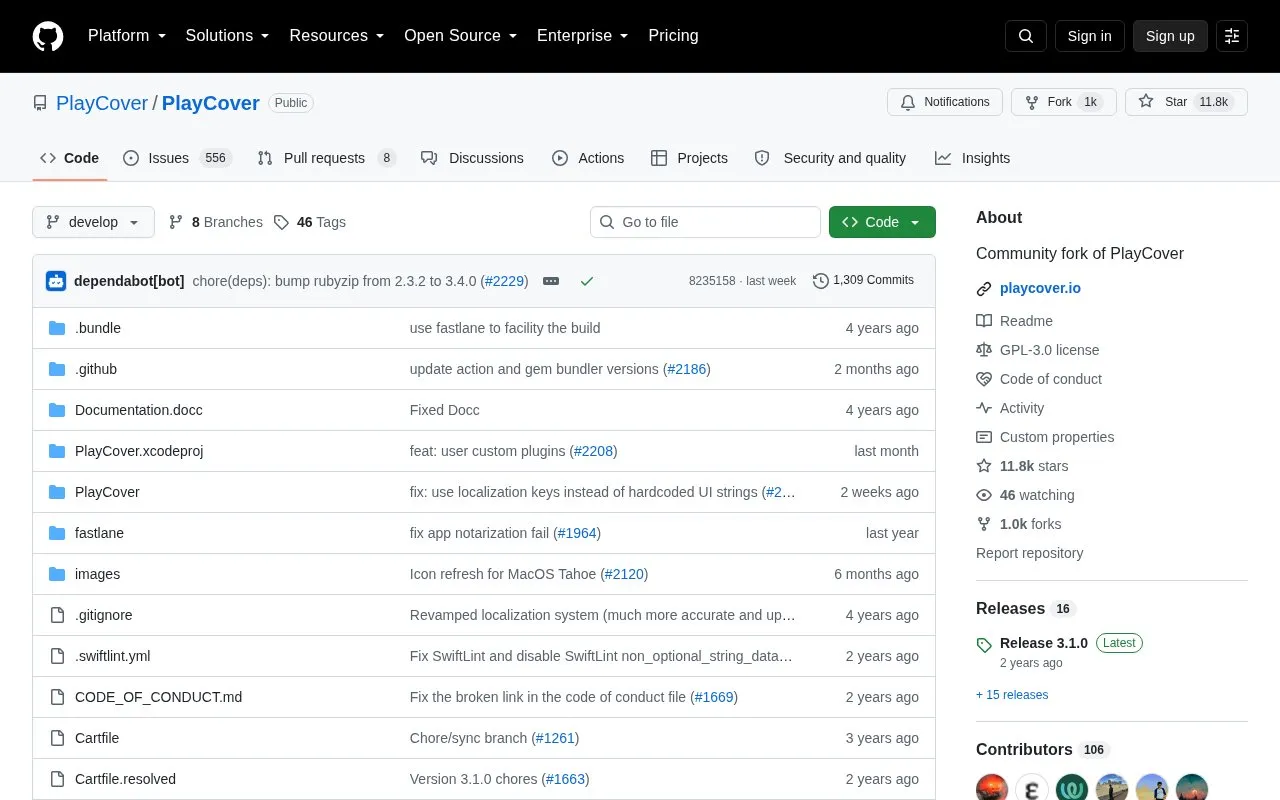
PlayCover is a community fork of the PlayCover project, software that runs iOS apps and games on Apple Silicon Macs. It works by putting applications through a wrapper that imitates an iPad, so apps run natively, and it lets users map custom touch controls to the keyboard and mouse. The project was originally designed to run Genshin Impact but now covers a wide range of applications, though not all games are supported and some may have bugs. It is distributed under the GPLv3 license and can be installed from stable releases, built from source, or installed through a Homebrew cask. PlayCover requires an Apple Silicon Mac with an M-series chip running macOS 12.0 or newer; Intel Macs are not supported.
Key features
Runs iOS apps and games on Apple Silicon Macs with macOS 12.0 or newer
Wraps applications to imitate an iPad so they run natively
Maps custom touch controls to keyboard and mouse input
Supports WASD, camera movement, left and right clicks and individual keymapping
Includes controller support
Installable from stable releases, source builds or a Homebrew cask
Best for: Apple Silicon Mac owners who want to run iOS apps and games with keyboard, mouse or controller controls.
Good for
Apps run natively by passing through an iPad-imitating wrapper
Keyboard mapping of touch controls, which the project says alternatives such as Sideloadly do not offer
Open source under GPLv3, with stable releases and a Homebrew cask
Watch out for
Only works on Apple Silicon Macs with M-series chips, running macOS 12.0 or newer
Intel Mac users are directed to alternatives such as Bootcamp or emulators
Not all games are supported and some may have bugs
What hardware and macOS version does PlayCover require?
PlayCover can only run on Apple Silicon Macs, meaning devices with M-series systems on a chip such as M1, running macOS 12.0 or newer. Intel Mac users are pointed to alternatives like Bootcamp or emulators.
How does PlayCover run iOS apps?
It puts applications through a wrapper that imitates an iPad, which allows the apps to run natively and perform well.
How can PlayCover be installed?
You can download stable releases, build from source following the documentation, or install through the project's Homebrew tap using the PlayCover cask.
Is something wrong or out of date?
Tell us and an editor will check it.
Own this website?
Claim the listing and suggest updates yourself. An editor checks every claim first.