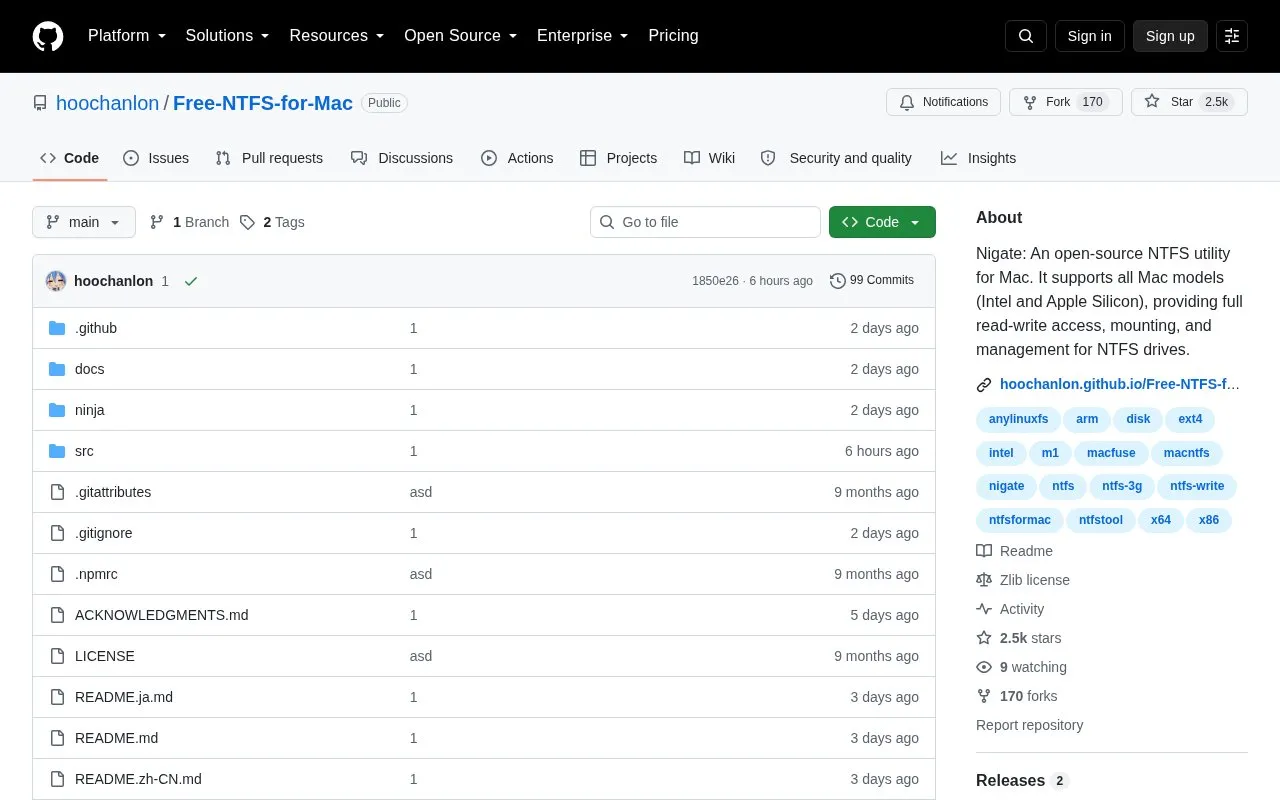
Nigate is an open-source utility for macOS that provides read-write access, mounting, and management for NTFS-formatted drives. This repository contains the Electron graphical interface version, which the source says keeps the original terminal version. The homepage states that it supports Intel and Apple Silicon Macs.
Mounting requires administrator privileges, and the system prompts for a password. The stability of the software depends on the storage device, and the source recommends USB drives with high-quality flash memory. Windows Fast Startup can cause mounting to fail, so the drive should be fully shut down in Windows rather than hibernated, or Fast Startup should be disabled. Drive names cannot contain spaces or illegal characters. On first use, the source notes that Gatekeeper may need to be disabled to run unsigned applications. Editing and saving work in tested configurations, but compatibility may vary by editor, and users are advised to keep backups of important data.
Key features
One-click mounting of read-only NTFS devices in read-write mode
Optional automatic read-write mounting for newly connected NTFS devices
Real-time detection of NTFS device connections
Automatic check and installation of required system dependencies
Non-destructive disk repair Reset button
Prevent Sleep toggle to keep the system awake during long operations
Best for: Mac users who need read-write access to NTFS-formatted external drives and are comfortable completing the listed setup steps.
Good for
The source code is publicly available as open source, with a LICENSE file in the repository.
The homepage states support for Intel and Apple Silicon Macs.
Includes a non-destructive disk repair Reset button and a status display with operation logs.
Watch out for
Stable operation and data integrity depend on the quality of the storage device.
Saving edited files may fail, and compatibility may vary by editor.
First-time use may require disabling Gatekeeper, which the source describes as allowing unsigned applications.
Does mounting an NTFS drive require administrator access?
Yes. Mounting operations require administrator privileges, and the system prompts for a password.
What should I do if a drive fails to mount after being used in Windows?
The source says mounting may fail if Windows Fast Startup is enabled. It recommends fully shutting down Windows (not hibernating) or disabling Fast Startup.
Can I edit files on an NTFS drive with this utility?
Text and image editing and saving work in tested configurations, but compatibility may vary by editor and save operation. The source suggests copying the file to your Mac, editing it locally, and copying it back as a workaround.
Is something wrong or out of date?
Tell us and an editor will check it.
Own this website?
Claim the listing and suggest updates yourself. An editor checks every claim first.