

eul monitors macOS system status from the menu bar, with dark mode, widgets, and Bluetooth battery level listed.
Open source
24 alternativesStats monitors macOS system activity from the menu bar, with installation instructions provided in its repository.
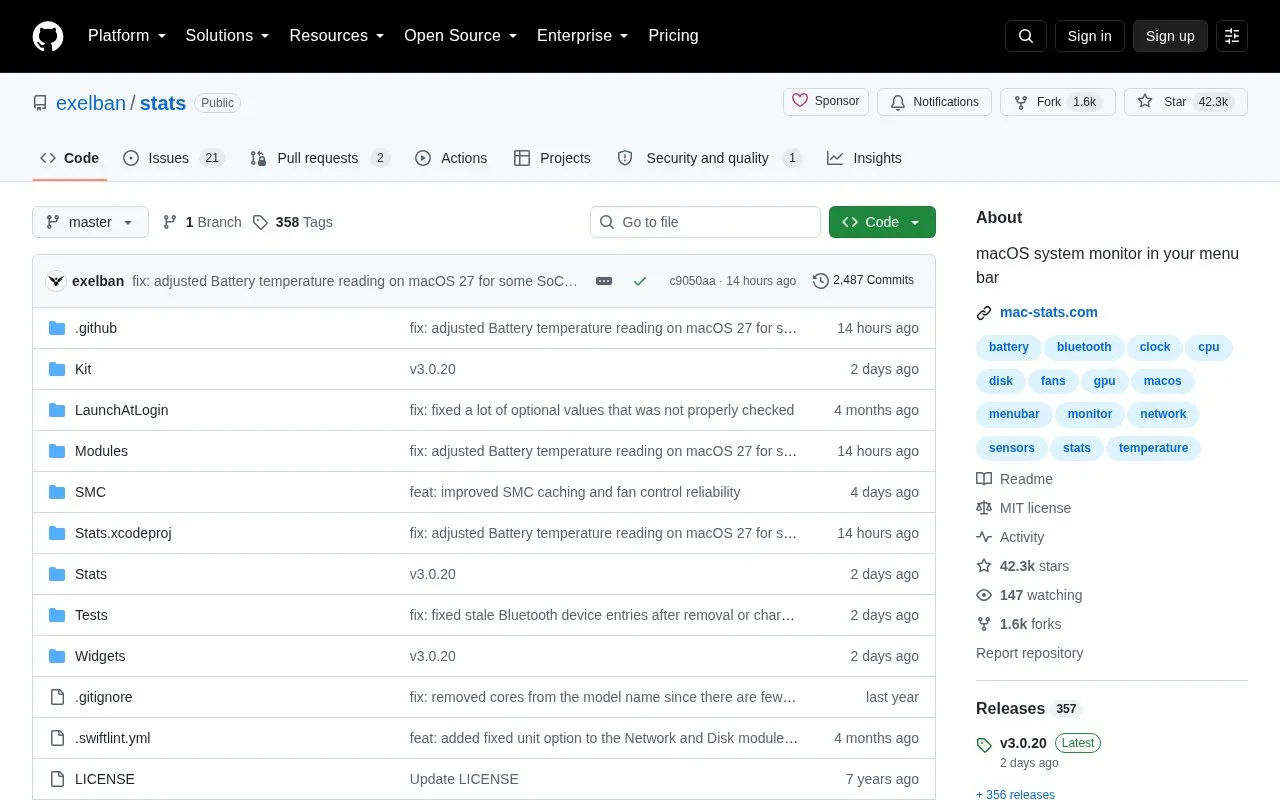
Stats is an open-source application that monitors macOS system activity from the menu bar. It can show CPU utilization, GPU utilization, memory usage, disk utilization, network usage, battery level, temperature, voltage and power sensor information, Bluetooth devices, and clocks for multiple time zones.
It requires macOS 12 Monterey or newer, and beta macOS releases are not supported. Fan control is in legacy mode without updates or fixes. Remote installation over SSH enables a Remote module that streams metrics to an account and requires an active user session.
Tools and sites you could use instead, ranked by how closely they match.
eul monitors macOS system status from the menu bar, with dark mode, widgets, and Bluetooth battery level listed.
MacThrottle monitors thermal pressure in the macOS menu bar and alerts users to thermal throttling.
Osaurus provides a native macOS environment for AI agents with different models and persistent memory, according to its repository.
Docker-OSX runs macOS virtual machines in Docker, with X11 forwarding and CI/CD use described by its repository.
Ghostty offers a terminal emulator with a native interface and GPU acceleration, according to its repository description.
Nigate provides an NTFS utility for Mac, with compatibility details for Intel and Apple Silicon systems.
Well-known listings from the same topic.
Tell us and an editor will check it.
Claim the listing and suggest updates yourself. An editor checks every claim first.


