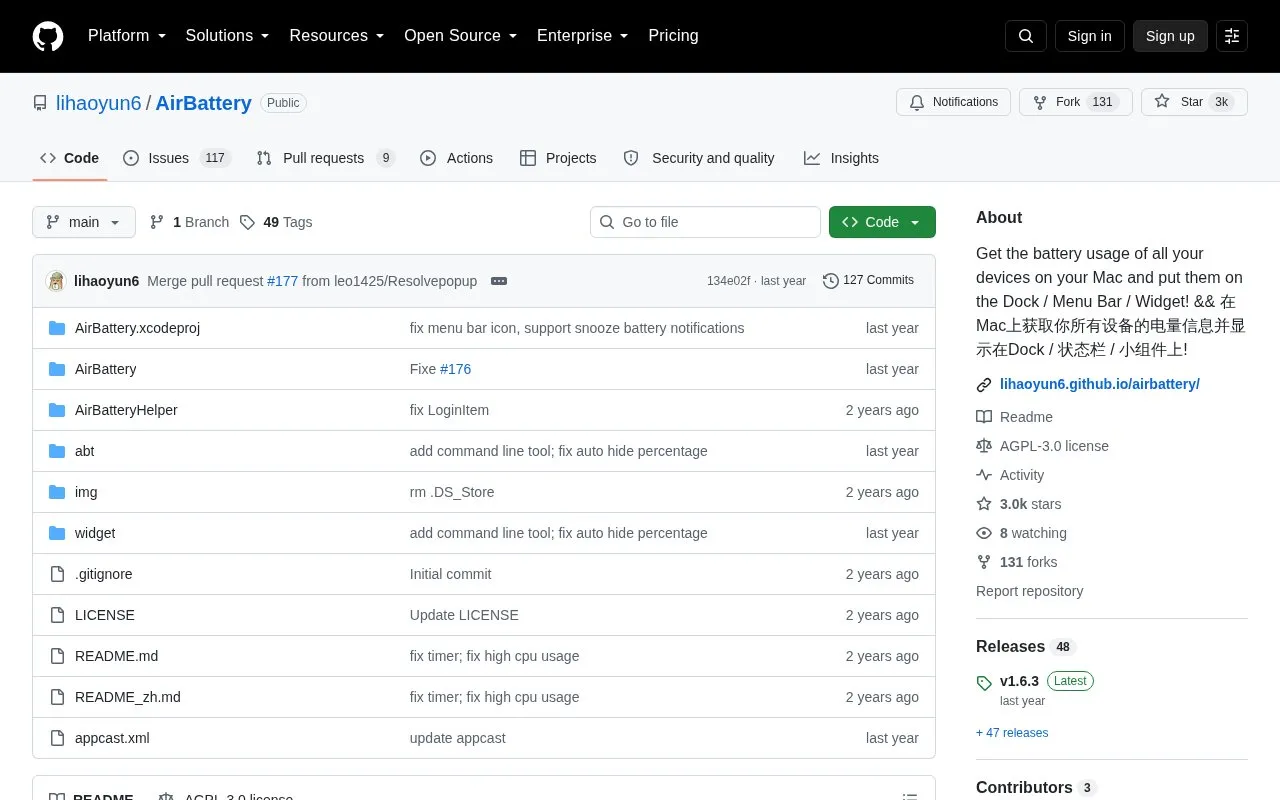
AirBattery shows battery levels for connected devices on a Mac in the Dock, menu bar, or widgets. It automatically searches for supported devices, can show battery information for other Macs and their peripherals on the same local network using Nearcast, and allows hiding devices and using a real-time battery menu bar icon.
It requires macOS 11.0 and later. iPhone or iPad devices must have trusted the Mac and paired once by cable while AirBattery is running, then remain on the same local network. Watch battery reading requires its paired iPhone to be detected over Wi-Fi or USB, and Bluetooth-based cellular detection supports only iPhone or cellular iPad.
Key features
Shows device battery levels in Dock, menu bar, and widgets
Automatically searches for supported devices without manual configuration
Checks battery of other Macs and peripherals on LAN via Nearcast
Optional real-time battery icon for menu bar
Hide and unhide devices in Dock and menu bar menus
Reads paired Apple Watch battery when iPhone detected via WiFi or USB
Best for: Mac users who want to monitor battery levels of nearby iPhones, iPads, watches, and peripherals in one place.
Good for
Open source under AGPL-3.0 license
Installable by direct download or Homebrew
Dock and menu bar display can be configured individually
Watch out for
Requires macOS 11.0 or later
iPhone or iPad must trust the Mac, pair once by cable, and share the same LAN
iPhone discovered via Bluetooth does not support reading paired watch battery
Why is my iPhone, iPad, or Apple Watch not showing up?
Make sure the iPhone or iPad has trusted the Mac and connected once by data cable while AirBattery is running to pair, then keep it on the same LAN as the Mac.
Can I get iPhone battery information without Wi-Fi?
Yes with v1.1.2 or higher by enabling iPhone / iPad (Cellular) over BT in preferences and keeping Bluetooth on. This supports only iPhone or cellular iPad.
Why does AirBattery need Bluetooth permission?
It needs Bluetooth to capture packets from peripheral devices in order to parse their battery information.
Is something wrong or out of date?
Tell us and an editor will check it.
Own this website?
Claim the listing and suggest updates yourself. An editor checks every claim first.