

SS64 provides an alphabetical reference to Apple macOS command-line tools and Bash commands.
DisplayPlacer
DisplayPlacer configures macOS display resolutions and arrangements from the command line.
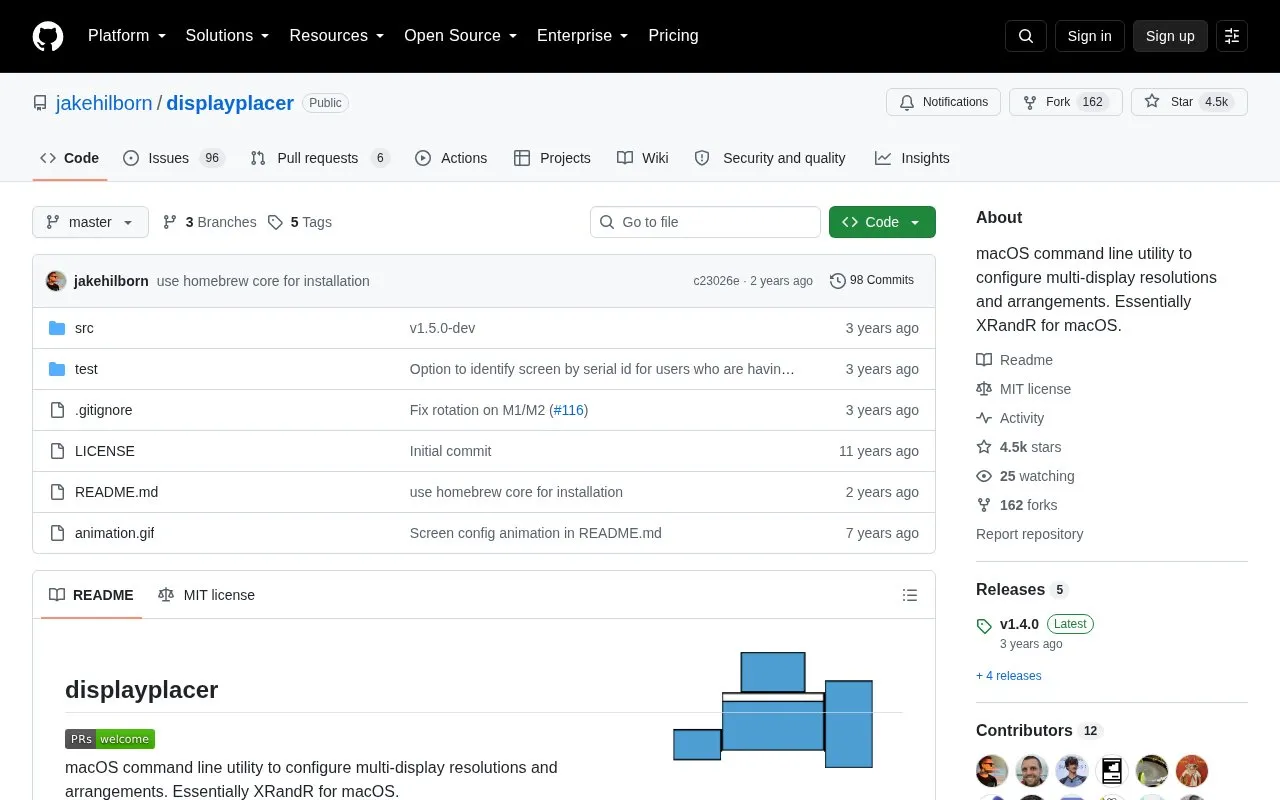
About DisplayPlacer
DisplayPlacer is a macOS command line utility for configuring multi-display setups. It sets screen resolutions, rotations, and arrangements, and it can be used as a command-line alternative to the Displays settings in System Preferences. The project describes itself as similar to XRandR on Linux.
The tool can list connected screens and their available resolutions, apply a configuration with a chosen resolution, refresh rate, color depth, scaling, origin, and rotation, and configure mirrored screens. It can also disable a screen and print the current layout as arguments that can be reused in scripts or hotkey tools. Limits stated in the project's documentation include: some listed resolutions do not work, and the tool then defaults to another working resolution; macOS sometimes changes persistent screen IDs, which can require workarounds; and disabling a screen may require unplugging and replugging it to restore it on some setups.
Key features
- Lists connected screens and the resolutions available for each
- Sets resolution, refresh rate, color depth, scaling, origin, and rotation per screen
- Applies mirrored screen configurations across a main screen and mirror screens
- Prints the current layout as arguments for scripts or hotkey tools
- Disables individual screens and re-enables them on some setups
- Supports persistent, contextual, and serial screen ID types
Best for: macOS users with multiple displays who want to configure layouts from the command line or script their display setups.
Good for
- Open source, released under the MIT license
- Can print the current layout for reuse in scripts and hotkey tools
- Can be installed with Homebrew
Watch out for
- Some listed resolutions do not work, and the tool falls back to another working resolution
- macOS may change persistent screen IDs, which can require workarounds
- On some setups, a disabled screen may need to be unplugged and replugged to return
DisplayPlacer at a glance
- Category
- Software & Utilities › Mac Apps
- Type
- Open-source project
- Pricing
- Not confirmed. Check the site
- Platforms
- macOS
- Open source
- Yes · Source code
- Language
- English
- Last checked
- Oct 6, 2026 · Online when checked
- Listed
- Oct 5, 2026
DisplayPlacer alternatives
Tools and sites you could use instead, ranked by how closely they match.

unxip rapidly extracts Xcode XIP archives from the command line, according to its project description.
Open source
24 alternatives
Hot displays the CPU speed limit caused by thermal issues in the macOS menu bar.
Open source
24 alternatives
AirBattery displays battery levels for connected devices in the Mac Dock, menu bar, or widgets.
Open source
24 alternatives
KeyCastr displays keystrokes on screen so users can share their keyboard input during demonstrations.
FreeOpen source
24 alternatives
yabai tiles and manages windows on macOS using binary space partitioning.
Open source
24 alternativesPopular in Mac Apps
Well-known listings from the same topic.
Adiumadium.imTheBoringNotchtheboring.nameThe Unarchivertheunarchiver.comOsaurusosaurus.aiBetter Shotbettershot.siteShotSolveshotsolve.com


DisplayPlacer FAQ
How can DisplayPlacer be installed?
It can be installed with Homebrew using brew install displayplacer, or downloaded from the releases tab of the GitHub repository.
Which screen ID type should be used?
Persistent screen IDs usually stay the same and are recommended for most use cases. Contextual IDs change when switching GPUs or cable ports, and serial IDs are tied to display hardware and work best when unique for each monitor.
What license does DisplayPlacer use?
The repository lists the MIT license.
Is something wrong or out of date?
Tell us and an editor will check it.
Own this website?
Claim this listing
Claim the listing and suggest updates yourself. An editor checks every claim first.