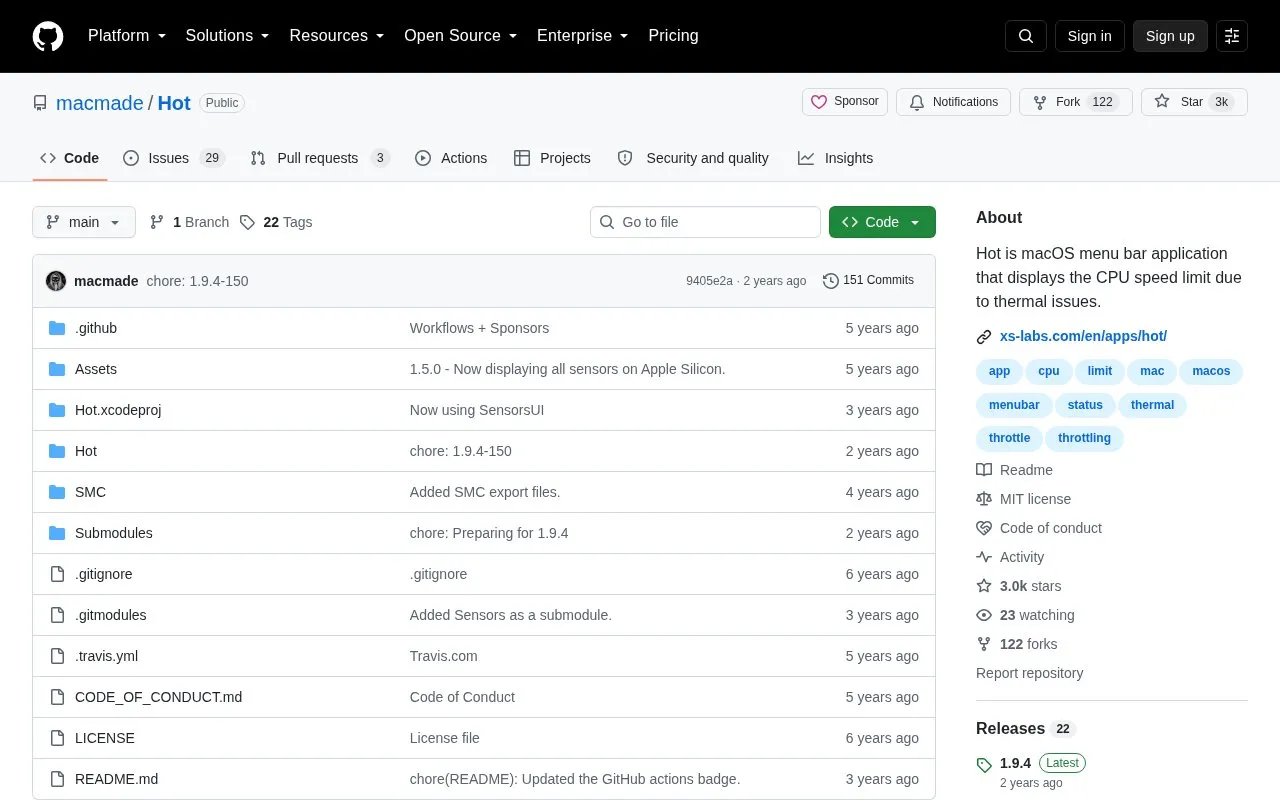
Hot is an open-source macOS menu bar application that displays the CPU speed limit caused by thermal throttling. Its behavior differs by hardware: on Intel Macs it shows CPU temperature, the CPU speed limit, the scheduler limit and the number of available CPUs, and colors the menu bar text orange when the speed limit falls below 60%. On Apple Silicon those readings are not available, so the app instead shows CPU temperature and the system's thermal pressure, coloring the text orange when that pressure is not nominal, and can also display a graph view for all sensors. The project is released under the MIT License.
Key features
Menu bar display of CPU speed limit due to thermal throttling
Intel Macs: CPU temperature, speed limit, scheduler limit, available CPU count
Orange menu bar text when Intel CPU speed limit drops below 60%
Apple Silicon: CPU temperature and system thermal pressure readings
Optional graph view for all sensors on Apple Silicon
Best for: Mac users who want a menu bar indicator of thermal throttling and related CPU or thermal readings.
Good for
Open source and released under the MIT License
Surfaces several related thermal and CPU metrics in the menu bar on Intel Macs
Uses an orange menu bar color as a visual cue when throttling or elevated thermal pressure occurs
Watch out for
On Apple Silicon, CPU speed limit, scheduler limit and available CPU count are not available
No pricing information is stated on the repository page
Yes, but the CPU speed limit, scheduler limit and number of available CPUs are not available on Apple Silicon. The app displays CPU temperature and the system's thermal pressure instead, and colors the menu bar text orange when the pressure is not nominal.
What does the orange menu bar text mean?
On Intel machines, the text turns orange when the CPU speed limit falls below 60%. On Apple Silicon, it turns orange when the system's thermal pressure is not nominal.
What license is Hot released under?
The project is released under the terms of the MIT License.
Is something wrong or out of date?
Tell us and an editor will check it.
Own this website?
Claim the listing and suggest updates yourself. An editor checks every claim first.