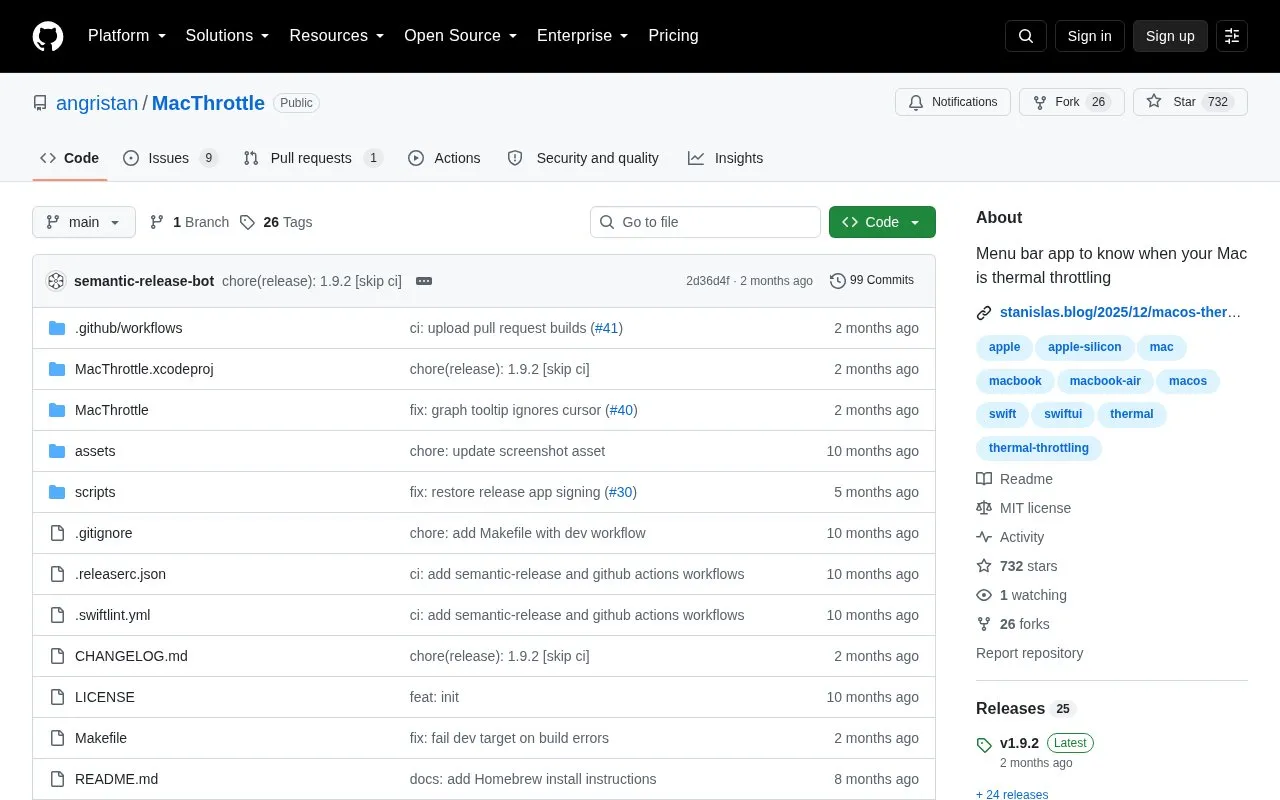
MacThrottle is a macOS menu bar app that monitors thermal pressure and alerts when the Mac is being throttled. It shows the thermal state with thermometer icons, along with CPU core temperature and fan speed, plus a 10-minute history graph and statistics on time spent in each thermal state.
The app does not require admin privileges or a helper daemon. It is not signed, so Gatekeeper may block it on first launch unless the quarantine attribute is removed or the app is built locally with Xcode.
Key features
Displays thermal pressure state in menu bar with thermometer icons
Shows CPU core temperature read directly from SMC
Shows fan speed percentage on Macs with fans
10-minute history graph for thermal state, temperature and fan speed
Statistics showing time spent in each thermal state
Configurable notifications for heavy, critical and recovery events
Best for: Mac users who want to monitor thermal pressure and throttling from the menu bar.
Good for
No admin privileges or helper daemon required
Distinguishes heavy throttling from moderate pressure
Reads CPU core temperatures directly from SMC
Watch out for
Not signed, so Gatekeeper may block first launch
Fan speed display only works on Macs with fans
Relies on thermal notification not publicly documented by Apple
Remove the quarantine attribute with xattr -r -d com.apple.quarantine /Applications/MacThrottle.app, or build it locally with Xcode to sign it with your own certificate.
How does MacThrottle determine thermal pressure?
It reads the com.apple.system.thermalpressurelevel value through the Darwin notification system and groups trapping and sleeping levels as critical.
How is the displayed temperature measured?
It shows the maximum of all CPU/GPU core temperatures, read from SMC first with fallback to IOHIDEventSystem PMU sensors.
Is something wrong or out of date?
Tell us and an editor will check it.
Own this website?
Claim the listing and suggest updates yourself. An editor checks every claim first.