

Background Music adjusts per-app volume on macOS and can pause music automatically.
Open source
24 alternativesFineTune controls per-app volume on macOS and supports audio routing, multiple output devices, and a 10-band equalizer.
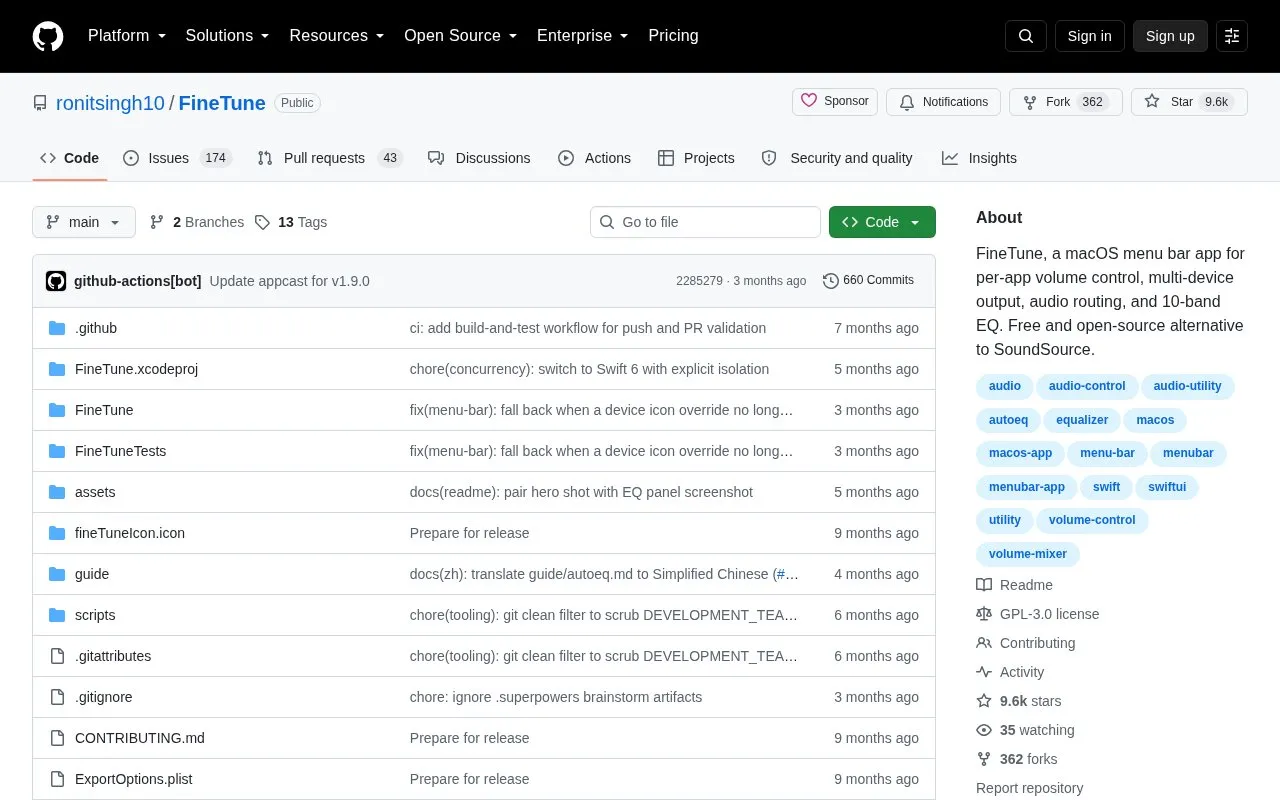
FineTune is a macOS menu bar app for per-app volume control, audio routing, and sound adjustment. It provides individual sliders and mute per application, volume boost presets up to 4x, routing to multiple or different output devices, a 10-band equalizer with presets and headphone correction, and controls for input devices and alert volume.
It runs on macOS and requires Screen & System Audio Recording permission. It is installed with a Homebrew cask or a manual release download and launched from the Applications folder.
Tools and sites you could use instead, ranked by how closely they match.
Background Music adjusts per-app volume on macOS and can pause music automatically.
maclaunch lists and controls startup items and their policies on macOS.
PlayCover runs iOS apps and games on Apple Silicon Macs, with mouse and keyboard controls described by the project.
OpenMTP transfers files between Android devices and a Mac using a dedicated macOS file transfer application.
MiddleClick emulates a scroll-wheel click on MacBook trackpads and Magic Mouse devices.
AirBattery displays battery levels for connected devices in the Mac Dock, menu bar, or widgets.
Well-known listings from the same topic.
Tell us and an editor will check it.
Claim the listing and suggest updates yourself. An editor checks every claim first.


