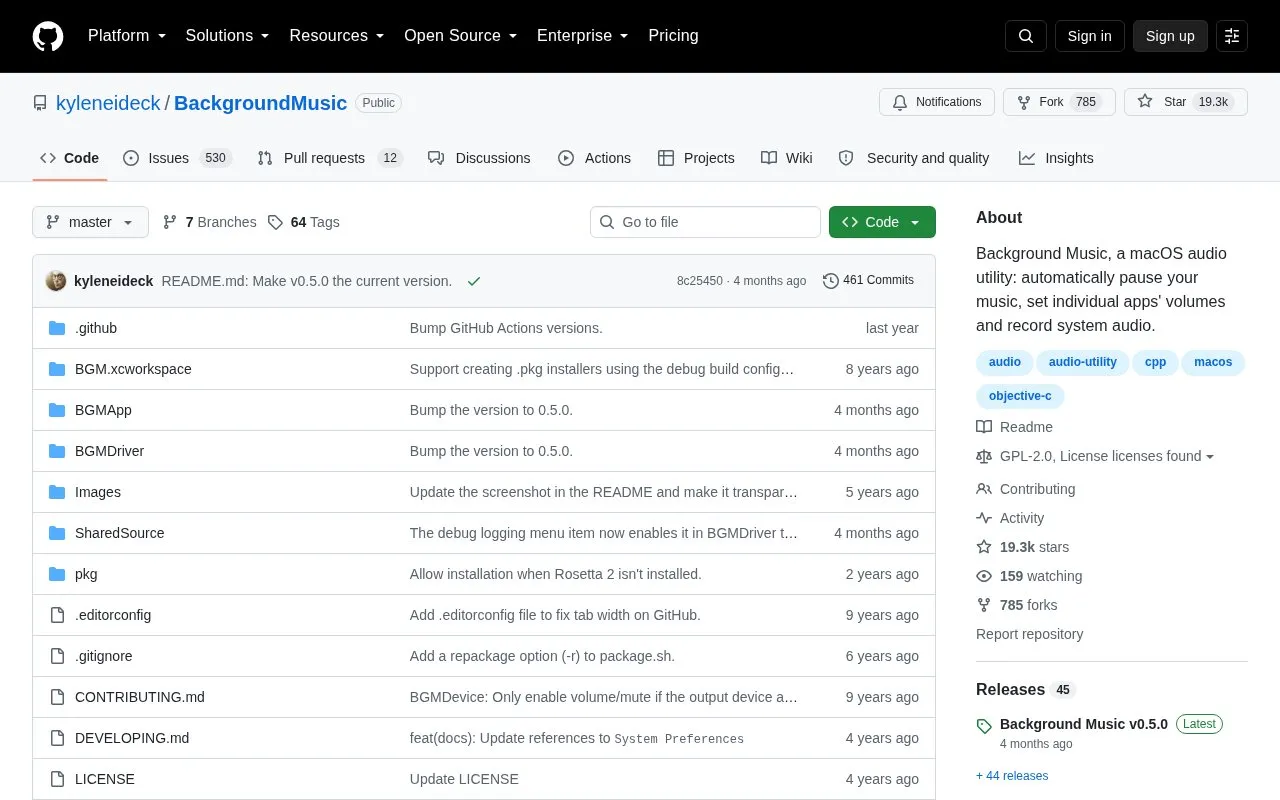
Background Music is a macOS audio utility that provides per-application volume sliders, automatically pauses and resumes music when other audio plays, and allows system audio recording. It sets itself as the default output device when started and restores the previous setting on quit.
It requires macOS 10.13 or later and is still in alpha. Auto-pause works only with supported players, including iTunes, Spotify, VLC, VOX, Decibel, Hermes, Swinsian, and GPMDP.
Key features
Per-application volume sliders, including boost above maximum
Auto-pause and resume supported music players when other audio plays
Record system audio via QuickTime using Background Music input
Combine system audio and microphone into aggregate device for recording
Sets itself as default output device on launch, restores on quit
Install via downloadable package, Homebrew, or source build
Best for: Mac users who need per-app volume control, automatic pausing of supported music players, and system audio recording.
Good for
No restart required to install
Available as open source code
Offers package download, Homebrew install, and source build options
Watch out for
Still in alpha
Requires macOS 10.13 or later
Auto-pause works only with listed supported music players
iTunes, Spotify, VLC, VOX, Decibel, Hermes, Swinsian, and GPMDP.
How do I record system audio?
With Background Music running, open QuickTime Player, select File > New Audio Recording, then select Background Music as the input device.
How do I record system audio and a microphone together?
Create an aggregate device that combines your input device, usually Built-in Input, with the Background Music device using Audio MIDI Setup under /Applications/Utilities.
Is something wrong or out of date?
Tell us and an editor will check it.
Own this website?
Claim the listing and suggest updates yourself. An editor checks every claim first.