

PlayCover runs iOS apps and games on Apple Silicon Macs, with mouse and keyboard controls described by the project.
Open source
24 alternativesBrowserino selects a browser on macOS and supports default-browser setup and keyboard shortcuts.
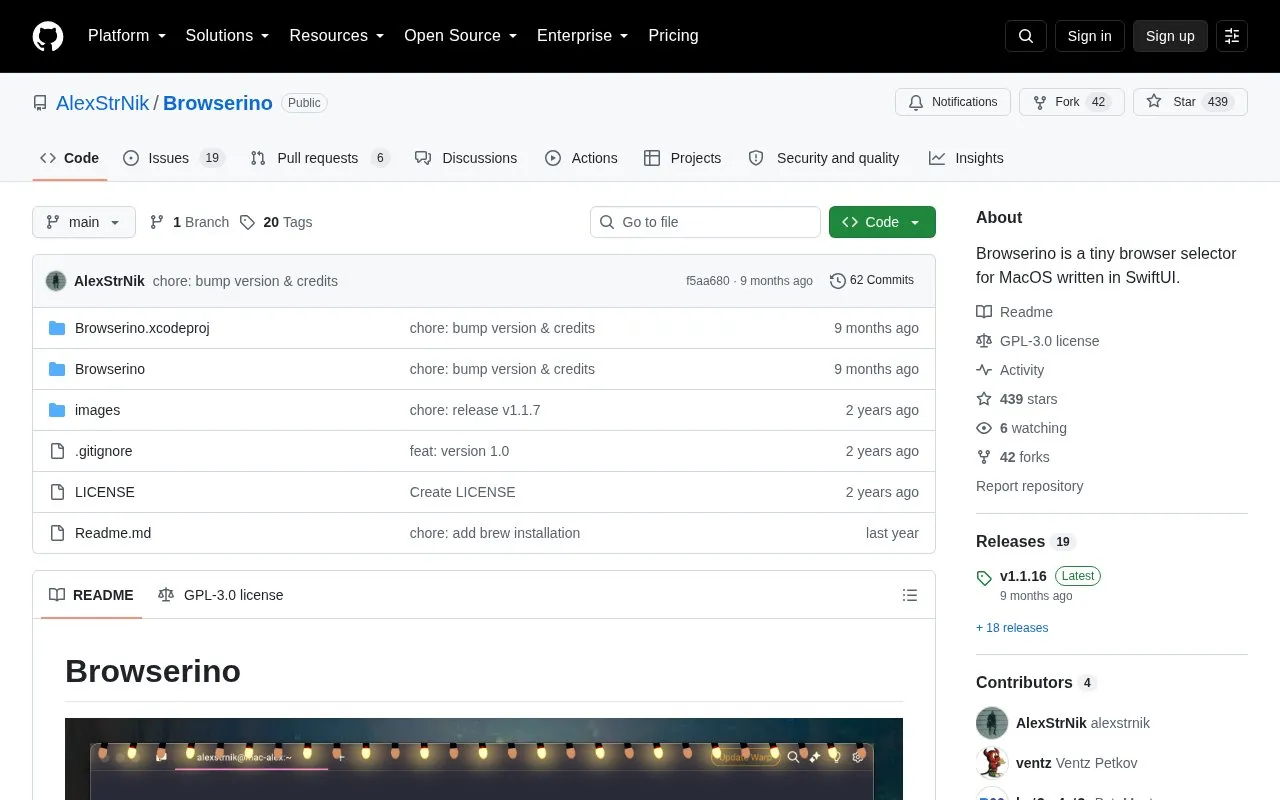
Browserino is a browser selector for macOS. After setting it as the default browser and assigning shortcuts, users can choose which application opens each link.
It is open-source software written in SwiftUI, installable via Homebrew or from the releases page, and for use on macOS.
Tools and sites you could use instead, ranked by how closely they match.
PlayCover runs iOS apps and games on Apple Silicon Macs, with mouse and keyboard controls described by the project.
KeyCastr displays keystrokes on screen so users can share their keyboard input during demonstrations.
yabai tiles and manages windows on macOS using binary space partitioning.
Nuage provides a native SoundCloud client for macOS built with SwiftUI.
VirtualBuddy runs macOS 12 and later in virtual machines on Apple Silicon Macs.
NearDrop provides a partial macOS implementation of Google's Nearby Share and Quick Share.
Well-known listings from the same topic.
Tell us and an editor will check it.
Claim the listing and suggest updates yourself. An editor checks every claim first.


