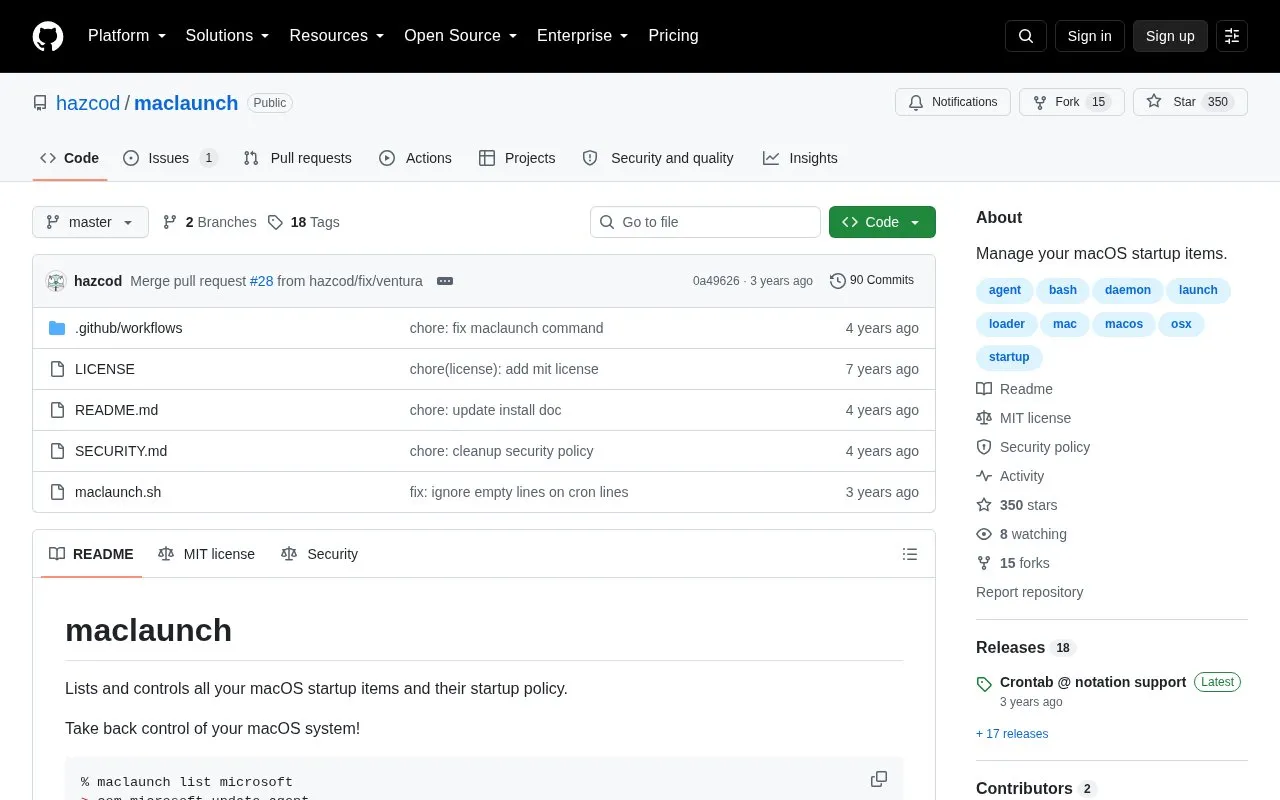
MacLaunch is an open-source, macOS-only command-line tool for listing and controlling startup items and their startup policies. It covers LaunchAgents and LaunchDaemons loaded by launchctl, kernel extensions, system extensions, login or logout hooks, emond scripts, and cron scripts. It can enable or disable services by specific name or filter, using launchctl, kextutil, or systemextensionsctl to natively stop loading a service without altering or moving the file. System startup items are hidden by default and can be shown by setting ML_SYSTEM=1. Installation is available through Homebrew with brew install maclaunch or by copying maclaunch.sh to the filesystem. It is released under the MIT license.
Key features
Lists LaunchAgents, LaunchDaemons, kernel extensions, system extensions, login/logout hooks, emond scripts, and cron scripts.
Enables or disables startup services by specific name or filter.
Uses launchctl, kextutil, or systemextensionsctl to stop loading selected services.
Does not alter or move service files when disabling items.
Hides system startup items by default; ML_SYSTEM=1 displays them.
Installs via Homebrew or by copying maclaunch.sh.
Best for: macOS users who want a command-line way to inspect and control startup items and their launch policies.
Good for
Open source under the MIT license.
Covers multiple macOS persistence types, including LaunchAgents, LaunchDaemons, kernel and system extensions, hooks, emond scripts, and cron scripts.
Disables services natively without altering or moving their files.
Watch out for
Runs only on macOS.
Usage is command-line based, with list, disable, and enable commands.
System startup items are hidden by default unless ML_SYSTEM=1 is set.
What startup item types can maclaunch list and control?
It covers LaunchAgents and LaunchDaemons loaded by launchctl, kernel extensions, system extensions, login or logout hooks, emond scripts, and cron scripts.
How does maclaunch disable a startup item?
It uses launchctl, kextutil, or systemextensionsctl to natively stop loading the service. It does not alter or move the service file.
How do I install maclaunch?
It can be installed from Homebrew with brew install maclaunch or by copying maclaunch.sh to your filesystem.
Is something wrong or out of date?
Tell us and an editor will check it.
Own this website?
Claim the listing and suggest updates yourself. An editor checks every claim first.