

Microsoft Translator offers text translation, with the supplied Bengali-language page describing support for more than 100 languages.
Pick
22 alternativesTranslatedict is an online translator with automatic language detection and support for more than 190 languages.
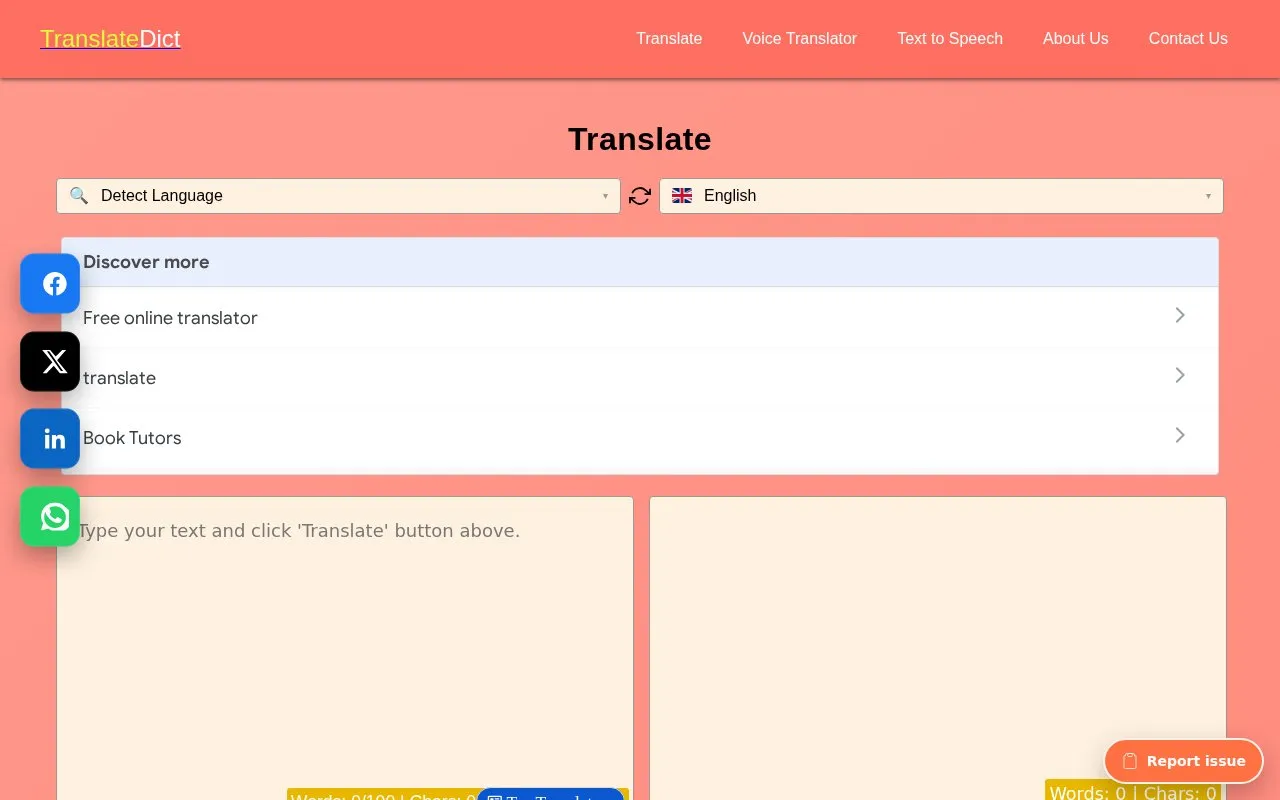
Translatedict is an online text translator for converting words, sentences, and longer passages between more than 190 languages, including translation into English and other language combinations. It provides automatic source-language detection with manual selection, copy, clear, and listen controls for the output, and word and character counts. Basic use does not require an account, and the source suggests working through long documents in smaller parts to review output against the original.
Tools and sites you could use instead, ranked by how closely they match.
Microsoft Translator offers text translation, with the supplied Bengali-language page describing support for more than 100 languages.
The English-to-ASL translator converts English text into American Sign Language, according to the page description.
TranslateSubtitles converts subtitle files such as SRT, SBV, SUB, ASS, VTT, and STL between languages.
The Braille Translator converts English text into American Sign Language, according to its page title and tool description.
Transmonkey translates documents, images, audio, and video files into other languages.
Translator++ is computer-aided translation software, with several current projects listed on its homepage.
Well-known listings from the same topic.
Tell us and an editor will check it.
Claim the listing and suggest updates yourself. An editor checks every claim first.


