

The Braille Translator converts English text into American Sign Language, according to its page title and tool description.
DeepL Language Translator
Translate text and full document files for individuals and teams with DeepL’s online translation service.
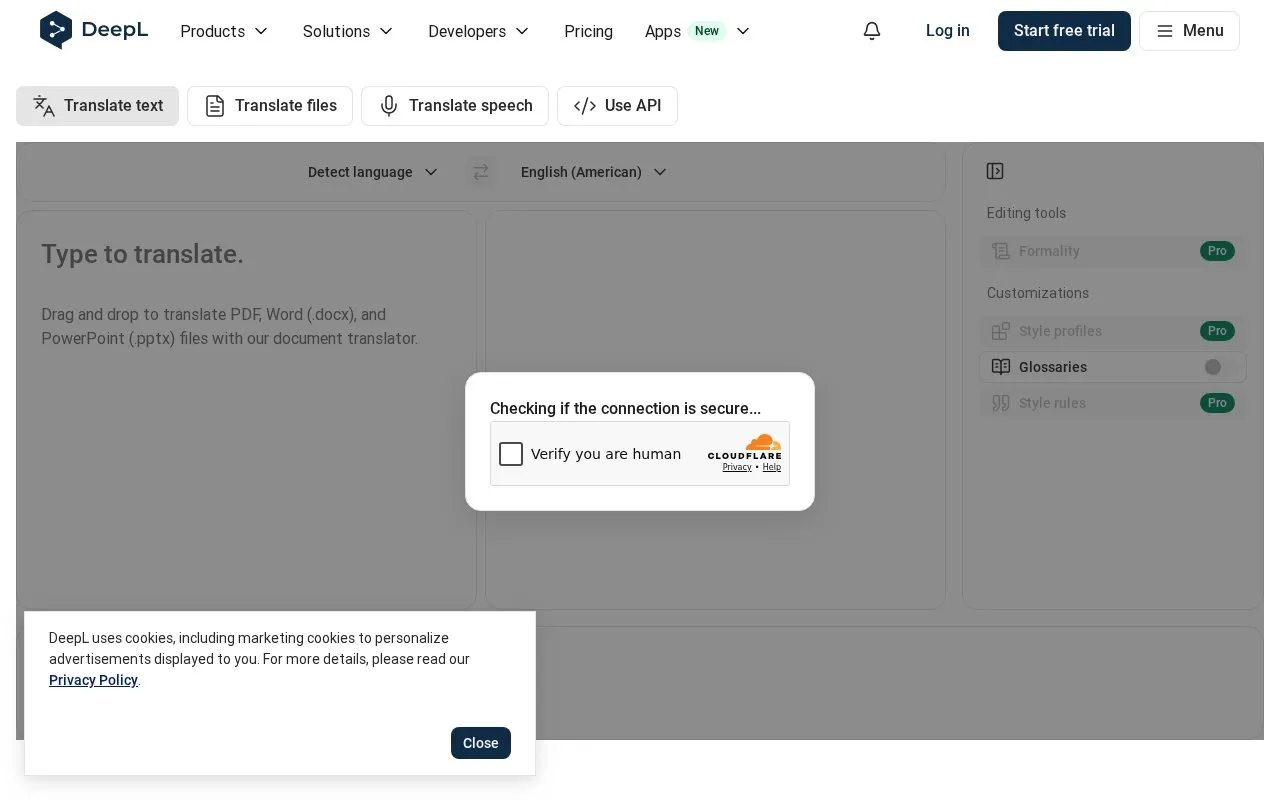
About DeepL Language Translator
DeepL Language Translator translates typed or pasted text and full document files for individuals and teams. It can detect the source language and translate into a selected target language, with support for 100+ languages.
It handles PDF, Word (.docx), and PowerPoint (.pptx) uploads while preserving formatting and layout, and also lists voice translation, writing help with style and tone adjustments, glossaries and rules, and an API. Dictionary coverage varies, and the site notes it is unavailable for some language pairs.
Key features
- Translate typed or pasted text with automatic language detection
- Translate PDF, Word (.docx), and PowerPoint (.pptx) files
- Preserve formatting and layout when translating documents
- Real-time voice translation for meetings and in-person conversations
- Writing tool with style and tone adjustments
- API for integrating translation into other systems
Best for: Individuals and teams that need to translate text and document files across multiple languages.
Good for
- Translates text and PDF, Word (.docx), and PowerPoint (.pptx) files
- Preserves original formatting and layout in translated documents
- Covers 100+ languages with source-language detection
Watch out for
- Dictionary is unavailable for some language pairs
DeepL Language Translator at a glance
- Website
- deepl.com/en/translator
- Category
- Online Tools › Translation
- Type
- Online tool
- Pricing
- Not confirmed. Check the site
- Platforms
- Web
- Open source
- Not stated
- Language
- English
- Last checked
- Oct 5, 2026 · Online when checked
- Listed
- Oct 5, 2026
DeepL Language Translator alternatives
Tools and sites you could use instead, ranked by how closely they match.

DeepL translates text and full document files, with voice translation and plans for individuals and teams listed on its page.
Free trial
9 alternatives
Reverso provides translations in context for words, phrases, and idioms, with examples across several languages.

TranslateBase translates text and files such as PDFs, images, websites, and video subtitles across many languages.

TranslateSubtitles converts subtitle files such as SRT, SBV, SUB, ASS, VTT, and STL between languages.
FreePick
21 alternatives
Translator++ is computer-aided translation software, with several current projects listed on its homepage.
Popular in Translation
Well-known listings from the same topic.
Bing Microsoft Translatorbing.com/translatorTranslatetranslatedict.comLibreTranslatelibretranslate.comMorsecode Worldmorsecode.worldLingoJamlingojam.comTransmonkeytransmonkey.ai


DeepL Language Translator FAQ
What document files can I translate?
PDF, Word (.docx), and PowerPoint (.pptx) files by drag and drop.
Does document translation keep the original layout?
Yes, the site states it preserves original formatting and layout.
Is the dictionary available for all language pairs?
No, the site notes it is unavailable for some language pairs.
Is something wrong or out of date?
Tell us and an editor will check it.
Own this website?
Claim this listing
Claim the listing and suggest updates yourself. An editor checks every claim first.