

Transmonkey translates documents, images, audio, and video files into other languages.
TranslateAir
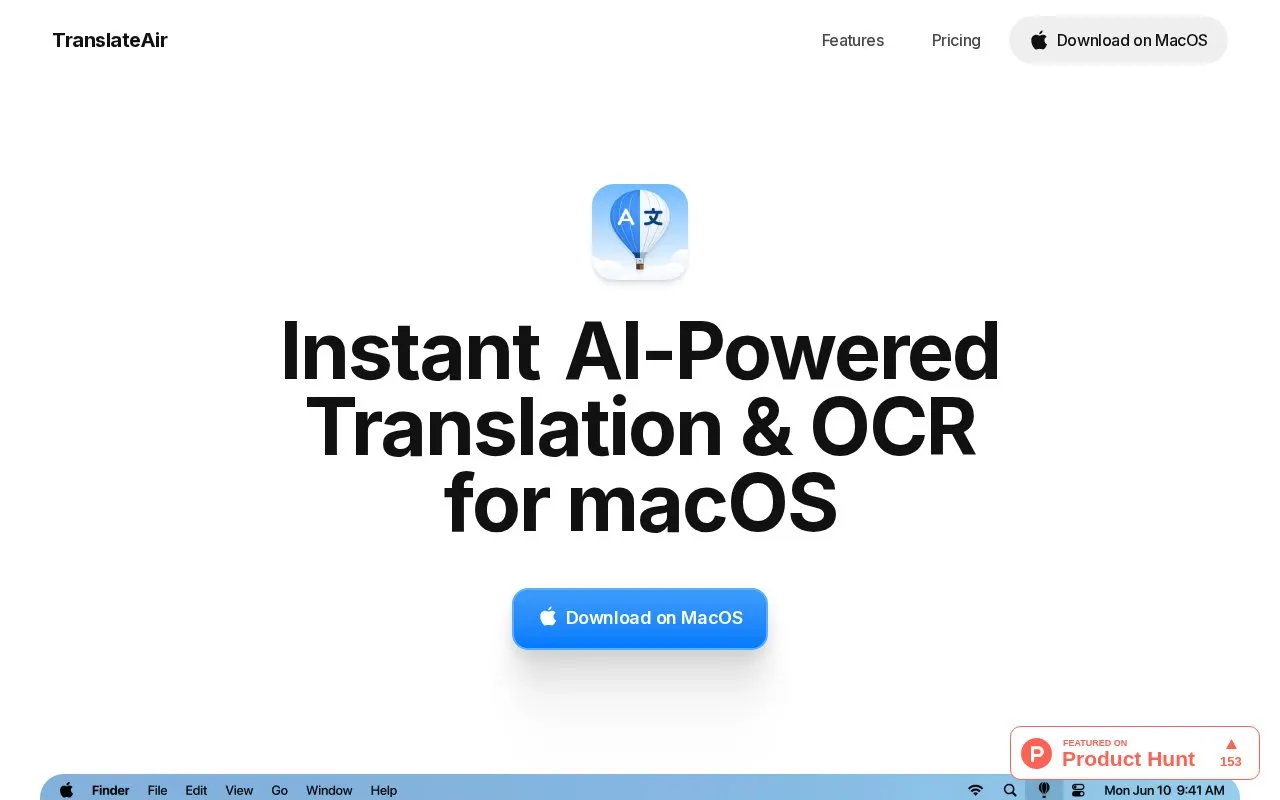
TranslateAir translates text from Mac apps and documents and uses OCR to extract text from screenshots and PDFs.
About TranslateAir
TranslateAir is a translation tool for macOS that translates selected text from apps, websites, and documents. Selecting text shows a floating bar for translation, and users can set keyboard shortcuts for translation, replacement, and OCR actions.
It also extracts text from screenshots, designs, videos, PDFs, and source code, and can rewrite translations in friendly, professional, concise, or detailed styles. It lists support for over 100 languages and lists ChatGPT, Gemini, DeepL, and Google Translate as its translation engines.
Key features
- Translate selected text via floating bar in apps
- Extract text from screenshots, PDFs, videos and code
- Rewrite translations in friendly, professional, concise or detailed styles
- Custom keyboard shortcuts for translation and OCR actions
- Support for over 100 languages for translation and OCR
- Uses ChatGPT, Gemini, DeepL and Google Translate engines
Best for: Mac users who need to translate text across apps and extract text from images or PDFs.
Good for
- Translates selected text from apps, websites and documents
- Combines translation with OCR extraction and rewrite options
- Lists support for over 100 languages
TranslateAir at a glance
- Website
- translateair.com
- Category
- Online Tools › Translation
- Type
- Online tool
- Pricing
- Not confirmed. Check the site
- Platforms
- macOS, Web
- Open source
- Not stated
- Language
- English
- Last checked
- Oct 5, 2026 · Online when checked
- Listed
- Oct 5, 2026
TranslateAir alternatives
Tools and sites you could use instead, ranked by how closely they match.

TranslateSubtitles converts subtitle files such as SRT, SBV, SUB, ASS, VTT, and STL between languages.
FreePick
21 alternatives
Translate text and full document files for individuals and teams with DeepL’s online translation service.

The English-to-ASL translator converts English text into American Sign Language, according to the page description.

Translatedict is an online translator with automatic language detection and support for more than 190 languages.

Translator++ is computer-aided translation software, with several current projects listed on its homepage.
Popular in Translation
Well-known listings from the same topic.
Bing Microsoft Translatorbing.com/translatorMorsecode Worldmorsecode.worldTranslateBasetranslatebase.netLibreTranslatelibretranslate.comLingoJamlingojam.com


TranslateAir FAQ
What can TranslateAir translate from?
Selected text from apps, websites, and documents using a floating bar.
What can its OCR extract text from?
Screenshots, designs, videos, PDFs, and source code.
Which translation services does it use?
ChatGPT, Gemini, DeepL, and Google Translate.
Is something wrong or out of date?
Tell us and an editor will check it.
Own this website?
Claim this listing
Claim the listing and suggest updates yourself. An editor checks every claim first.