
VCV Rack 2
VCV Rack is a virtual Eurorack studio with a module library, manual, and support resources; its Rack Pro version offers DAW plugins.
About VCV Rack 2
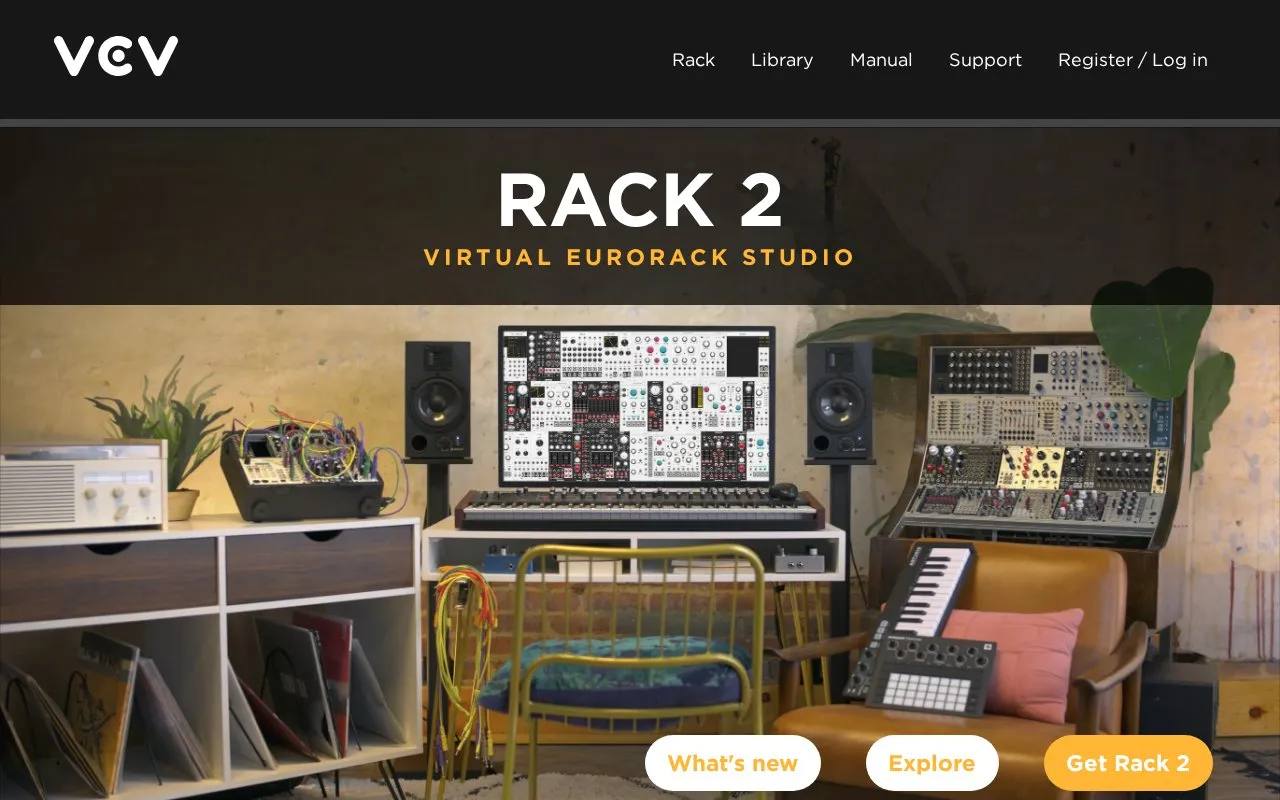
VCV Rack 2 is a standalone virtual Eurorack studio for patching, performing, composing, and recording modular synth sounds. It includes 30+ built-in modules, 170+ official modules from Eurorack manufacturers, and access to 2000+ modules on the VCV Library. The free edition is standalone and supports free modules and community support. Rack Pro adds DAW plugin formats VST2, VST3, Audio Unit, and CLAP, multiple Rack instances, offline rendering, parameter automation, and up to 16 audio and 16 MIDI inputs/outputs. VCV Host, for hosting VST plugins inside Rack, is purchased separately.
Rack Pro DAW plugin support is limited to listed DAWs; other DAWs may run Rack but are unsupported by VCV. System requirements include Windows 7+, macOS 10.9+, or Linux, a 64-bit Intel/AMD or Apple M1+ processor, and dedicated Nvidia/AMD graphics; integrated graphics are not recommended.
Key features
- Virtual Eurorack environment for patching, performing, composing, and recording audio
- 30+ built-in, 170+ official, and 2000+ library modules
- Rack Pro DAW plugin supports VST2, VST3, Audio Unit, and CLAP
- Rack Pro offers up to 16 audio and 16 MIDI inputs/outputs
- Multi-interface audio/CV and polyphonic MIDI input/output
- C++ VCV SDK for developing custom modules
Best for: Musicians, producers, and sound designers who want a software modular synth environment, particularly those using a supported DAW with Rack Pro.
Good for
- Free standalone edition with free modules and community support
- Module ecosystem includes built-in, official, and library modules
- Rack Pro integrates with supported DAWs and supports automation, multiple instances, and offline rendering
Watch out for
- DAW plugin features are only in Rack Pro, priced at $149
- Integrated graphics are not recommended and may increase CPU usage
- Other DAWs may run Rack but are unsupported by VCV
VCV Rack 2 at a glance
- Website
- vcvrack.com/Rack
- Category
- Music & Audio › Audio Editing & Production
- Type
- Website
- Pricing
- Not confirmed. Check the site
- Platforms
- Web
- Open source
- Not stated
- Language
- English
- Last checked
- Oct 5, 2026 · Online when checked
- Listed
- Oct 5, 2026
Guides for Audio Editing & Production
VCV Rack 2 alternatives
Tools and sites you could use instead, ranked by how closely they match.

The FL Studio online manual provides an index to learning materials and manuals for FL Studio and FL Studio Mobile.

FL Studio Learn provides introductory lessons on its workspace, beat making, and creating melodies with the Channel Rack and Piano Roll.

With Element, users can build effect racks and instruments and route audio and MIDI through a modular plugin host for Mac, Windows, and Linux.

Build modular synthesizer patches with Cardinal, an open-source virtual instrument plugin.
Popular in Audio Editing & Production
Well-known listings from the same topic.
Basic Pitchbasicpitch.spotify.comWebChuck IDEccrma.stanford.edu/~tzfeng/webchuck-ideVO Padsvo.odgn.netWebSynthswebsynths.comsamplv1samplv1.sourceforge.ioSoundboardGuyssoundboardguys.com


VCV Rack 2 FAQ
What is the difference between Rack 2 Free and Rack 2 Pro?
Rack 2 Free is standalone and includes free modules and community support. Rack 2 Pro adds VST2, VST3, Audio Unit, and CLAP plugin formats, standalone use, free and Pro modules, and professional support.
Which DAWs support the Rack Pro plugin?
Supported DAWs include Ableton Live, Cubase, FL Studio, Reason, Bitwig, Reaper, Mixbus, Studio One, Cakewalk, Logic Pro, and GarageBand. Other DAWs may run Rack but are unsupported by VCV.
What are the system requirements for VCV Rack 2?
Windows 7+, macOS 10.9+, or Linux (such as Ubuntu 16.04+); a 64-bit Intel/AMD processor supporting SSE4.2 (2011 or later) or Apple M1 or higher; dedicated Nvidia/AMD graphics from 2013 or later with a recent driver; 1 GB memory; 1 GB disk space. Integrated graphics are not recommended.
Is something wrong or out of date?
Tell us and an editor will check it.
Own this website?
Claim this listing
Claim the listing and suggest updates yourself. An editor checks every claim first.