
Learn
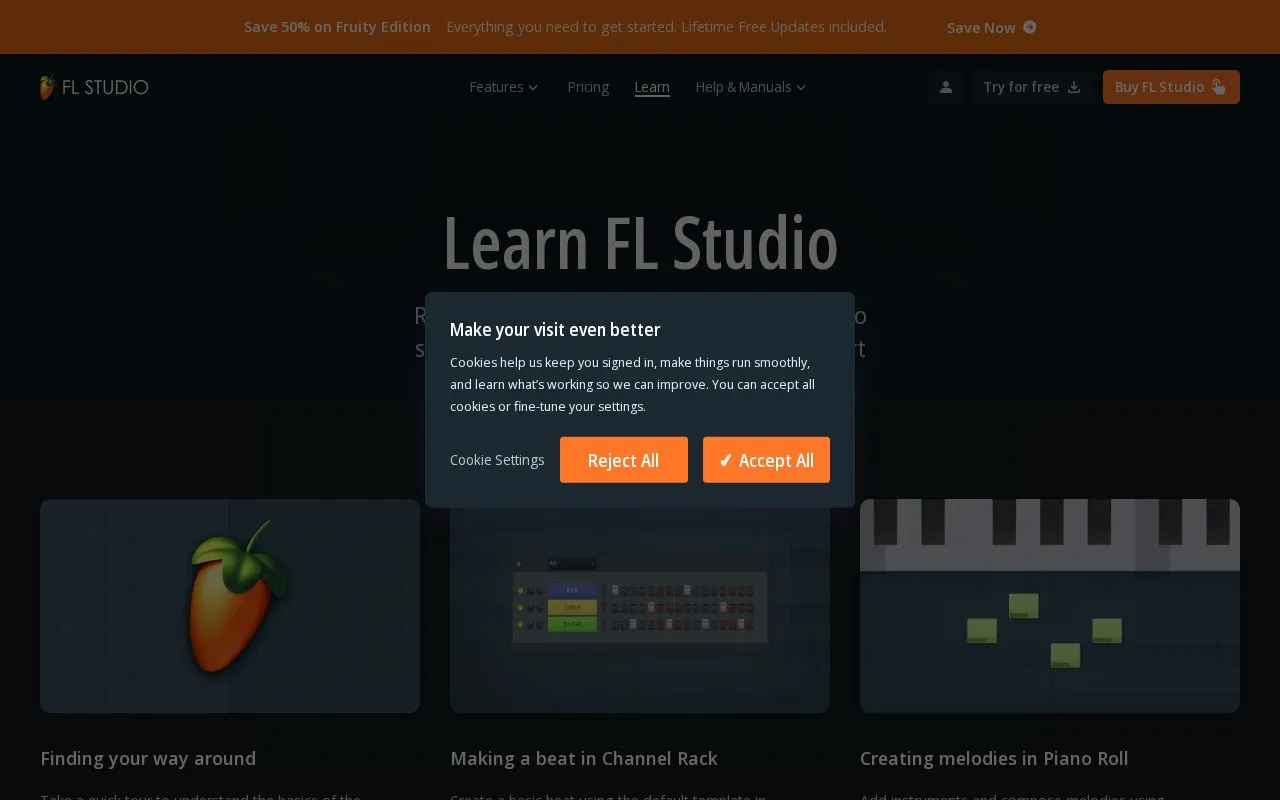
FL Studio Learn provides introductory lessons on its workspace, beat making, and creating melodies with the Channel Rack and Piano Roll.
About Learn
This page is a learning hub for FL Studio, the music production software. It collects short video lessons that start with a tour of the FL Studio workspace and move through making a beat in the Channel Rack, composing melodies in the Piano Roll, layering audio loops from FL Cloud, and using Loop Starter to generate genre-based loop stacks. Further lessons cover arranging a track in the Playlist, exploring included generator plugins, adding effects such as reverb and delay in the Mixer, shaping sounds with automation clips, recording audio and MIDI, exporting a finished track, and customising the interface. The material is introductory and aimed at people who are new to the software. The page also includes an edition picker and a Rent-to-Own area that describes paying in monthly instalments until the license is fully owned, with FL Cloud continuing until cancelled; no prices are listed.
Key features
- Short video lessons touring the FL Studio workspace basics
- Step-by-step beat building with the Channel Rack default template
- Melody composition using the Piano Roll
- Layering audio loops, including loops from FL Cloud
- Loop Starter provides genre-based loop stacks as starting points
- Lessons on Playlist arrangement, Mixer effects, automation, recording and export
Best for: Beginners who are new to FL Studio and want a guided, topic-by-topic introduction before or while starting to produce music.
Good for
- Covers a full beginner path, from the workspace tour and first beat through mixing, automation, recording and exporting
- Gathers all lessons on one page with direct watch links
- Includes recording guidance for both audio (vocals and instruments) and MIDI keyboards
Watch out for
- Content is introductory; advanced production topics are not listed
- No prices or full plan details are given on the page
- The lessons are specific to FL Studio, so following along requires that software
Learn at a glance
- Website
- image-line.com/learn
- Category
- Music & Audio › Audio Editing & Production
- Type
- Website
- Pricing
- Not confirmed. Check the site
- Platforms
- Web
- Open source
- Not stated
- Language
- English
- Last checked
- Oct 5, 2026 · Online when checked
- Listed
- Oct 5, 2026
Guides for Audio Editing & Production
Learn alternatives
Tools and sites you could use instead, ranked by how closely they match.

Compose songs with Drummy's online beat maker, using pattern layers and a piano roll.

The FL Studio online manual provides an index to learning materials and manuals for FL Studio and FL Studio Mobile.

VCV Rack is a virtual Eurorack studio with a module library, manual, and support resources; its Rack Pro version offers DAW plugins.

Petaporon provides a browser piano-roll sequencer for composing songs and exporting MP3 files.

The signal repository contains an open-source MIDI editor and music sequencer that runs in a browser, with a multitrack piano roll, SoundFont support and WAV export.
FreeOpen source
18 alternativesPopular in Audio Editing & Production
Well-known listings from the same topic.
Basic Pitchbasicpitch.spotify.comWebChuck IDEccrma.stanford.edu/~tzfeng/webchuck-ideeditor.audioeditor.audioVO Padsvo.odgn.netWebSynthswebsynths.comsamplv1samplv1.sourceforge.io


Learn FAQ
What topics do the lessons cover?
Finding your way around the workspace, making a beat in Channel Rack, creating melodies in Piano Roll, layering loops from FL Cloud, Loop Starter, arranging in the Playlist, exploring generator plugins, adding effects in the Mixer, automation, recording audio, recording MIDI, exporting a track and customising the look.
Does the page list prices for FL Studio?
No prices are shown. The page includes an edition picker and a Rent-to-Own section describing monthly payments until the license is fully owned, after which FL Studio includes Lifetime Free Updates while FL Cloud continues until cancelled.
Is something wrong or out of date?
Tell us and an editor will check it.
Own this website?
Claim this listing
Claim the listing and suggest updates yourself. An editor checks every claim first.