
Signal
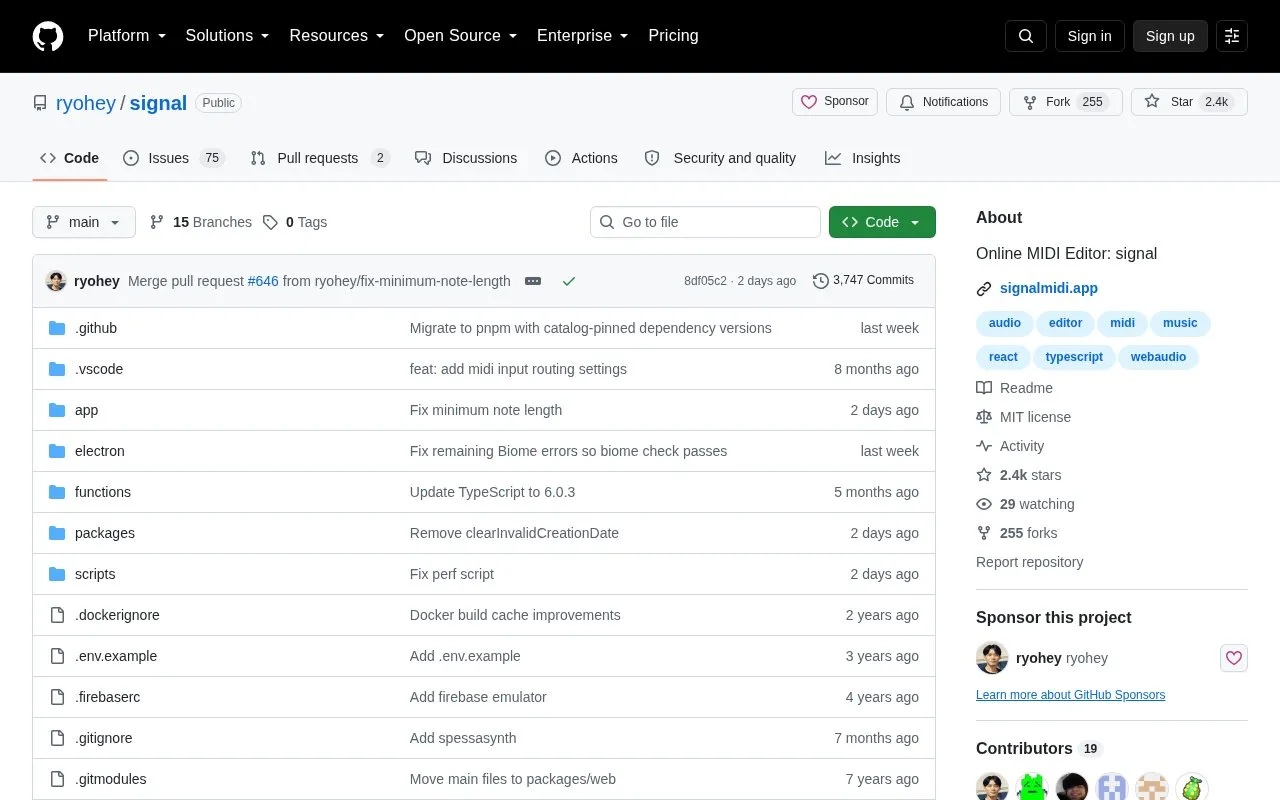
The signal repository contains an open-source MIDI editor and music sequencer that runs in a browser, with a multitrack piano roll, SoundFont support and WAV export.
About Signal
Signal is ryohey's browser-based MIDI editor and music sequencer. You can arrange several instrument parts in a piano roll, adjust note velocity and controllers such as pitch bend, and load SoundFonts for playback. Tempo and time-signature changes let you sketch more than a fixed four-beat loop. The official site links directly to an editor and lists Chrome, Firefox and Safari as supported desktop browsers.
You can export the result as a WAV file to listen to elsewhere or bring into another music application. Connecting a MIDI keyboard or hardware synthesizer requires a browser that supports the Web MIDI API, so hardware access needs a separate compatibility check from ordinary browser playback.
The repository is MIT-licensed and includes instructions for running the editor locally. Its stated focus is early composition and musical sketches, with basic sound and no effects by design. That makes it useful for working out notes and arrangements before moving to a fuller audio-production workflow. This listing covers the music editor at signalmidi.app.
Key features
- Multitrack piano-roll editing for MIDI arrangements.
- Note velocity, pitch bend, expression and modulation controls.
- SoundFont loading for instrument playback.
- WAV export for listening or further work in another application.
- Tempo and time-signature changes within a song.
- MIDI hardware input and output in browsers with Web MIDI support.
Best for: Composers and musicians who want to sketch MIDI parts in a desktop browser, plus developers interested in the editor's MIT-licensed source.
Good for
- The hosted editor opens from a browser without a desktop software installation.
- SoundFonts and controller editing support more detailed arrangements.
- WAV export lets you take a sketch into another music workflow.
Watch out for
- The project deliberately focuses on composition rather than a full digital audio workstation.
- The README describes basic sound and no effects as intentional limits.
- MIDI keyboard and synthesizer access depends on Web MIDI browser support.
Signal at a glance
- Website
- github.com/ryohey/signal
- Category
- Music & Audio › Audio Editing & Production
- Type
- Open-source project
- Pricing
- Free
- Platforms
- Web
- Details verified
- Oct 20, 2026 · Official source
- Open source
- Yes · Source code
- Language
- English
- Last checked
- Oct 6, 2026 · Online when checked
- Listed
- Oct 5, 2026
Guides for Audio Editing & Production
Signal alternatives
Tools and sites you could use instead, ranked by how closely they match.

Petaporon provides a browser piano-roll sequencer for composing songs and exporting MP3 files.

FamiStudio is an NES music editor, with its GitHub repository providing source code, compiled releases, and bug-reporting information.
Open source
12 alternatives
This curated list gathers software, services, and resources for creating and distributing music, with music-production topics in its repository.
Open source
16 alternatives
Bfxr2 creates game sound effects in JavaScript, with a footstep generator and other additions described in its repository.
Open source
24 alternatives
The OpenMPT repository mirrors source for a Windows tracker and libopenmpt, a library that renders tracker formats to audio streams.
Open source
13 alternatives
This public KiraStudio repository contains localization files, documentation, and Windows releases, with issues and translations welcome.
Popular in Audio Editing & Production
Well-known listings from the same topic.
Basic Pitchbasicpitch.spotify.comWebChuck IDEccrma.stanford.edu/~tzfeng/webchuck-ideeditor.audioeditor.audioVO Padsvo.odgn.netWebSynthswebsynths.comsamplv1samplv1.sourceforge.io


Signal FAQ
Can I use a MIDI keyboard with this Signal editor?
Yes, if your browser supports the Web MIDI API. The official site describes recording a connected MIDI keyboard and sending output to a hardware synthesizer.
Can I take a composition into another audio application?
You can export a WAV file. The project is intended for sketches and composition, so further production can happen in a separate audio workstation.
Is something wrong or out of date?
Tell us and an editor will check it.
Own this website?
Claim this listing
Claim the listing and suggest updates yourself. An editor checks every claim first.