

VideoCandy
VideoCandy provides online tools for merging, compressing, trimming, cropping, and converting videos, according to its page description.
About VideoCandy
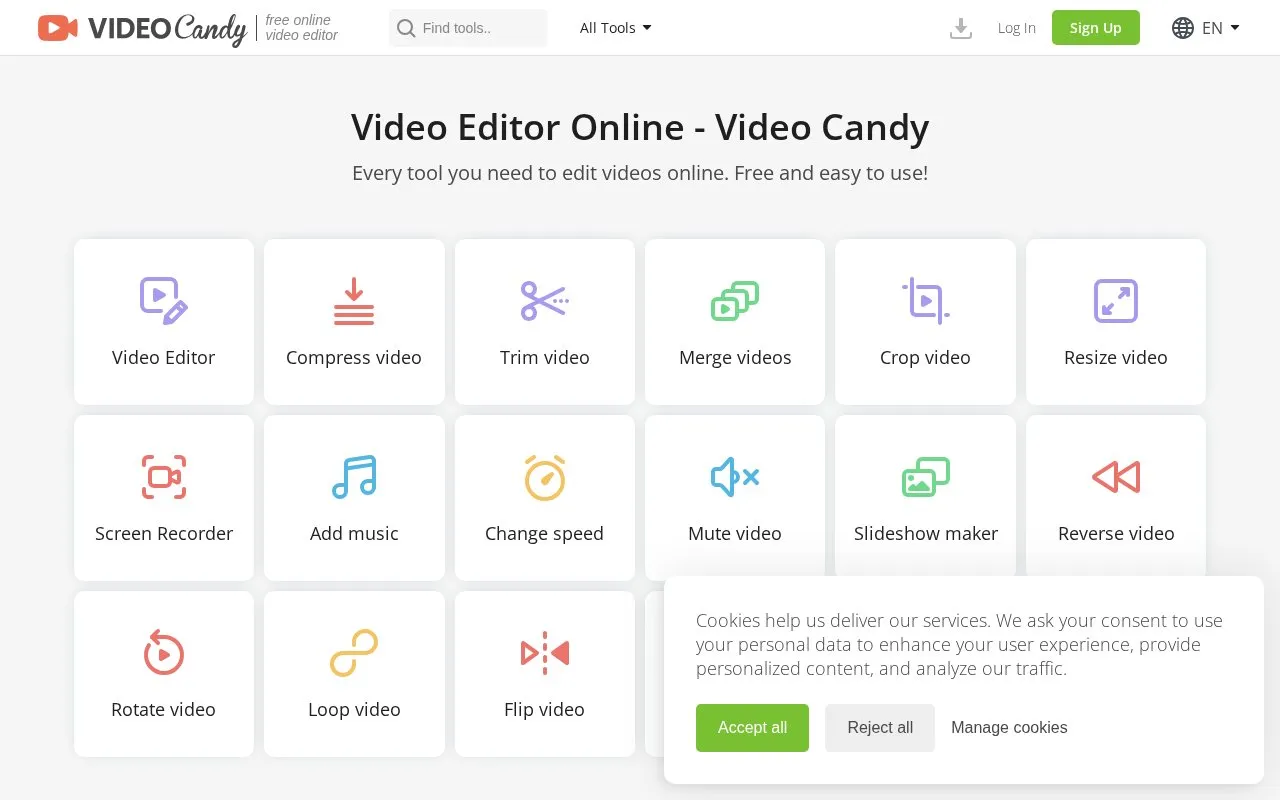
VideoCandy is a web-based video editor that provides tools for merging, compressing, trimming, cropping, resizing, and converting videos. It also lists functions such as screen recording, adding music, changing speed, muting, rotating, flipping, looping, reversing, splitting, and making slideshows.
Use requires sign-in with Google, Apple, or email. The site lists paid plans that include no watermark, unlimited downloads, uploads up to 8 GB, and a 20-minute processing time limit.
Key features
- Merge multiple videos into one file
- Compress video files to reduce size
- Trim sections from video clips
- Crop video frame dimensions
- Resize video dimensions
- Convert videos between formats
Best for: People who need to make common video edits such as trimming, merging, or converting through a web tool.
Good for
- Covers many common editing tasks in one web tool
- Includes screen recorder and slideshow maker functions
- Available in English, German, French, Italian, Spanish, and Dutch
Watch out for
- Requires sign-in to continue
- Paid plans list uploads up to 8 GB
- Paid plans list a 20-minute processing time limit
VideoCandy at a glance
- Website
- videocandy.com
- Category
- Design & Creative › Video Editing & Animation
- Type
- Online tool
- Pricing
- Free
- Platforms
- Web
- Open source
- Not stated
- Language
- English
- Last checked
- Oct 5, 2026 · Online when checked
- Listed
- Oct 5, 2026
Guides for Video Editing & Animation

VideoCandy alternatives
Tools and sites you could use instead, ranked by how closely they match.

VidMix offers browser-based video editing with controls for effects, filters, text, overlays, trimming, and cropping.

Vididoo offers media editing actions including video cutting, image-to-video, track blending, audio extraction, cropping, and merging.
Mastershot compresses, trims, crops, and converts video in the browser, processing files on the device without uploads or an account.

This browser tool cuts, converts, and compresses video files locally, without uploading them to a server, according to its page.
Popular in Video Editing & Animation
Well-known listings from the same topic.
Animakeranimaker.com8mb.video8mb.videoASM Lessonsgithub.com/FFmpeg/asm-lessonsCuttrcuttr.inMotionPlacesmotionplaces.comCavalrycavalry.studio


VideoCandy FAQ
How do I sign in to VideoCandy?
You can sign in with Google, Apple, or email.
What upload and processing limits apply to paid plans?
Paid plans list uploads up to 8 GB and a 20-minute processing time limit.
What is the refund policy?
A full refund is provided within 30 days if you regularly encounter errors that cannot be resolved within a reasonable period of time.
Is something wrong or out of date?
Tell us and an editor will check it.
Own this website?
Claim this listing
Claim the listing and suggest updates yourself. An editor checks every claim first.